Comparisons
How to Choose the Right Spray Tan Salon Booking Software
Compare spray tan salon booking software for deposits, forms, room scheduling, memberships, mobile services, messaging, and multi-location operations.
 Watch · 20s
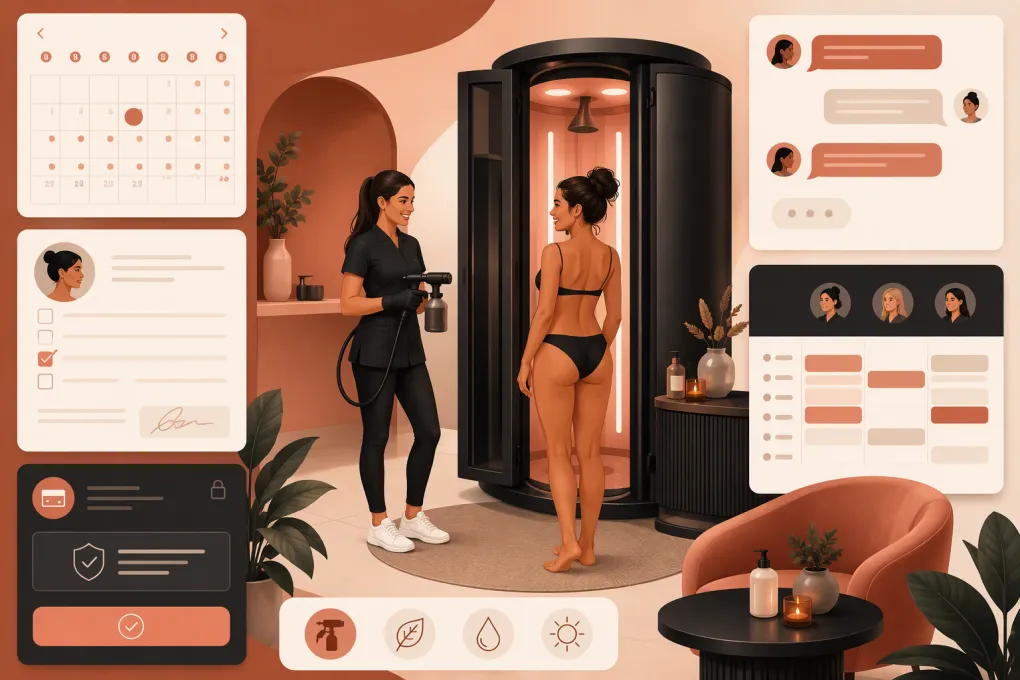
Spray tan salon booking software has to coordinate more than open time slots. It needs to match clients with the right service, technician, room, preparation instructions, forms, deposit rules, and follow-up—without creating more front-desk work.
That makes the buying decision operational, not cosmetic. A polished booking page will not help if the system double-books your only spray room, cannot block travel time for mobile appointments, or leaves after-hours questions unanswered.
This comparison focuses on seven workflows that matter in spray tanning: deposits, forms, resource scheduling, memberships or packages, mobile services, messaging, and multi-location management.
See how WTF Go and Fitty handle inquiries, booking, and salon follow-up →
How this comparison was evaluated
This article was reviewed on August 22, 2026. Competitor information is based on publicly available product and pricing pages linked below, not undisclosed access to paid accounts. We did not independently implement every platform in a working spray tan salon, so the scores indicate documented workflow fit—not a guarantee that every feature is included in every plan or configuration.
WTF Go is our product. Its evaluation reflects internal product knowledge and is labeled accordingly. You should still require a live demonstration using your services, rooms, policies, and client journey rather than accepting marketing claims from us or any other vendor.
The scoring matrix uses this scale:
- 3 — Strong documented fit: The vendor publicly presents the capability as a core or clearly supported workflow.
- 2 — Possible or configuration-dependent: The broader capability exists, but spray tan use may require setup, an add-on, or verification.
- 1 — Limited fit: The workflow appears basic or likely requires another tool.
- N/V — Not verified: We could not confidently verify the capability from public information.
Features, packaging, and prices change. Check the linked vendor pages and request written confirmation before purchasing.
Scored spray tan booking software matrix
| Platform | Deposits | Forms | Rooms/resources | Memberships/packages | Mobile appointments | Messaging | Multi-location | Total / 21 |
|---|---|---|---|---|---|---|---|---|
| WTF Go + Fitty | 3 | 2 | 2 | 3 | 2 | 3 | 3 | 18 |
| Vagaro | 3 | 3 | 3 | 3 | 2 | 3 | 3 | 20 |
| Mindbody | 3 | 3 | 3 | 3 | 2 | 3 | 3 | 20 |
| Boulevard | 3 | 3 | 3 | 3 | 1 | 3 | 3 | 19 |
| GlossGenius | 3 | 2 | 1 | 2 | 2 | 3 | 1 | 14 |
| Square Appointments | 3 | 1 | 2 | 2 | 2 | 2 | 2 | 14 |
A higher score does not automatically mean a better purchase. A solo mobile artist may prefer a simpler platform with fewer administrative features. A multi-location salon may accept a longer implementation in exchange for centralized controls and reporting.
What the WTF Go scores mean
WTF Go combines booking, client management, payments, memberships, communications, and multi-location operating workflows. Fitty adds conversational lead response, booking assistance, follow-up, and payment follow-up.
Those claims describe our product’s intended capabilities, not independent findings. Forms, room scheduling, and mobile-service setup should be demonstrated against your exact workflow, which is why they receive configuration-dependent scores rather than automatic top marks. Fitty should also be tested with real questions about rinse times, express solutions, bridal preparation, service eligibility, and late-arrival policies.
What the competitor scores mean
- Vagaro documents appointments, forms, facilities or resources, memberships, packages, messaging, payments, and multi-location tools across its beauty and wellness offering. Some capabilities or communications may involve additional fees. Review its features and current pricing.
- Mindbody supports broad appointment, client, marketing, payment, membership, and multi-location workflows for wellness businesses. Its breadth can mean more setup than a small salon needs. Review its business platform and pricing information.
- Boulevard focuses on appointment-based salons and spas, including client profiles, forms, payments, messaging, memberships, and front-desk operations. Mobile route management is not its primary positioning and should be verified. Review its platform and pricing.
- GlossGenius emphasizes streamlined booking, payments, marketing, and client management for beauty professionals. Confirm advanced room-resource controls and location management if your salon is expanding. Review its features and pricing.
- Square Appointments connects scheduling with Square’s payment and customer ecosystem. It is practical for businesses already using Square, but specialized forms, memberships, and conversational lead handling may require adjacent tools. Review its features and pricing.
Pricing: compare the bill, not the advertised entry point
Exact prices become stale quickly and may differ by plan, location, staff count, processing arrangement, and optional services. More importantly, the lowest advertised subscription rarely represents the full operating cost.
Here is the useful pricing distinction between these finalists:
| Platform | Pricing availability | How costs generally scale | Questions to ask |
|---|---|---|---|
| WTF Go + Fitty | Contact or demo-based | Selected operating scope, locations, payment setup, and AI workflows | Is Fitty included? Are messaging usage, onboarding, migration, and additional locations separate? |
| Vagaro | Public pricing page | Bookable calendars, locations, payment services, and optional business features | Which forms, messaging, marketing, marketplace, and payroll features cost extra? |
| Mindbody | Package or sales-assisted pricing | Package level, locations, marketing capabilities, and selected services | Which automations and reports are included? What are onboarding, migration, and contract terms? |
| Boulevard | Public plan framework with sales involvement | Plan, location count, communications, payment services, and advanced features | Are forms, memberships, marketing, data migration, and premium support included? |
| GlossGenius | Public subscription tiers | Plan level, payment services, and selected premium features | Which tier supports the team, forms, marketing, and reporting you need? |
| Square Appointments | Public tiered pricing | Plan, location, staff requirements, payment processing, and other Square products | Will you need separate software for forms, memberships, marketing, or advanced messaging? |
Build a three-column cost sheet for each finalist:
- Required: subscription, payment processing, staff calendars, locations, reminders, and booking.
- Likely: forms, memberships, marketing, additional message volume, and reporting.
- One-time or conditional: onboarding, migration, hardware, training, contract termination, and data export.
Ask each vendor for a written estimate based on the same number of locations, technicians, monthly appointments, and messages. Otherwise, you are not comparing equivalent systems.
Test the workflows that expose weak systems
A standard sales demo usually shows a client choosing an available time. Your evaluation should focus on exceptions and handoffs instead.
1. Book a room and technician together
Create two technicians but only one spray room. Try to schedule overlapping services. The system should recognize the room as a constrained resource rather than treating technician availability as the only requirement.
Then test cleanup or ventilation buffers. Ask whether buffers can vary by service and whether managers can override them without permanently changing availability.
2. Configure deposits and cancellation rules
Set up a new-client service with a deposit, a package redemption without an additional deposit, and a late cancellation. Check what the client sees before payment and what the employee sees when enforcing the policy.
Confirm how refunds, disputes, rescheduling, and card-on-file permissions are recorded. Your cancellation policy should be reviewed for compliance with applicable law and payment-network requirements.
3. Send preparation instructions and collect forms
Book a first-time client and verify that the correct preparation instructions arrive automatically. The form should attach to the client record, show completion status, and remain accessible to authorized staff.
Do not assume a digital checkbox makes a waiver enforceable. Have local counsel review your forms, consent language, cancellation policy, and record-retention process.
4. Simulate a mobile appointment
Create two appointments in different service areas and test travel buffers, addresses, technician availability, and location-specific fees. Many appointment systems can label a service as mobile without providing route planning or geographic booking controls.
If mobile tanning is a major revenue channel, determine whether you need dedicated routing software in addition to your booking platform.
5. Ask an after-hours sales question
Use a realistic inquiry: “I have an event Saturday. Should I book standard or express, and when can I shower?”
A basic system may send a booking link. A stronger workflow should provide approved information, gather the details needed to recommend the correct booking path, preserve the conversation, and escalate when the answer requires a technician.
Fitty is designed to cover this gap by responding to leads, assisting with bookings, following up, and supporting outstanding-payment collection. During a WTF Go demo, ask to see the conversation record, escalation rules, booking-calendar connection, and payment workflow rather than relying on the claim alone.
Put Fitty through a real spray tan booking scenario →
Questions operators should ask before signing
Request written answers to these questions:
- Can appointments reserve both a technician and a room?
- Can service-specific buffers be applied automatically?
- Are deposits fixed, percentage-based, or configurable by service?
- Do forms and preparation instructions change by appointment type?
- Can memberships, packages, gift cards, and promotional credits be tracked separately?
- Can mobile services use travel time, addresses, and booking boundaries?
- Are text replies stored in the client profile?
- Can an automated agent answer questions, or does the system only send reminders?
- Which features require an upgrade or separate product?
- Can managers limit employee access to notes, reports, and payment information?
- What data can be imported and exported?
- What happens to client history and future appointments if you cancel?
Choose for operational fit, not feature count
For an independent artist, the best spray tan salon booking software may be the system that makes deposits, reminders, and payments simple. For a salon with several technicians, rooms, or locations, resource controls and centralized management carry more weight. For an operator losing inquiries after closing, responsive lead handling may be the deciding factor.
Shortlist two or three systems, give each vendor the same scenarios, and score the number of manual steps required. Include every additional product your team would still need. The right platform is the one that reliably handles your real booking journey with the fewest avoidable handoffs.
If conversational lead response is part of that requirement, see how WTF Go and Fitty can support your spray tan salon workflow →.
Frequently asked questions
What features are essential in spray tan salon booking software?
Prioritize deposits, cancellation controls, intake forms, automated preparation instructions, room and technician scheduling, packages, payments, and two-way messaging. Mobile and multi-location operators also need travel, permissions, and location-level controls.
Can spray tan booking software prevent room double-booking?
Yes, if the platform treats the spray room or booth as a reservable resource. Test this directly because some systems schedule staff well but provide limited physical-resource controls.
How much does spray tan salon software cost?
Costs vary by plan, staff calendars, locations, payment processing, messages, forms, marketing, and add-ons. Compare written estimates based on the same operating assumptions instead of comparing advertised entry prices.
Can booking software handle mobile spray tan appointments?
Many platforms can create mobile services and store client addresses, but travel buffers, service boundaries, and route planning vary. Test those workflows before assuming a standard appointment feature will support mobile operations.
Can an AI receptionist answer spray tan questions and book appointments?
An AI receptionist can handle approved questions, follow up, and assist with booking when properly connected and configured. Ask to see escalation, conversation records, calendar access, and staff takeover in a live demo.
Keep reading



Run your gym on autopilot with WTF Go
Fitty — your AI receptionist — answers calls and DMs, fills classes, follows up with every lead, and collects dues while you coach.