AI & Automation
How to Automate Spa Membership Renewal Reminders That Work
Learn how to automate spa membership renewal reminders with practical triggers, message templates, payment workflows, and escalation rules that reduce lapses.
 Watch · 20s
Membership renewals should not depend on someone remembering to export a report, write a batch of emails, and call every member with an expiring card. That process is slow, inconsistent, and easy to abandon when the front desk gets busy.
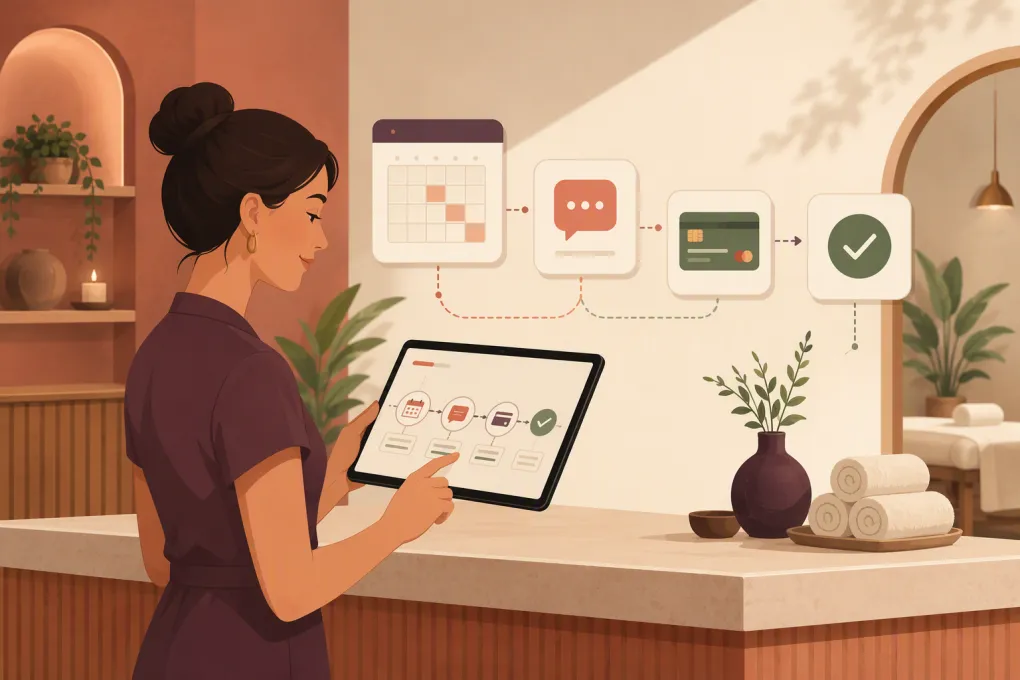
A reliable renewal system watches membership dates and payment status, sends the right message through the right channel, and gives staff a clear task only when automation cannot resolve the issue. Here is how to build that system without making members feel chased.
Start by separating the renewal scenarios
“Membership renewal” can describe several different events. Each one needs its own trigger and message.
Automatic renewal with a valid payment method
The member has agreed to recurring billing, and the payment method appears usable. Your workflow may only need to send any required advance notice and then a receipt after the charge.
Do not ask this member to “renew now” if no action is required. That creates confusion and can prompt unnecessary cancellation questions.
Automatic renewal with an expiring card
The membership is set to continue, but the card on file expires before the next scheduled payment. The goal is to obtain an updated payment method before billing day.
Some processors offer account-updater services that can refresh eligible cards automatically. Availability depends on the processor and card network, so confirm what your payment system supports before building reminders around card expiration alone.
Fixed-term membership requiring acceptance
The contract ends unless the member agrees to another term. This workflow needs a clear renewal offer, any required terms, and a secure way to accept and pay.
Failed renewal payment
The membership should have renewed, but the charge failed. This is a collections workflow rather than a standard reminder. It should combine automatic payment retries, member communication, and staff escalation.
Manual or exceptional renewal
A member may have a freeze, disputed balance, special rate, medical accommodation, or contract exception. Automation should identify these accounts and stop rather than send an inaccurate demand.
If your team is still switching between booking software, inboxes, call notes, and payment reports, the first win is putting follow-up and collections into one operating workflow. See how WTF Go and Fitty handle spa follow-up and dues collection →
Clean the data before automating messages
Automation scales whatever is already in your database—including mistakes. Before activating a renewal sequence, make sure each membership record has:
- A clear membership status
- Start, renewal, and end dates where applicable
- Auto-renew or fixed-term designation
- Current rate and billing frequency
- Payment status and next charge date
- Email and mobile number
- Communication consent and opt-out status
- Freeze, cancellation, dispute, or exception flags
- Assigned location for multi-location operators
- A secure payment-method token or processor reference
Do not store full card details in notes, spreadsheets, or messaging tools. Payment updates should go through a secure, processor-hosted form or compliant payment workflow.
You also need a single source of truth. If one system says a membership ends on Friday and another says it renews on Monday, reminders will be unreliable. Choose the platform that owns membership status, then synchronize the minimum required data with your CRM, messaging, and payment tools.
Build a trigger-based renewal cadence
A good cadence responds to account events. It does not blast every member with the same message on the first of the month.
Use the following framework as a starting point, then adjust it to your contracts, state requirements, billing rules, and member behavior.
| Scenario | Suggested trigger | Automated action | Escalation condition |
|---|---|---|---|
| Fixed-term renewal | 30 days before expiration | Email renewal details and secure action link | No response after later reminders |
| Fixed-term renewal | 14 and 7 days before expiration | Send shorter reminders by approved channels | Member asks a question or link fails |
| Final term reminder | 1 day before expiration | Send a direct expiration notice | Membership reaches expiration |
| Expiring card | 30 days before next affected charge | Request a secure payment update | Card remains unresolved at 7 days |
| Failed payment | Immediately after processor response | Explain failure and provide payment link | Member disputes charge or repeated retry fails |
| Failed payment follow-up | 1, 3, and 7 days later | Retry or remind according to processor rules | Balance remains unpaid |
| Successful renewal | After confirmed payment | Send confirmation and receipt | No escalation needed |
Treat those intervals as operational examples, not legal guidance. Automatic-renewal notice requirements vary by contract and jurisdiction. Review your terms with qualified counsel and configure the workflow accordingly.
Choose channels based on the job
Email works well for full renewal terms, receipts, and messages that members may need to reference later. SMS is better for short, time-sensitive prompts. Calls are useful when a high-value member has not responded, a payment repeatedly fails, or the member needs an explanation.
A practical channel sequence might be:
- Send the complete renewal notice by email.
- Send an SMS reminder with a secure link if the member has consented to texts.
- Trigger an outbound call task or AI follow-up when there is no response.
- Route replies, objections, and exceptions to a staff queue.
Maintain consent records, honor opt-outs, follow applicable quiet-hour rules, and distinguish operational messages from marketing. A prior business relationship does not automatically remove every requirement that may apply to automated texts or calls.
Write messages that make the next step obvious
Renewal reminders do not need clever copy. Members need to know what is happening, when it will happen, what it costs, and whether they need to act.
Fixed-term renewal email
Subject: Your [Spa Name] membership ends on [Date]
Hi [First Name], your [Membership Name] membership is scheduled to end on [Date]. To continue your membership at [Rate and Billing Frequency], review the renewal terms and confirm here: [Secure Link].
Questions about your plan? Reply to this email or call [Phone Number].
Expiring-card text
Hi [First Name], the payment method for your [Spa Name] membership expires before your next billing date on [Date]. Update it securely here: [Link]. Reply STOP to opt out of texts.
Failed-payment text
Hi [First Name], we could not process your [Spa Name] membership payment due on [Date]. You can update your payment method or pay securely here: [Link]. Reply here if you need help.
Renewal confirmation
Your [Membership Name] membership has been renewed through [Date/Term]. Your payment confirmation is available here: [Link]. We look forward to seeing you at [Location].
Avoid putting sensitive payment details in a message. Do not include a full card number, detailed decline reason, or private treatment information.
Add stop rules and human handoffs
Most broken automations fail because they know when to start but not when to stop. Every sequence needs suppression and exit rules.
Stop renewal reminders when:
- Payment succeeds
- The member renews or signs new terms
- A cancellation is confirmed
- The membership is frozen
- The contact opts out of that channel
- A dispute or complaint is opened
- Staff applies an exception
- Contact information is invalid
Create staff tasks when:
- A member replies with a question
- Multiple payment attempts fail
- The account has a large or unusual balance
- The member disputes the renewal terms
- A long-standing member reaches expiration without responding
- Automation detects conflicting account data
Fitty, WTF Go’s AI receptionist and agent, can follow up around the clock, respond when members ask routine questions, and help collect dues instead of leaving every unresolved renewal in a front-desk inbox. See how Fitty can support your spa’s renewal follow-up →
Make the payment experience frictionless
A reminder only works if the member can complete the task quickly. Test the renewal process from a phone, because that is where many members will open an SMS or email.
Check that the link:
- Opens the correct member account
- Uses a secure connection
- Does not require unnecessary password recovery
- Shows the amount and billing terms clearly
- Accepts the payment methods you advertise
- Confirms success immediately
- Updates membership status without manual re-entry
- Stops pending reminders after payment
Use links that expire or require appropriate identity verification. Never ask members to text or email card details.
Measure the workflow, not just total renewals
Track enough detail to find the actual failure point. Useful operating measures include:
- Memberships approaching renewal
- Renewals completed before expiration
- Payments recovered after an initial failure
- Accounts requiring staff intervention
- Delivery failures by email and SMS
- Secure-link completion
- Opt-outs and complaint volume
- Average time from first reminder to resolution
- Exceptions caused by incorrect data
Review unresolved accounts at least weekly. If messages are delivered but members do not act, inspect the offer and payment path. If messages are not delivered, fix contact capture. If payments succeed but reminders continue, repair your stop conditions.
For multi-location spas, report by location as well as across the business. One location may have outdated contact data or inconsistent membership setup that disappears inside a company-wide total.
Launch in controlled stages
Do not activate every sequence for every member at once. Start with one scenario, such as expiring cards, and run a test group through the complete workflow.
Before launch:
- Create test memberships with each renewal status.
- Confirm triggers use the correct date and time zone.
- Test email, SMS, payment links, and staff notifications.
- Verify that successful payment stops all reminders.
- Test freezes, cancellations, opt-outs, and disputed accounts.
- Document who owns the exception queue.
- Review message wording and notice timing with counsel where needed.
Once that workflow is stable, add fixed-term renewals and failed-payment recovery. This staged approach makes errors easier to identify and keeps staff from inheriting a large queue they do not understand.
The end goal is not more messages. It is a renewal process that notices risk early, makes payment easy, and brings in a person only when judgment is required. Explore WTF Go for automated spa follow-up, booking, and dues collection →
Frequently asked questions
How early should a spa send membership renewal reminders?
For fixed-term memberships, many operators begin several weeks before expiration and increase urgency as the date approaches. Your exact timing should reflect your contract terms, local requirements, and whether the member must take action.
Should spa renewal reminders use email or SMS?
Use email for complete terms and receipts, and consent-based SMS for concise, time-sensitive prompts. Calls or staff tasks are best reserved for questions, exceptions, and unresolved balances.
Can an AI receptionist handle failed membership payments?
An AI agent can send follow-ups, answer routine questions, provide secure payment links, and escalate exceptions. Payment processing and retries should still run through a secure, compliant processor.
What should stop an automated renewal sequence?
Successful payment, confirmed renewal, cancellation, freeze, dispute, channel opt-out, or a staff-applied exception should stop or pause the sequence immediately.
How can a spa avoid sending renewal reminders to the wrong members?
Maintain one authoritative membership record, use clear status fields, and test suppression rules for cancellations, freezes, disputes, and completed payments before launch.
Keep reading



Run your gym on autopilot with WTF Go
Fitty — your AI receptionist — answers calls and DMs, fills classes, follows up with every lead, and collects dues while you coach.