AI & Automation
How to Automate Med Spa Rebooking Reminders That Actually Work
Learn how to automate med spa rebooking reminders with smart timing, clear scripts, consent rules, staff workflows, and AI follow-up that fills calendars.
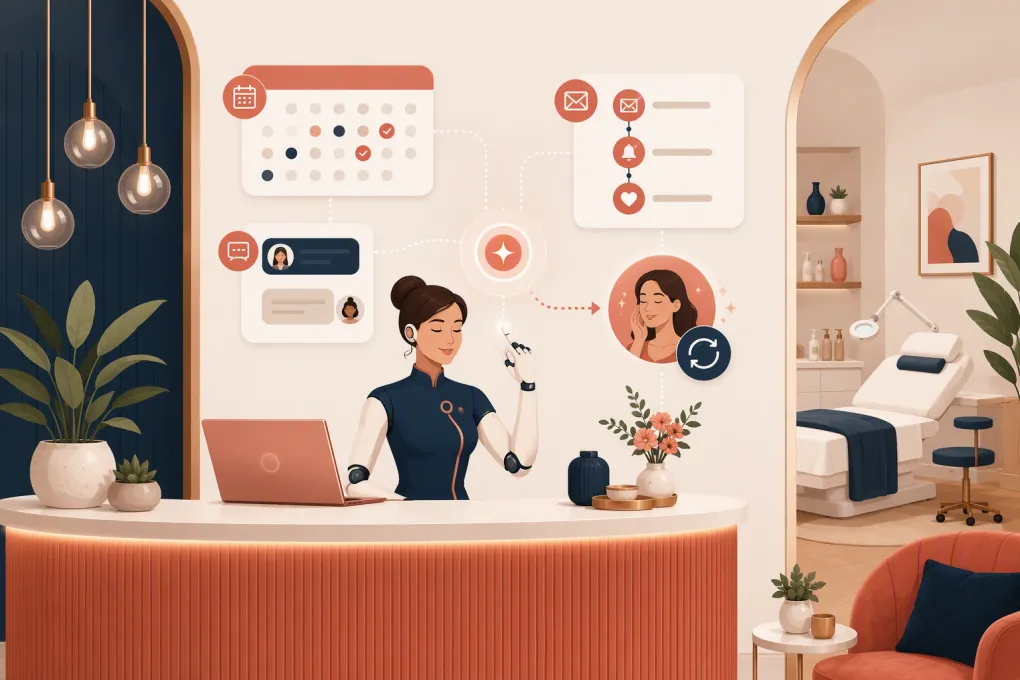 Watch · 20s
A med spa rebooking problem rarely starts with demand. It starts when a satisfied client leaves without another appointment, gets a generic reminder weeks later, and has to call during business hours to find an opening.
Automation can close that gap, but only if it does more than send scheduled texts. A useful rebooking system knows what service the client received, when follow-up is appropriate, whether an appointment is already booked, and when a staff member needs to take over.
Here is how to build that system without burying your front desk in more software administration.
Why med spa rebooking falls through
Most missed rebookings come from a handful of operational gaps:
- The provider recommends a return window, but it never reaches the booking workflow.
- The front desk asks once at checkout and has no structured follow-up.
- Every client receives the same message regardless of treatment or status.
- Reminders tell clients to call instead of letting them book or reply immediately.
- Automation continues after a client books, cancels, or asks to stop.
- Replies sit in an inbox that nobody clearly owns.
The goal is not to send more messages. It is to create a closed loop between the provider recommendation, client record, booking calendar, automated follow-up, and human team.
See how Fitty can handle med spa follow-up and booking conversations 24/7 →
Start with a treatment-based rebooking map
Do not begin by writing reminder copy. First, define when each workflow should begin and what information it needs.
Create a simple rebooking map for every service category:
| Workflow field | What to define |
|---|---|
| Service or treatment category | The internal category that starts the workflow |
| Recommended return window | The provider-approved timing or reassessment point |
| Booking trigger | Checkout, completed appointment, provider recommendation, or package milestone |
| Eligible clients | Who should receive this sequence |
| Exclusions | Contraindications, unresolved concerns, opt-outs, or clients already booked |
| Booking destination | Correct provider, appointment type, location, and duration |
| Escalation owner | Person responsible for questions requiring human or clinical review |
Clinical timing should come from your qualified providers and documented protocols. Your automation should operationalize their recommendation, not invent treatment intervals.
Keep service names out of messages when discretion matters. A neutral reminder such as “It may be time to schedule your next visit” can reduce unnecessary disclosure while still prompting action.
Make the client record your source of truth
Automation breaks when one system says the appointment is complete, another says the client is due, and a third cannot see that the client already rebooked.
At minimum, your system needs reliable access to:
- Client contact information
- Communication consent and opt-out status
- Preferred communication channel
- Completed appointment status
- Service or workflow category
- Recommended return date or window
- Existing future appointments
- Preferred provider and location, when relevant
- Open questions or escalation status
Use structured fields wherever possible. A note reading “come back later” is difficult to automate. A defined rebooking date, workflow tag, or service-based trigger is usable.
Before launching, test how the system handles rescheduled, canceled, duplicated, and partially completed appointments. Those edge cases cause most awkward reminders.
Build reminders around client actions
A rebooking sequence should change based on what the client does. A practical workflow can look like this:
1. Ask at checkout
The easiest rebooking is the one completed before the client leaves. Give the front desk a direct prompt based on the provider’s documented recommendation:
Your provider recommended planning your next visit around [window]. Would you like to reserve something now and adjust it later if needed?
If the client books, the rebooking sequence should stop automatically. They can move into your normal appointment confirmation workflow instead.
2. Send an immediate follow-up when needed
If the client does not book, send a concise message after the completed visit. This is not the place for aggressive promotion.
Hi [first name], thanks for visiting [med spa]. When you’re ready to plan your next appointment, you can book here: [link]. Reply to this message if you’d like help finding a time.
The message should provide two paths: self-booking and a direct reply.
3. Remind near the recommended window
Schedule the next touch relative to the provider-approved return window, not an arbitrary universal interval.
Hi [first name], it may be time to plan your next visit with [provider or med spa]. View available appointments here: [link], or reply with the days that work best for you.
If the client responds with uncertainty, a clinical question, or a concern about the prior treatment, pause promotional follow-up and route the conversation to the appropriate person.
4. Use a final low-pressure check-in
A final message can close the loop without creating an endless chase sequence:
Would you still like help scheduling your next visit? Reply YES and we’ll help find an opening. Reply STOP to opt out of text messages.
After that, move the client to a longer-term recall workflow or stop, depending on their preferences and your policies.
There is no single correct number of messages for every med spa. Start conservatively, monitor replies and opt-outs, and adjust by service category rather than increasing volume across the board.
Let clients complete the next step in the same conversation
A reminder that says “call us” still creates front-desk work. Effective automation should help the client move from interest to a booked appointment with as little friction as possible.
That means the workflow should be able to:
- Answer common non-clinical questions
- Check relevant availability
- collect provider, location, and time preferences
- Direct the client to the correct appointment type
- Book or support booking when the request is straightforward
- Recognize when human or clinical help is required
- Stop rebooking messages once an appointment exists
This is where an AI receptionist is more useful than a basic scheduled-message tool. Fitty can answer leads, follow up, and help book appointments outside front-desk hours, so a client who replies at night does not have to wait for the next shift.
See how Fitty turns rebooking replies into booking conversations →
Create clear handoff rules
Automation should handle repetitive coordination, not pretend every conversation is administrative.
Route a message to a qualified team member when it includes:
- A possible adverse reaction or medical concern
- Questions about treatment suitability or clinical outcomes
- Medication, pregnancy, contraindication, or medical-history details
- A complaint or request for a refund
- A request the system cannot match to an approved appointment type
- Repeated confusion or a direct request for a person
Assign each escalation type to a role, not a general inbox. For example, scheduling exceptions may go to the front-desk lead, while post-treatment concerns follow the med spa’s established clinical escalation process.
Define response expectations internally and make sure automation pauses while the issue is open. Nothing damages trust faster than sending “Ready to book again?” while a client is waiting for help with a concern.
Protect consent, privacy, and client trust
Rebooking messages can involve both communication rules and sensitive client information. Your exact obligations depend on your channels, message content, location, and vendor setup, so review the workflow with qualified legal and compliance professionals.
Operationally, use these safeguards:
- Record consent by channel and preserve the source of that consent.
- Honor opt-outs promptly across connected systems.
- Keep message content to the minimum necessary information.
- Avoid exposing sensitive treatment details in lock-screen previews.
- Limit staff access according to job responsibilities.
- Confirm whether vendors handling protected health information will sign an appropriate business associate agreement when required.
- Maintain an audit trail of automated messages and staff responses.
- Separate service reminders from promotional campaigns when applying consent rules.
Do not assume that because someone provided a phone number, every type of automated marketing message is permitted. Build consent into intake and booking rather than trying to clean it up later.
Measure completed rebookings, not message volume
Sent and delivered counts tell you whether the technology ran. They do not tell you whether the workflow worked.
Track outcomes such as:
- Clients eligible for rebooking
- Clients who left with a future appointment
- Bookings completed after each reminder stage
- Replies requiring staff or clinical intervention
- Cancellations and reschedules after rebooking
- Opt-outs and negative responses
- Rebooking performance by service, provider, and location
- Time from completed visit to next booking
Review message transcripts as well as dashboard totals. A sequence may produce bookings while also creating avoidable confusion about providers, appointment types, or package eligibility.
For multi-location med spas, compare workflow execution before comparing teams. One location may appear weaker simply because appointment statuses or service categories are being recorded differently.
A practical rollout checklist
Avoid automating every treatment at once. Start with one high-volume, operationally straightforward service category and complete these steps:
- Document the provider-approved rebooking logic.
- Standardize the required client-record fields.
- Confirm consent and opt-out handling.
- Write short messages for each workflow stage.
- Connect each message to the correct booking path.
- Define suppression and human-handoff rules.
- Test booked, canceled, opted-out, and escalation scenarios.
- Train the front desk on what automation will and will not do.
- Review conversations and booking outcomes regularly.
- Expand only after the first workflow is reliable.
The best rebooking automation feels simple to the client because the complexity has been handled behind the scenes. The provider documents the right return plan, the system follows up at the right time, and a person steps in when judgment is required.
If your team is still copying callback lists, checking multiple inboxes, or losing replies after hours, the bottleneck is not staff effort. It is the workflow.
Explore WTF Go and build an AI-assisted med spa rebooking workflow →
Frequently asked questions
What is the best time to send a med spa rebooking reminder?
Base timing on the provider-approved return window for the specific service. An immediate post-visit message can provide a booking path, while later reminders should be scheduled relative to that documented window.
Should med spa rebooking reminders mention the treatment?
Use the minimum information needed. Neutral wording can help protect discretion, especially when a treatment name could reveal sensitive information in a text preview.
How many automated rebooking reminders should a med spa send?
There is no universal number. Start with a conservative sequence, stop when the client books or opts out, and adjust based on replies, bookings, complaints, and service-specific needs.
Can AI book med spa appointments from reminder replies?
An AI receptionist can handle straightforward scheduling conversations when it has access to approved appointment types and availability. Clinical questions, complaints, and treatment-suitability questions should be handed to qualified staff.
Are med spa rebooking texts subject to consent rules?
Yes, consent, opt-out, privacy, and marketing rules may apply depending on the message and channel. Record consent, honor opt-outs, minimize sensitive content, and have qualified counsel review your setup.
Keep reading



Run your gym on autopilot with WTF Go
Fitty — your AI receptionist — answers calls and DMs, fills classes, follows up with every lead, and collects dues while you coach.