AI & Automation
How to Automate Med Spa Consultation Reminders That Work
Learn how to automate med spa consultation reminders with practical timing, message templates, consent rules, escalation steps, and booking workflows.
 Watch · 20s
A booked consultation is not the same as an attended consultation. Between those two events, prospects get distracted, forget the time, question the treatment cost, or decide they are not ready. If your staff relies on manual calls and one-off texts, follow-up becomes inconsistent precisely when the front desk gets busy.
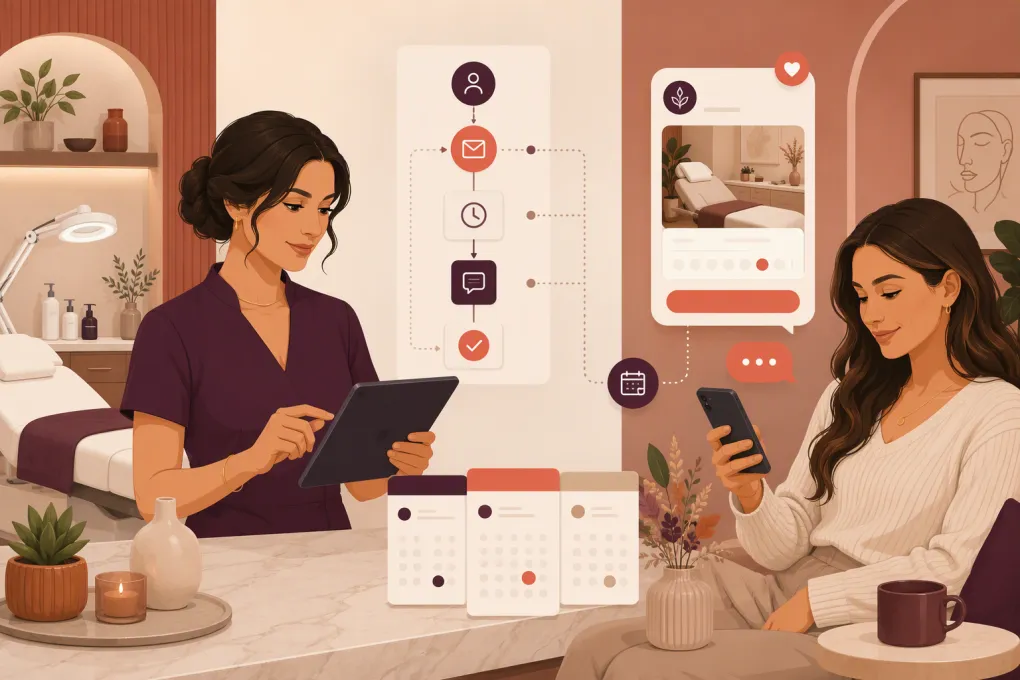
Automated reminders solve the consistency problem. A good workflow confirms the appointment, prepares the prospect, makes rescheduling easy, and alerts your team when a human response is needed. It should not bombard every lead with the same generic message.
The goal is straightforward: create a reminder sequence that helps qualified prospects arrive informed and ready for a real conversation.
See how Fitty can follow up with med spa leads and support booking around the clock →
Start With the Consultation Journey, Not the Messages
Before writing reminder templates, map what happens from the moment a consultation is booked until the prospect arrives.
Document these five points:
- Booking source: Website form, phone call, social campaign, referral, walk-in, or staff-created appointment.
- Consultation type: Virtual or in person, complimentary or paid, general assessment or treatment-specific.
- Required preparation: Forms, photos, medical history, identification, deposit, or instructions specific to the service.
- Attendance rules: Cancellation window, rescheduling process, deposit treatment, and late-arrival policy.
- Staff handoff: Who handles clinical questions, pricing objections, scheduling conflicts, and urgent concerns?
This prevents a common automation mistake: sending polished reminders that do not match the actual operational process. If your message says a prospect can reply to reschedule, someone or something must be able to process that reply.
Build a Practical Reminder Timeline
Reminder timing should reflect how far in advance the consultation was booked. A person booking tomorrow does not need the same sequence as someone booking three weeks out.
A useful baseline workflow looks like this:
| Trigger | Purpose | Recommended content |
|---|---|---|
| Immediately after booking | Confirm the details | Date, time, location, consultation type, change-booking option |
| Several days before | Maintain commitment | What to expect, forms, preparation instructions, practical FAQs |
| One day before | Get an explicit response | Confirm or reschedule prompt, location and arrival instructions |
| A few hours before | Prevent accidental no-shows | Short reminder with time, address, parking, or virtual link |
| After a missed consultation | Recover the opportunity | Neutral check-in and direct rebooking path |
These are starting points, not universal rules. Review your booking lead time and adjust the sequence accordingly. Avoid stacking several messages within a short period simply because the software allows it.
Use behavior-based branches
The strongest workflows react to what the prospect does:
- If the prospect confirms, stop asking for confirmation.
- If the prospect reschedules, cancel reminders tied to the old appointment.
- If required forms are completed, stop sending form reminders.
- If the prospect asks a question, pause repetitive automation and route the conversation appropriately.
- If a message fails, try an approved alternate channel or create a staff task.
- If the appointment is canceled without rebooking, enter the prospect into a separate recovery sequence.
Behavior-based logic makes communication feel coordinated. Static blasts make it obvious that nobody is paying attention.
Write Reminder Messages That Produce a Clear Action
Each reminder should have one primary job. Do not combine a confirmation request, a long treatment explanation, financing information, every policy, and five links in one text.
Immediate booking confirmation
Hi [First Name], your consultation with [Med Spa Name] is scheduled for [Day, Date] at [Time]. We’re located at [Address]. Reply C to confirm or R if you need to reschedule. [Booking Link]
If the consultation is virtual, replace the address with the meeting instructions. If a deposit was paid, confirm that separately in the booking receipt rather than adding unnecessary payment details to every reminder.
Preparation reminder
Hi [First Name], we’re looking forward to your [Consultation Type] consultation on [Date]. Before your visit, please complete this form: [Secure Link]. Here’s what to expect: [Information Link]. Questions? Reply here.
Keep sensitive medical information out of ordinary text messages. Direct the prospect to an appropriately secured system for forms and health details.
Day-before confirmation
Your consultation at [Med Spa Name] is tomorrow at [Time]. Reply C to confirm or use this link to choose another time: [Rescheduling Link]. Please review our cancellation policy here: [Policy Link].
Missed-consultation recovery
Hi [First Name], we missed you at your consultation today. If you’d still like to discuss your options, you can choose a new time here: [Booking Link]. Reply if you need help finding an appointment.
Do not shame the prospect. Some no-shows are poor-fit leads, but others are still viable and encountered a scheduling problem.
Connect Reminders to Your Booking System
Automation breaks when booking data lives in disconnected tools. Your reminder system needs reliable access to the appointment status, time zone, service, assigned provider, location, and contact information.
At minimum, configure these triggers and safeguards:
- Start the workflow only when an appointment reaches a confirmed booking status.
- Use the location’s local time zone, especially for multi-location operators.
- Send treatment-specific instructions based on the booked consultation type.
- Stop the workflow immediately after cancellation or rescheduling.
- Prevent duplicate sequences when a record is edited or imported.
- Exclude contacts who have opted out of the relevant communication channel.
- Log outgoing messages, replies, status changes, and staff actions in one record.
Test the full process with internal appointments. Book, confirm, reschedule, cancel, opt out, submit a form, and intentionally miss a test appointment. Verify that every branch behaves as intended.
Explore how WTF Go and Fitty can connect lead follow-up with consultation booking →
Let Automation Handle Routine Replies—Not Clinical Judgment
Prospects rarely respond with a perfect “C” or “R.” They ask questions such as:
- “Can I come after work instead?”
- “How long does the consultation take?”
- “Is there parking?”
- “Can I bring someone?”
- “How much does the treatment usually cost?”
- “Am I a candidate if I take a certain medication?”
An AI receptionist can handle routine scheduling, availability, location, policy, and approved FAQ responses. It can also collect the information needed for a staff member to continue the conversation.
Clinical suitability, contraindications, diagnosis, individualized treatment recommendations, and medical advice require an appropriate licensed professional. Configure clear escalation rules rather than allowing automation to improvise.
Escalate a conversation when it includes:
- A medical condition, medication, pregnancy, or possible contraindication
- A reaction, complication, or urgent symptom
- A request for individualized treatment advice
- A pricing exception, refund dispute, or policy conflict
- Repeated confusion or negative sentiment
- Any question outside your approved knowledge base
Fitty is most valuable here as an always-available front line: responding quickly, supporting booking, following up, and handing exceptions to the right person. That reduces repetitive front-desk work without pretending every conversation should be automated.
Respect Consent, Privacy, and Communication Rules
Reminder automation must be built around valid consent and your legal obligations. Requirements can vary by channel, message type, location, and how the contact entered your database. Obtain professional legal and compliance advice for your specific operation.
Operationally, your workflow should:
- Record how and when the person consented to receive messages.
- Honor opt-out requests promptly.
- Avoid adding promotional content to a transactional reminder without considering the additional consent requirements.
- Use secure forms or portals for medical history and sensitive personal information.
- Limit message content visible on a lock screen.
- Control staff access to prospect and patient records.
- Define retention and deletion procedures.
- Review vendors, data handling, and contractual requirements before sending protected or sensitive information.
Do not assume that buying an automation tool makes the entire workflow compliant. Compliance depends on your configuration, consent practices, message content, vendors, staff processes, and applicable law.
Create a Human Escalation Queue
Automation should reduce work, not hide unresolved conversations. Build a queue for replies that need staff attention and assign clear ownership.
A practical queue includes:
- Contact name and preferred channel
- Appointment date and location
- Consultation or treatment interest
- Last message and conversation history
- Reason for escalation
- Responsible staff member
- Response deadline
- Resolution status
For multi-location med spas, route scheduling issues to the booked location and clinical questions to an authorized clinical team member. Define coverage for evenings and weekends so prospects are not told someone will respond “shortly” when nobody is available.
Measure the Workflow and Improve It Monthly
Do not judge reminders only by message delivery. Evaluate whether the workflow improves the consultation process.
Track:
- Booked consultations by source
- Confirmed, rescheduled, canceled, attended, and missed appointments
- Form completion before arrival
- Replies requiring staff intervention
- Failed deliveries and invalid contact details
- Opt-outs and complaints
- Time from inquiry to booking
- Rebooking after a missed consultation
- Consultation outcomes by lead source and service interest
Review message performance by trigger. If prospects frequently ask where to park, add parking details. If forms remain incomplete, simplify the process or move the reminder. If people reply after hours but wait until morning for help, improve automated answers or on-call routing.
The best workflow evolves from actual conversations rather than assumptions.
A Simple Implementation Checklist
Use this checklist before switching on automated consultation reminders:
- Define every consultation type and appointment status.
- Clean up service names, locations, provider assignments, and time zones.
- Document consent and opt-out handling.
- Write one message for each specific trigger.
- Create confirmation, rescheduling, cancellation, and no-show branches.
- Add secure links for forms and sensitive information.
- Approve answers to routine scheduling and policy questions.
- Define clinical and service-recovery escalation rules.
- Assign staff ownership and response expectations.
- Test every branch with internal records.
- Review outcomes and message logs regularly.
A reminder system is not merely a scheduled text. It is a small operating process connecting marketing, booking, front-desk work, and the consultation itself. Build those handoffs correctly, and automation can create a more reliable experience for both prospects and staff.
See how Fitty can handle routine lead follow-up while your med spa team focuses on consultations →
Frequently asked questions
How many reminders should a med spa send before a consultation?
Use enough reminders to confirm the booking and provide necessary preparation details without repeating the same request. A booking confirmation, a day-before confirmation, and a short day-of reminder are a practical baseline, adjusted for booking lead time.
Should med spa consultation reminders use text or email?
Text is useful for short, time-sensitive actions, while email works better for detailed preparation instructions and policies. Use each channel according to the prospect’s consent and preferences.
Can AI answer medical questions from med spa prospects?
AI can answer approved administrative FAQs and collect context, but individualized medical advice, contraindications, and treatment recommendations should be escalated to an appropriate licensed professional.
What should happen when someone replies to an automated reminder?
The system should interpret routine confirmation or rescheduling requests, update the appointment, and stop outdated reminders. Complex, clinical, or sensitive replies should enter a clearly owned staff queue.
How do med spas reduce consultation no-shows without sending more messages?
Improve message relevance, make rescheduling easy, provide clear preparation details, and request an explicit confirmation. Deposits and cancellation policies may also help when implemented transparently and consistently.
Keep reading



Run your gym on autopilot with WTF Go
Fitty — your AI receptionist — answers calls and DMs, fills classes, follows up with every lead, and collects dues while you coach.