AI & Automation
How to Automate Gym Referral Follow-Up and Convert More
Learn how to automate gym referral follow-up with fast outreach, smart routing, clear scripts, reminders, and tracking that turns warm leads into members.
 Watch · 20s
A referral is one of the warmest leads a gym can receive. It is also easy to waste. A member shares a friend’s information, the front desk gets busy, the lead sits untouched, and nobody knows whether the referral was contacted or credited.
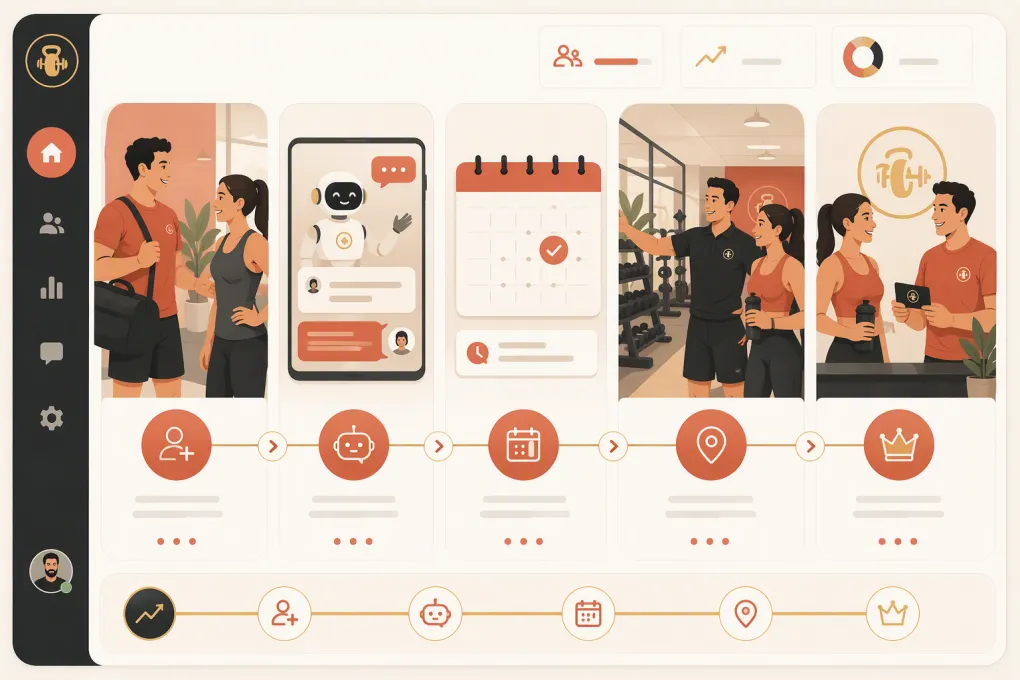
Automation fixes the handoff. It does not replace the personal touch that makes referrals valuable. It makes sure the right personal touch happens quickly, consistently, and with enough context to move the conversation forward.
The goal is not to send more generic messages. It is to build a referral workflow that captures permission, starts a useful conversation, books the next step, and keeps both staff and the referring member informed.
See how Fitty handles referral conversations and booking around the clock →
What gym referral follow-up should accomplish
A complete referral process has two participants:
- The referred prospect, who needs a clear reason to respond and an easy next step
- The referring member, who needs confirmation that the referral was received and confidence that the friend will be treated well
Your automation should also give staff enough information to step in without starting from scratch. At minimum, the system should capture:
- Referring member and home location
- Prospect name and preferred contact method
- Program, class, or service of interest
- Source campaign or referral link
- Consent status and timestamp
- Assigned location or staff owner
- Conversation, booking, show, and membership status
- Referral reward eligibility and fulfillment status
Without these fields, automation becomes a sequence of disconnected texts. With them, it becomes an operating workflow.
Start with a consent-friendly referral entry point
Do not assume that a member can consent to marketing on a friend’s behalf. A cleaner approach is to give each member a shareable referral link. The friend opens the link, submits their own information, selects an area of interest, and agrees to the communications described on the form.
A practical referral form should be short:
- First name
- Mobile number or email
- Preferred location, if applicable
- Primary goal or service interest
- Preferred next step, such as a trial, tour, consultation, or introductory class
- Clear communication consent and access to applicable terms
If you allow members to enter a friend’s contact details directly, review the process with qualified legal counsel. Your system should distinguish a member-supplied contact from a prospect who submitted their own form. Do not automatically place every submitted number into an ongoing promotional text sequence.
Your messages also need accurate sender identification, required disclosures, and a functioning opt-out process. Consent records and suppression lists should stay attached to the contact across campaigns and locations.
Build one referral pipeline with defined stages
Create a dedicated referral pipeline instead of mixing referrals into a general lead inbox. Useful stages include:
- New referral
- Contactable
- Conversation started
- Appointment or class booked
- Attended
- Membership decision pending
- Joined
- Not now
- Unqualified or opted out
Each stage should trigger a specific action. For example, a new self-submitted referral can receive an immediate acknowledgment, while a booked referral should stop receiving messages asking them to schedule.
Define who owns the lead at each stage. A simple rule set might route by preferred location first, program interest second, and staff availability third. Multi-location operators should also define what happens when the requested location does not offer the selected service.
Create the automated referral sequence
A strong sequence changes based on behavior. It should not send every lead the same five messages regardless of whether they replied, booked, or opted out.
1. Confirm the request immediately
The first message should identify the business, mention the referral context, and offer one easy action.
Example:
Hi Jordan, this is Fitty with Northside Fitness. Alex invited you to check out our strength program. Would you rather book an intro session or ask a few questions first?
This is stronger than sending a calendar link with no context. It gives the prospect a choice and makes replying easy.
2. Route replies by intent
Common replies include questions about schedules, pricing, beginner readiness, childcare, amenities, and what happens during the first visit. Your automation should answer approved questions from current business information and escalate exceptions to a person.
Useful routing rules include:
- Schedule question → show relevant availability
- Ready to visit → offer eligible appointment or class times
- Pricing question → provide approved pricing information or book a consultation
- Medical, contractual, or complaint-related question → escalate to staff
- Wrong location → offer the correct location without creating a duplicate record
- Not interested → close the sequence and preserve the opt-out status when applicable
3. Follow up based on engagement
If there is no response, send a brief follow-up on the next appropriate contact day. A later message can offer a different path, such as asking a question instead of booking immediately. Finish with a clear close-the-loop message rather than continuing indefinitely.
A practical cadence might include an initial response, a next-business-day check-in, another attempt a few days later, and a final message within the following week. Adjust the timing to your sales cycle, operating hours, consent language, and channel rules.
Stop or change the sequence when the prospect replies, books, attends, joins, opts out, or asks to be contacted later.
4. Automate booking and reminders
Once the prospect is ready, the same conversation should offer eligible times and complete the booking. Do not force the lead to wait for staff to copy information into another calendar.
After booking, switch from lead follow-up to attendance support:
- Confirm the date, time, location, and visit type
- Explain what to bring and when to arrive
- Include parking or entry instructions when useful
- Provide a clear rescheduling path
- Alert staff that the visitor came through a member referral
If the prospect cancels or misses the visit, trigger a rebooking conversation instead of returning them to the beginning of the sales sequence.
See how Fitty answers referral questions and books the next step automatically →
Keep the referring member in the loop without oversharing
Send the member a simple acknowledgment when a referral is submitted. You can also notify them when a reward has been earned, but avoid disclosing the prospect’s private conversation, attendance details, payment information, or membership decision without an appropriate basis.
A safe acknowledgment could be:
Thanks for introducing Taylor to us. We received the referral and will take it from here. We will update your referral reward status according to the program terms.
Publish the reward rules clearly. Define qualifying actions, eligibility dates, duplicate-referral handling, cancellation effects, and how rewards are delivered. Automation should apply those rules consistently, while unusual cases go to a manager.
Use AI for conversations, not uncontrolled promises
Referral follow-up works well with an AI receptionist because prospects often respond outside staffed hours and ask routine questions before they are ready to book. The AI should work from approved, current information about schedules, services, policies, and locations.
Set clear boundaries. An AI agent should not invent discounts, make health claims, alter contracts, or promise exceptions that staff have not authorized. Build escalation paths for sensitive questions and make conversation history visible to the employee taking over.
Fitty, WTF Go’s AI receptionist and agent, can answer incoming referral leads, continue the conversation, book eligible classes or appointments, and follow up without leaving another task in the front-desk queue. That keeps the response consistent while allowing staff to focus on in-person members and higher-judgment conversations.
Explore an automated referral workflow with WTF Go and Fitty →
Measure the full referral funnel
Do not judge the program only by how many names members submit. Track movement through the entire funnel:
- Referral submissions
- Contactable referrals with valid consent
- First-response time
- Prospect response rate
- Booking rate
- Attendance rate
- Join rate
- Time from referral to booking
- Opt-outs and delivery failures
- Referrals and joins by member, campaign, program, and location
- Earned, pending, and fulfilled rewards
Calculate each conversion rate from the stage immediately before it. For example, booking rate should distinguish all submitted referrals from contactable referrals and active conversations. This helps you identify whether the problem is poor data capture, slow outreach, weak messaging, booking friction, or the in-person sales experience.
Audit a sample of conversations regularly. Reporting can tell you where leads stop; conversation review helps explain why.
Common automation mistakes to avoid
Treating referrals like cold leads
Mention the mutual connection and the specific invitation. A generic sales blast throws away the context that made the lead valuable.
Continuing after the lead has acted
Booking, opting out, joining, or requesting a later follow-up should immediately update the workflow. Conflicting messages make the operation look disconnected.
Hiding the next step
Every message should have one clear action: reply with a question, choose a time, confirm attendance, or reschedule.
Automating bad information
Outdated schedules, offers, location details, and policies create faster mistakes. Assign an owner to review the information used by your automations whenever operations change.
Ignoring staff handoffs
Define which conversations require a person, how quickly the task should be reviewed, and what context appears in the notification. Automation without escalation rules simply creates a different inbox problem.
A practical launch checklist
Before activating your referral workflow:
- Publish referral terms and consent language
- Create a self-service referral link
- Define pipeline stages and ownership
- Connect booking availability
- Write initial, follow-up, confirmation, reminder, and rebooking messages
- Add stop conditions for replies, bookings, joins, and opt-outs
- Approve an AI knowledge source and escalation rules
- Test duplicate contacts and cross-location routing
- Verify attribution and reward status reporting
- Run test referrals through every major path
- Review results and conversation quality on a set schedule
Start with one complete workflow rather than many half-built campaigns. Once submission, conversation, booking, attendance, and attribution work reliably, expand the program by location or service.
Frequently asked questions
What is the best first message for a gym referral lead?
Identify the gym, mention the referring member when appropriate, and offer one simple choice. For example, ask whether the prospect wants to book an intro or get a question answered first.
How quickly should a gym follow up with a referral?
A self-submitted referral should receive an acknowledgment as soon as the system can respond. Automated coverage is especially useful when referrals arrive outside staffed hours.
Can a gym text someone whose friend submitted their number?
Do not assume the member can provide marketing consent for the prospect. A shareable link that lets the prospect submit their own details and consent is cleaner; have qualified counsel review direct-entry referral practices.
When should automated referral follow-up stop?
Stop or change the sequence when the prospect replies, books, attends, joins, opts out, is disqualified, or requests contact at a later date. Every workflow should have explicit exit conditions.
Can AI handle gym referral follow-up?
Yes, if it uses approved business information and has clear escalation rules. AI can answer routine questions, offer eligible times, book visits, send reminders, and hand sensitive or unusual issues to staff.
Keep reading



Run your gym on autopilot with WTF Go
Fitty — your AI receptionist — answers calls and DMs, fills classes, follows up with every lead, and collects dues while you coach.