AI & Automation
How to Automate Gym New Member Onboarding: A Practical Guide
Learn how to automate gym new member onboarding with a practical workflow for forms, waivers, payments, welcome messages, booking, and staff follow-up.
 Watch · 20s
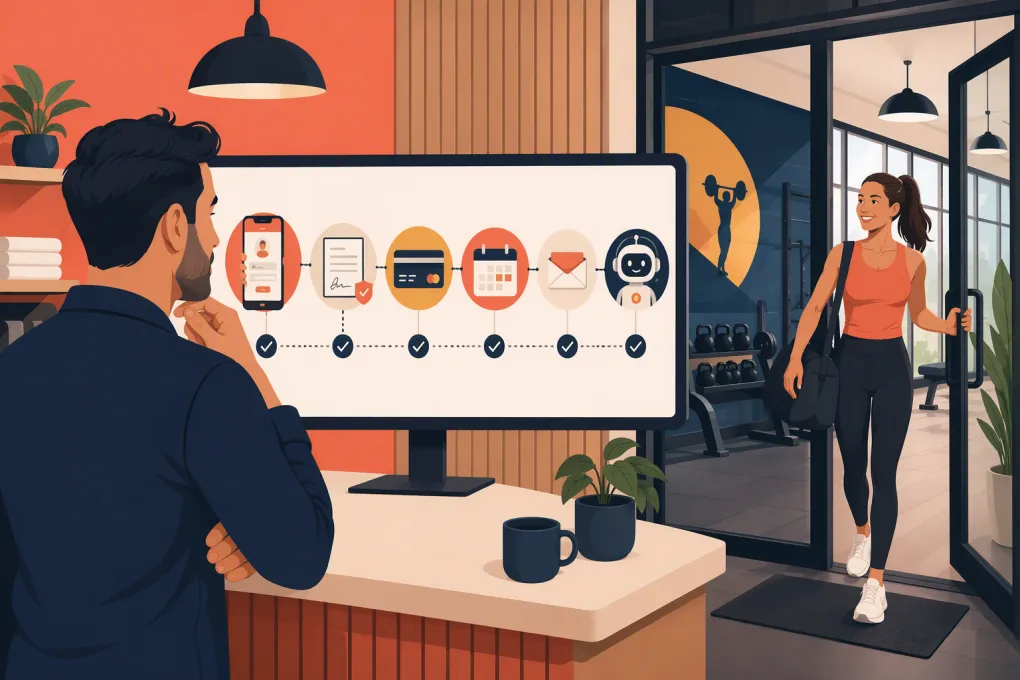
Automating new member onboarding is not about replacing the welcome desk with a wall of robotic messages. It is about making sure every member completes the same critical steps—payment, waiver, first booking, orientation, and early follow-up—without relying on staff memory.
Done well, automation gives members a clear path from purchase to participation. Staff can then focus on the conversations that require judgment, coaching, or personal attention.
Done poorly, it creates duplicate texts, missing waivers, impersonal messages, and members who pay but never show up.
Here is how to automate gym new member onboarding without losing the human experience.
Map the onboarding journey before choosing automations
Start with the process, not the software. Write down what currently happens after someone becomes a member.
For most gyms and studios, onboarding includes:
- Confirming the membership or package purchased
- Collecting payment details and any balance due
- Completing waivers, agreements, and health questionnaires
- Creating the member profile
- Explaining access, booking, cancellation, and facility policies
- Booking the first class, session, or orientation
- Sending arrival instructions
- Checking attendance after the first visit
- Following up if the member does not attend
- Introducing the member to relevant services or programs
Walk through the process using a recent signup. Note every point where staff copy information, send a manual reminder, check a spreadsheet, or wonder whether another employee completed a task. Those are strong automation candidates.
See how WTF Go and Fitty can handle member messages, bookings, follow-up, and dues →
Define the start and finish of onboarding
An automation needs clear boundaries. Otherwise, members can enter the workflow too early, remain in it indefinitely, or receive messages that no longer match their status.
Choose a reliable entry trigger
Possible triggers include:
- A membership agreement is signed
- The first payment succeeds
- A trial converts to a paid membership
- Staff changes the contact status to New Member
- An online purchase is completed
For most businesses, successful enrollment or payment is safer than a lead-stage trigger. A prospect who submits an inquiry should remain in lead follow-up, not receive a message welcoming them as a member.
Choose a completion event
Onboarding could end when the member:
- Completes an orientation
- Attends a first class
- Completes all required forms and makes a first booking
- Reaches a defined membership stage after staff review
The completion event should reflect actual activation, not simply the passage of time. A member who has not visited still needs attention even if several days have passed.
Build the automated onboarding workflow step by step
The exact sequence depends on your business model, but the following structure works for gyms, fitness studios, spas, and wellness businesses.
1. Create and verify the member record
Use the enrollment event to create or update one member profile. Capture the operational fields your team actually needs:
- Full name
- Mobile number and email
- Home location
- Membership or package
- Start date
- Billing status
- Lead source
- Assigned coach or staff owner
- Waiver status
- First-booking status
- Communication consent
Set rules for duplicate records. Email addresses alone may not be sufficient because families sometimes share an address, while phone numbers can be entered in different formats. Give staff a documented merge process rather than allowing multiple profiles to accumulate.
2. Send the administrative packet immediately
The first message should confirm the purchase and provide one clear next action. That action may be signing a waiver, completing an intake form, or setting up an account.
Avoid sending five separate messages at once. A concise welcome message can include:
- What the member purchased
- The membership start date
- A secure link to required documents
- How to book the first visit
- A contact method for questions
Use conditional logic where possible. If the waiver is already complete, skip that request. If a payment fails, pause the normal welcome sequence and route the member into a billing-resolution workflow.
3. Confirm payment and resolve exceptions
Payment automation should distinguish between a successful signup and an unresolved balance.
A practical workflow might be:
- Confirm the completed payment.
- Send a receipt through the payment system.
- Flag a failed or incomplete transaction.
- Notify the member with a secure way to update payment details.
- Create a staff task if the issue remains unresolved.
Do not ask members to send full card information by text or email. Keep payment collection inside an appropriate secure payment flow.
Fitty can support this process by following up and collecting dues while preserving a path to a staff member when the situation needs judgment.
4. Drive the first booking
A welcome message is not the goal. Participation is.
The onboarding sequence should make the next booking easy. Send the member to the correct schedule for their membership, location, and experience level. If the membership requires an assessment or orientation, offer that before general classes.
Useful booking logic includes:
- If booked, send confirmation and arrival instructions.
- If not booked, send a reminder with available next steps.
- If the member asks a question, answer it before repeating the booking prompt.
- If no booking occurs after repeated attempts, assign a staff call.
See how Fitty answers onboarding questions and books members around the clock →
5. Prepare the member for the first visit
Send practical information before the appointment or class. Include only what reduces uncertainty:
- When to arrive
- Where to park or enter
- What to bring
- What to wear
- Check-in instructions
- Cancellation or rescheduling link
- Who they will meet
A first-time visitor may not know your internal terminology. Replace instructions such as report to Zone Three with plain language describing where to go.
6. Branch based on attendance
Attendance should change the automation.
If the member attends, send a brief check-in and the next recommended booking. If the member cancels, offer rescheduling. If the member does not show, acknowledge the missed visit without scolding them and provide an easy route back.
For example:
- Attended: Ask how the first visit went and suggest the next appropriate class or session.
- Canceled: Offer a direct rescheduling option.
- No-show: Check whether anything prevented attendance and offer help booking again.
- No attendance recorded: Create a verification task rather than assuming the member missed the visit.
This is where clean check-in data matters. An automation cannot respond correctly if staff forget to record attendance.
7. Add early-life checkpoints
The first visit is not the end of the relationship. Add checkpoints based on behavior rather than sending the same sequence to everyone.
Examples include:
- No first booking after enrollment
- First booking completed but no attendance
- First visit completed but no second booking
- Required form still missing
- Payment issue still open
- Multiple visits completed and ready for a coach check-in
Keep the number of automated messages reasonable. If a member replies, the system should capture the response, answer when appropriate, or route it to a person. Continuing a rigid sequence after someone asks for help makes the operation feel disconnected.
Decide what AI should handle and what staff should own
AI is useful when the work is repetitive, time-sensitive, and based on information your business has already defined.
An AI receptionist can handle tasks such as:
- Answering routine membership and facility questions
- Explaining how to book
- Helping a member select an eligible class
- Sending reminders and follow-ups
- Responding outside staffed hours
- Collecting outstanding dues through the approved workflow
- Escalating unusual requests
Staff should own conversations involving injuries, medical concerns, serious complaints, contract disputes, sensitive billing situations, or exceptions to policy.
Create clear escalation rules. Include the reason for escalation, the member’s recent messages, and the staff owner. A handoff that only says member needs help forces the employee to reconstruct the entire conversation.
Keep one operational source of truth
Automation becomes fragile when payment status lives in one tool, attendance in another, and staff notes in a spreadsheet nobody checks.
Your central member record should show, at minimum:
- Current membership status
- Payment standing
- Completed documents
- Upcoming bookings
- Attendance history
- Open tasks
- Message history
- Assigned staff member
If you use separate systems, document which one owns each field and how updates move between them. Test what happens when a booking is canceled, a payment fails, or a staff member edits a profile manually.
Measure whether onboarding is working
Do not judge the workflow by how many messages it sends. Track whether members complete the actions that support participation.
Useful operational measures include:
- Required-document completion
- Payment issues resolved
- First bookings made
- First visits attended
- Time from enrollment to first visit
- Members requiring manual intervention
- Unanswered member questions
- Second bookings or visits
Review the exceptions as well as the totals. If many members stop at the same step, the form, message, policy, or booking experience may be the problem.
Common onboarding automation mistakes
Automating a broken process
If staff cannot agree on the correct onboarding steps, software will only execute the inconsistency faster. Standardize the process first.
Treating every membership the same
A first-time group fitness member, experienced open-gym member, personal-training client, and spa guest may need different instructions. Branch the workflow by service, location, and required first step.
Sending messages without context
Every message should reflect what the member has already done. Do not request a waiver that is complete or promote a first booking after the member attended.
Hiding the human contact path
Members should know how to reach a person. Automation should shorten the route to resolution, not create a maze.
Ignoring communication consent
Maintain accurate consent records and honor opt-out requests. Review applicable messaging, email, privacy, and recordkeeping requirements with qualified counsel rather than assuming software configuration alone makes a workflow compliant.
Use this rollout checklist
Before activating the workflow for every new member:
- Define the enrollment trigger and completion event.
- List every required form, payment, booking, and staff task.
- Write separate paths for attended, canceled, and missed visits.
- Add rules for failed payments and incomplete documents.
- Confirm communication consent and opt-out handling.
- Test every link on a mobile device.
- Enroll internal test profiles for each membership type.
- Verify that replies pause or change the automated sequence.
- Confirm that escalations reach a named staff owner.
- Review results and exceptions regularly.
Start with one membership type at one location. Fix the edge cases, then expand the workflow. A controlled rollout is easier to troubleshoot than switching every member journey at once.
Explore an all-in-one onboarding workflow with WTF Go and Fitty →
The best onboarding automation is mostly invisible. Members receive timely guidance, staff see what needs attention, and nobody has to remember which reminder comes next. Build around real member behavior, keep the handoff to people clear, and treat the workflow as an operating process—not a set-it-and-forget-it campaign.
Frequently asked questions
What parts of gym member onboarding should be automated first?
Start with purchase confirmation, required forms, first-booking prompts, arrival instructions, and follow-up for members who have not booked or attended. Keep sensitive disputes and unusual exceptions with staff.
When should a new member onboarding workflow begin?
Use a reliable event such as successful enrollment, signed agreement, or completed first payment. Do not trigger a member welcome sequence from a lead inquiry alone.
How long should automated gym onboarding last?
End onboarding when the member reaches a meaningful activation point, such as completing required forms and attending a first visit. Behavior-based completion is more useful than ending the workflow after an arbitrary number of days.
Can AI handle the entire gym onboarding process?
AI can answer routine questions, support booking, send follow-ups, and help collect dues. Staff should remain responsible for medical concerns, serious complaints, contract disputes, and policy exceptions.
Keep reading



Run your gym on autopilot with WTF Go
Fitty — your AI receptionist — answers calls and DMs, fills classes, follows up with every lead, and collects dues while you coach.