AI & Automation
How to Automate Gym Membership Price Increase Notices Safely
Learn how to automate gym membership price increase notices with clear timing, compliant messaging, member segmentation, and reliable follow-up workflows.
 Watch · 20s
Raising membership prices is sometimes necessary. Rent changes, payroll pressure, equipment costs and expanded services can all make the old rate unsustainable. The operational risk is not the increase alone. It is sending the wrong notice to the wrong member, missing a contractual deadline or leaving staff unprepared for replies.
Automation can prevent those mistakes, but only if the workflow is built around your agreements and member data. A bulk email scheduled for Friday afternoon is not a complete price-change process.
The goal is a controlled system that identifies affected members, sends approved notices through the right channels, records what happened and routes questions to someone who can resolve them.
See how WTF Go and Fitty can handle member questions and price-change follow-up →
Start with the contract, not the announcement
Before writing a message, determine what your membership agreements and applicable laws require. Requirements can vary by contract type, location, renewal structure and jurisdiction. Your payment processor or billing provider may also have procedures for changing recurring charges.
Review these items with qualified counsel when needed:
- Required advance-notice period
- Permitted notice channels, such as email, mail or an in-app message
- Whether the agreement permits a price change during the current term
- Cancellation rights triggered by a material change
- Rules for month-to-month versus fixed-term memberships
- Requirements for prepaid, promotional or legacy plans
- SMS consent and opt-out handling
- State-specific automatic-renewal requirements
Do not let an AI tool interpret your contracts and independently decide who can be charged more. Convert the reviewed requirements into explicit workflow rules that your system can follow.
A simple compliance matrix helps:
| Membership type | Can price change now? | Required notice | Approved channel | Cancellation option | Owner |
|---|---|---|---|---|---|
| Month-to-month | Based on agreement | Enter reviewed period | Enter approved channels | Based on terms | Membership manager |
| Fixed term | Often depends on contract | Enter reviewed period | Enter approved channels | Based on terms | General manager |
| Legacy rate | Business decision plus contract review | Enter reviewed period | Enter approved channels | Based on terms | Owner |
| Prepaid term | Review before changing | Enter reviewed period | Enter approved channels | Based on terms | Billing lead |
This matrix becomes the logic behind the automation.
Clean and segment the membership data
Price increase failures often begin with poor records. One household may have several memberships, a frozen account may still appear active, or an old promotion may be stored as a note rather than a plan field.
Build a report containing at least:
- Member ID and home location
- Current plan and recurring price
- Proposed new price
- Billing frequency
- Agreement start and renewal dates
- Membership status
- Freeze or medical-hold status
- Discount, scholarship or employer benefit
- Email and mobile number
- Communication consent and opt-out status
- Assigned staff owner
- Effective date of the change
Then create separate segments. Do not use one list for everyone.
Common segments include active month-to-month members, fixed-term members changing at renewal, frozen members, family accounts, corporate memberships, staff plans and members whose rates will remain unchanged. Multi-location operators should also segment by legal entity and home club when agreements or policies differ.
Export and archive the final audience before sending anything. That snapshot gives you a record of who was included, which rate applied and which contact details were used.
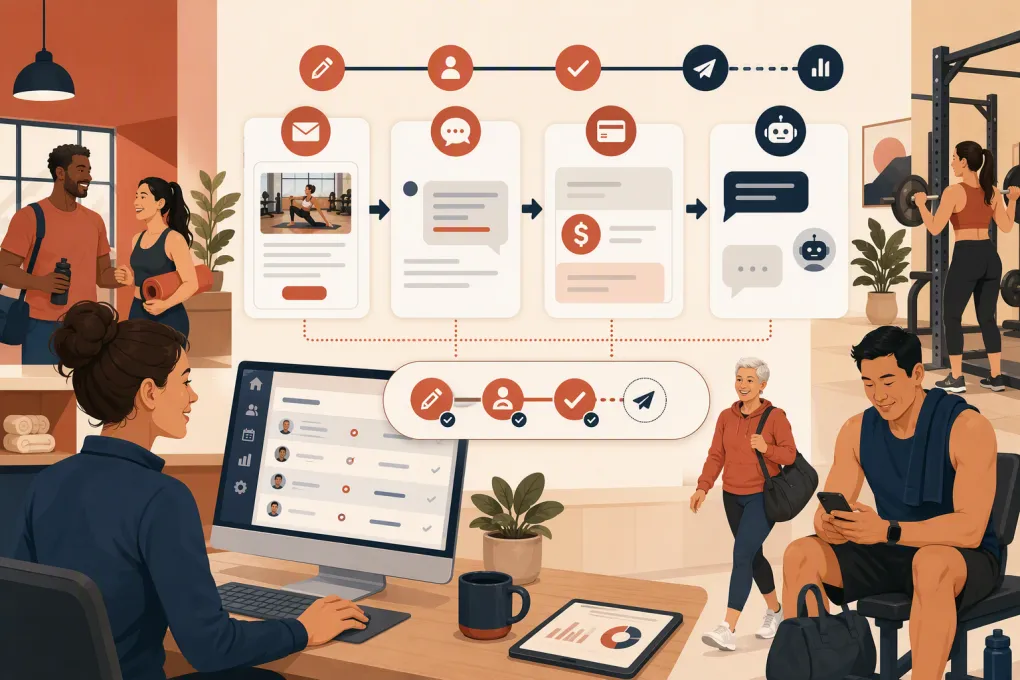
Build a price increase notice workflow
A reliable workflow uses relative timing rather than manually selected dates. The contractually reviewed notice deadline should drive every later step.
1. Create a single source of truth
Store the old price, new price, notice deadline and effective date in structured fields. Do not bury them in a spreadsheet comment or staff chat.
Generate message variables from those fields:
- Member first name
- Current plan name
- Current recurring amount
- New recurring amount
- Effective date
- Home location
- Cancellation or account-management instructions
- Support contact
Require an operator to approve the values before the workflow starts.
2. Send the formal notice through approved channels
Use the channel required by the agreement or applicable rules. Email is useful because it supports a complete explanation and creates a delivery record. SMS can serve as a short alert or reminder when the member has provided the necessary consent, but it should not automatically replace a required formal channel.
Keep marketing content out of a formal billing notice. Adding promotional offers can complicate the message, confuse the purpose and create additional consent considerations.
3. Add delivery-failure branches
Automation should react when a message cannot be delivered.
For example:
- If email bounces, create a contact-verification task.
- If SMS is unavailable or opted out, use another approved channel.
- If required postal mail is returned, flag the account for manual review.
- If contact information is missing, stop the billing change until an authorized operator reviews the account.
A sent status is not the same as successful delivery.
4. Schedule a reminder
Send a concise reminder before the effective date if your reviewed process allows it. Reference the original notice rather than presenting the increase as new information.
The reminder should repeat the new amount, effective date and support path. Avoid creating urgency with sales language.
5. Trigger the billing update separately
The communication workflow and billing workflow should be connected but distinct. Sending a notice does not itself authorize or execute a recurring-price change.
Use a second approval checkpoint before updating billing records. Reconcile the billing-change list against cancellations, freezes, approved exceptions and plan changes received after the original notice.
For multi-location businesses, test the update on internal or designated test accounts before processing the full batch.
See how WTF Go can connect member communication, follow-up and dues workflows →
Use a clear gym membership price increase template
The notice should answer the member’s practical questions without making them search through a long explanation.
Email template
Subject: Update to your membership rate effective [date]
Hi [first name],
We are writing to let you know that the recurring rate for your [plan name] membership will change from [current amount] to [new amount] per [billing frequency], effective [date].
[Provide a brief, factual explanation of the business reason and any relevant service improvements. Do not promise benefits that are not confirmed.]
Your membership will otherwise continue under its current terms unless stated here: [approved explanation of any other change].
You can review your membership options or ask a question by [approved support instructions]. Information about cancellation or account changes is available at [link or instructions consistent with the agreement].
Thank you,
[Gym or studio name]
SMS reminder template
Reminder from [business name]: your [plan] rate is scheduled to change to [new amount] on [date]. We sent full details to [masked email]. Questions? Reply here or visit [account link]. Reply STOP to opt out where applicable.
Have counsel or an appropriate compliance professional review the final templates, especially any language about continued membership, consent or cancellation.
Prepare for replies before sending
Members will ask whether they can keep their old rate, switch plans, pause, cancel or receive an exception. If the front desk improvises every answer, the process becomes inconsistent quickly.
Create an approved response playbook covering:
- Who qualifies for a temporary exception
- Whether members can move to a lower-priced plan
- How annual and monthly options are handled
- Rules for freezes and medical holds
- Family-account changes
- Cancellation procedures
- When a manager must approve an answer
- What staff must never promise
Fitty, WTF Go’s AI receptionist and agent, can answer common questions around the clock, follow up with members and route exceptions to staff. The key is to provide approved policies and escalation rules. AI should not negotiate rates or invent exceptions outside those boundaries.
For example, a safe automation can answer a basic effective-date question immediately. A request to preserve a legacy rate should open a manager task with the relevant membership details attached.
See how Fitty can answer membership questions after hours without inventing policy →
Test the complete journey
Run the workflow with test records representing each important segment. Review what the member sees on a phone, not only inside the management platform.
Confirm that:
- Every variable displays correctly
- Prices include the proper billing frequency
- Dates match the member’s segment
- Links open the correct account or policy page
- Replies reach a monitored inbox or agent
- Opt-outs are honored
- Bounces and failures create tasks
- Staff can see the notice history
- Exceptions are removed from the billing batch
- The old and new recurring amounts reconcile correctly
Assign one person to own the launch and another to verify the billing update. Clear ownership matters more than adding another notification channel.
Monitor the process with an audit log
Keep a record of the approved audience, message version, send time, delivery result, replies, escalations, exceptions and billing update. Preserve copies of the actual notices, not just the template currently stored in the system.
Useful operational indicators include delivery failures, unresolved replies, opt-outs, cancellation requests, plan-change requests and accounts whose billing update failed. Email open rates are less useful as proof of notice because privacy features and tracking limitations can make them unreliable.
After the effective date, reconcile the final billed amount against the approved increase list. Investigate mismatches before the next billing cycle.
The best automation is not the one that sends the most messages. It is the one that applies reviewed rules consistently, gives members clear information and makes every exception visible to the operator.
Frequently asked questions
How much notice should a gym give before increasing membership prices?
The required period depends on the membership agreement, renewal structure and applicable state or local law. Review those requirements before configuring the automation rather than relying on a universal notice period.
Can a gym send a price increase notice by text message?
SMS may be useful as a notice or reminder, but consent rules and contractual notice requirements still apply. Confirm whether another channel, such as email or postal mail, is required.
Should frozen memberships receive a price increase notice?
That depends on the agreement and when the new rate will apply. Treat frozen accounts as a separate segment so they can receive the correct timing and language.
Can AI answer member questions about a dues increase?
Yes, if it uses approved answers and clear escalation rules. Requests involving exceptions, contract interpretation or negotiated pricing should be routed to authorized staff.
What should be automated besides the initial notice?
Automate segmentation, reminders, delivery-failure tasks, reply routing, exception tracking and reconciliation. Keep human approval gates before launch and before recurring billing records are changed.
Keep reading



Run your gym on autopilot with WTF Go
Fitty — your AI receptionist — answers calls and DMs, fills classes, follows up with every lead, and collects dues while you coach.