AI & Automation
How to Automate Fitness Studio Abandoned Booking Follow-Up
Learn how to automate fitness studio abandoned booking follow-up with smart triggers, compliant messages, staff handoffs, and practical workflow templates.
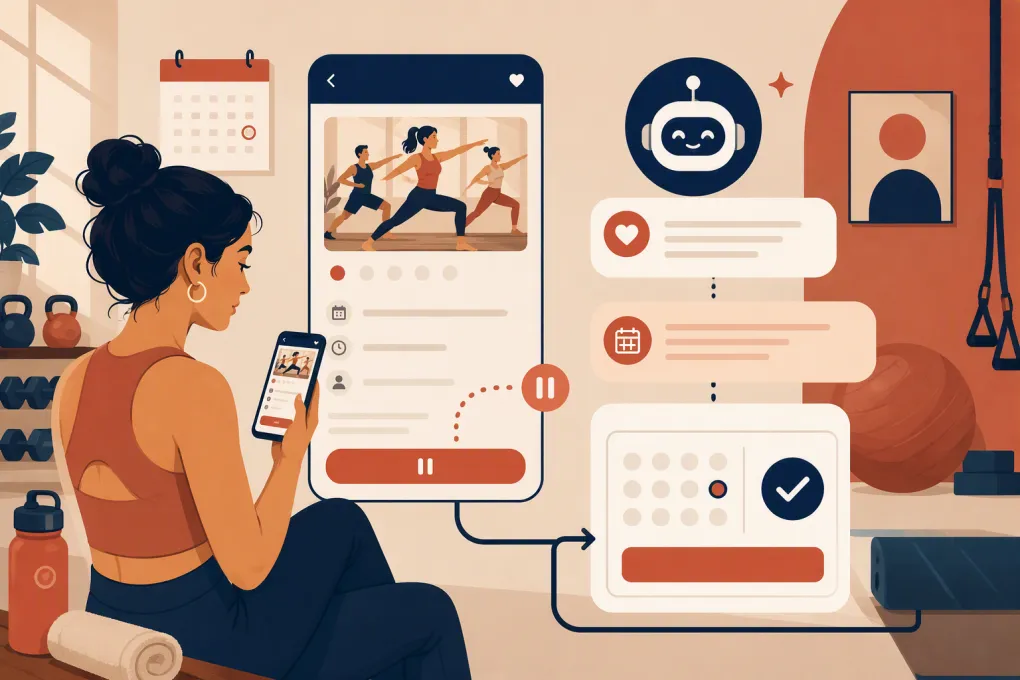 Watch · 20s
A prospective client finds your studio, chooses a class, starts booking—and disappears before confirming. Sometimes the issue is price. Often it is something simpler: a question, a payment problem, an inconvenient account setup, or an interruption.
If nobody follows up, the operator has to hope that person remembers to return. Automated abandoned booking follow-up replaces that hope with a controlled process: detect the incomplete booking, send a useful message, answer questions, and give the prospect a direct route back to the right class.
The goal is not to chase every visitor. It is to recover genuine booking intent without creating spam or adding another manual task to the front desk.
What counts as an abandoned fitness studio booking?
An abandoned booking occurs when someone shows meaningful intent but does not complete the reservation. Depending on your software, that could mean the person:
- Entered contact information but did not submit payment
- Selected a class, appointment, or intro offer without confirming
- Created an account but stopped during checkout
- Clicked a booking link from a text conversation but did not finish
- Encountered a full class, failed payment, waiver, or login issue
- Asked to book through phone or chat but stopped responding
Do not treat a general website visit as a booking abandonment. Automation works best when it responds to a clear action and has enough information to help the person continue.
Your booking system, CRM, website form, chat tool, or payment platform must therefore capture an identifiable event. At minimum, you need a contact method, the requested service, the time of the attempt, and the last completed step.
See how Fitty follows up with fitness leads and helps them finish booking →
Build the abandoned booking workflow step by step
A reliable workflow has five parts: trigger, qualification, message sequence, booking route, and stop condition. Build those parts before worrying about clever copy.
1. Define a precise automation trigger
Start with one high-intent event, such as an incomplete first-class booking. A useful trigger might be:
- Contact details were captured
- A specific class or appointment was selected
- No confirmed reservation exists
- No successful payment exists, if payment is required
- A short delay has passed since the last booking action
The delay matters. Someone who pauses for a minute may still be reading policies or finding a card. Triggering an immediate barrage of messages can feel intrusive and may collide with a booking already in progress.
Also exclude contacts who are already booked, unsubscribed, marked do-not-contact, or actively working with a staff member.
2. Preserve the booking context
A generic message such as “Still interested?” forces the prospect to reconstruct the entire process. Save and reuse the details you already know:
- Studio location
- Class, service, or intro offer
- Requested date and time
- Instructor or provider, when relevant
- Booking URL
- Lead source
- New prospect versus existing client
- Checkout stage or error state
Context lets the automation send the person back to the correct next step rather than the top of a schedule page.
Before using a booking link, test whether it preserves the selected location and service. Confirm that it works on mobile, does not require unnecessary navigation, and handles expired or newly full sessions gracefully.
3. Use a short, escalating follow-up sequence
The first message should help, not sell harder. A practical starting sequence looks like this:
| Timing | Channel | Purpose | Example |
|---|---|---|---|
| Shortly after abandonment | SMS or active chat channel | Surface obstacles | “Hi Sam, it looks like your booking for Tuesday’s beginner reformer class wasn’t completed. Did you hit a problem, or would you like the booking link?” |
| Next appropriate contact window | Email or SMS | Restore context | “Your selected class may still be available. You can continue here: [booking link]. Reply if you need a different time.” |
| One or two days later | SMS, email, or staff task | Offer an alternative | “Would Wednesday evening or Saturday morning work better? I can help you find the right session.” |
| Final follow-up | Email or SMS | Close the loop | “I’ll close this out for now. If you still want to visit, reply here and we’ll help you book.” |
These timings are starting points, not universal rules. Adjust them around your sales cycle, operating hours, client expectations, and communication permissions.
Stop the sequence immediately when the person books, opts out, asks not to be contacted, or enters a live conversation with staff. Continuing after conversion makes the business look disconnected.
4. Let prospects reply naturally
A one-way reminder can recover people who simply forgot. It does little for someone asking:
- Is this class suitable for a beginner?
- Can I bring an injury modification request?
- Is childcare available?
- What happens if I need to cancel?
- Do I need equipment?
- Can I use a membership or package?
Your automation should either answer approved operational questions or route the conversation to a person. An AI receptionist can be especially useful here because it can continue the interaction beyond a fixed reminder and guide the prospect toward a valid class or appointment.
The AI should have access to current schedules, offers, location details, policies, and escalation rules. It should not improvise medical advice, promise unavailable accommodations, or invent an exception to studio policy.
5. Create an obvious human handoff
Automation should reduce front-desk work, not trap prospects in a bot loop. Create staff alerts for cases such as:
- Repeated payment failure
- Membership freeze or billing dispute
- Accessibility or medical accommodation question
- Complaint or negative sentiment
- High-value private training or treatment inquiry
- Request for an exception to policy
- No suitable availability found
The handoff should include the conversation, requested service, booking attempt, and actions already taken. Staff should not have to ask the prospect to repeat everything.
See how WTF Go and Fitty connect lead conversations, follow-up, and booking →
Segment the workflow instead of sending one message to everyone
New prospects, existing members, and lapsed clients have different needs. Build separate branches where the booking context warrants it.
New prospects
Reduce uncertainty. Mention the selected intro service, explain what happens next, and answer common first-visit questions. Avoid pushing a long-term membership before the person has completed the visit they already selected.
Existing members
Assume the obstacle may be operational: package eligibility, account access, waitlist status, or schedule confusion. Use authenticated booking links where your system supports them, and avoid sending acquisition offers that conflict with an existing plan.
Full-class attempts
Do not keep linking to a full class. Offer a waitlist or the nearest suitable alternatives. If availability changes, the workflow must check live capacity before claiming that a spot is open.
Failed payments
Keep payment messages neutral and private. Provide a secure path to retry or update payment details. Never ask clients to send full card information through text, email, or chat.
Protect consent, deliverability, and client trust
Abandoned booking automation still has to follow applicable communication and privacy rules. In the United States, SMS and phone outreach may be subject to the Telephone Consumer Protection Act and related requirements. Commercial email is subject to CAN-SPAM requirements. State privacy laws and platform rules may also apply.
Operational safeguards should include:
- Clear consent language where consent is required
- Records of the consent source and timestamp
- Recognized opt-out handling, including STOP for SMS
- Accurate sender identification
- A functioning email unsubscribe mechanism
- Reasonable contact hours based on the recipient’s local time
- Suppression lists shared across automated and manual outreach
- Access controls and retention rules for contact data
Separate transactional communication from marketing where appropriate. A requested booking link is not automatically permission for unlimited promotional messaging. Have qualified counsel review your specific consent language and outreach practices.
Measure whether the automation is helping
Do not judge the workflow only by message opens or replies. Track the entire path from abandonment to attendance.
Useful metrics include:
- Identified abandoned booking attempts
- Follow-ups delivered
- Prospects who replied
- Bookings completed after follow-up
- Time from abandonment to confirmed booking
- Human handoffs created and resolved
- Opt-outs, spam complaints, and delivery failures
- Recovered bookings that resulted in attendance
- Reasons prospects gave for not completing
Use consistent attribution rules. For example, decide how long after the automated message a completed reservation can reasonably be credited to the workflow. Keep direct conversions separate from bookings completed after staff intervention.
Review failed attempts as well. If many prospects stop at account creation, waiver completion, or payment, follow-up is treating the symptom. The better fix may be simplifying checkout, clarifying pricing, or repairing a technical issue.
Common automation mistakes to avoid
Sending too many reminders
More messages are not automatically more effective. Every message should add context, offer help, or provide a new route forward.
Using stale links and schedules
A follow-up that promotes an expired offer or unavailable class destroys confidence. Use live booking information where possible and regularly test every automated route.
Failing to recognize completed bookings
Booking confirmation must be a universal stop condition, including reservations made by staff, through another channel, or under a matching client record.
Automating policy exceptions
AI and workflow tools should explain approved policies, not invent discounts, refunds, medical guidance, or special access. Escalate exceptions to an authorized employee.
Ignoring duplicate contacts
One person may enter a phone number, use a different email at checkout, and already exist in the CRM. Set matching and deduplication rules so the same person does not receive overlapping sequences.
A practical rollout checklist
Start with one location, one service category, and one abandonment event. Then:
- Map the current booking path on mobile and desktop.
- Identify where contact details become available.
- Define the trigger, delay, exclusions, and stop conditions.
- Write messages for the actual reasons prospects hesitate.
- Build reply handling and staff escalation rules.
- Test completed bookings, full classes, failed payments, opt-outs, and duplicate records.
- Monitor conversations before expanding the workflow.
- Review booking friction monthly, not just message performance.
The best abandoned booking workflow feels less like remarketing and more like competent front-desk service. It remembers what the prospect wanted, helps resolve the obstacle, and stops as soon as the job is done.
Frequently asked questions
How soon should a fitness studio follow up on an abandoned booking?
Follow up after a short delay that allows the person to finish naturally. The right timing depends on the booking flow, contact permissions, operating hours, and whether the message is transactional or promotional.
Should abandoned booking follow-up use SMS or email?
SMS is useful for time-sensitive, conversational help, while email provides more room for visit details and policies. Use the channels the prospect has consented to and stop outreach when they book or opt out.
What should trigger an abandoned booking automation?
Use a high-intent event such as captured contact details plus a selected class or appointment, followed by no confirmed reservation. Exclude completed bookings, unsubscribed contacts, and conversations already assigned to staff.
Can AI complete an abandoned fitness studio booking?
An AI receptionist can answer approved questions, suggest available options, send the correct booking route, and escalate exceptions. It needs current schedule, offer, policy, and client data to do that reliably.
Keep reading



Run your gym on autopilot with WTF Go
Fitty — your AI receptionist — answers calls and DMs, fills classes, follows up with every lead, and collects dues while you coach.