Guides
Fitness Studio Software Data Migration Template & Guide
Use this fitness studio software data migration template to clean member records, map billing data, plan cutover, and switch systems without losing leads.
 Watch · 20s
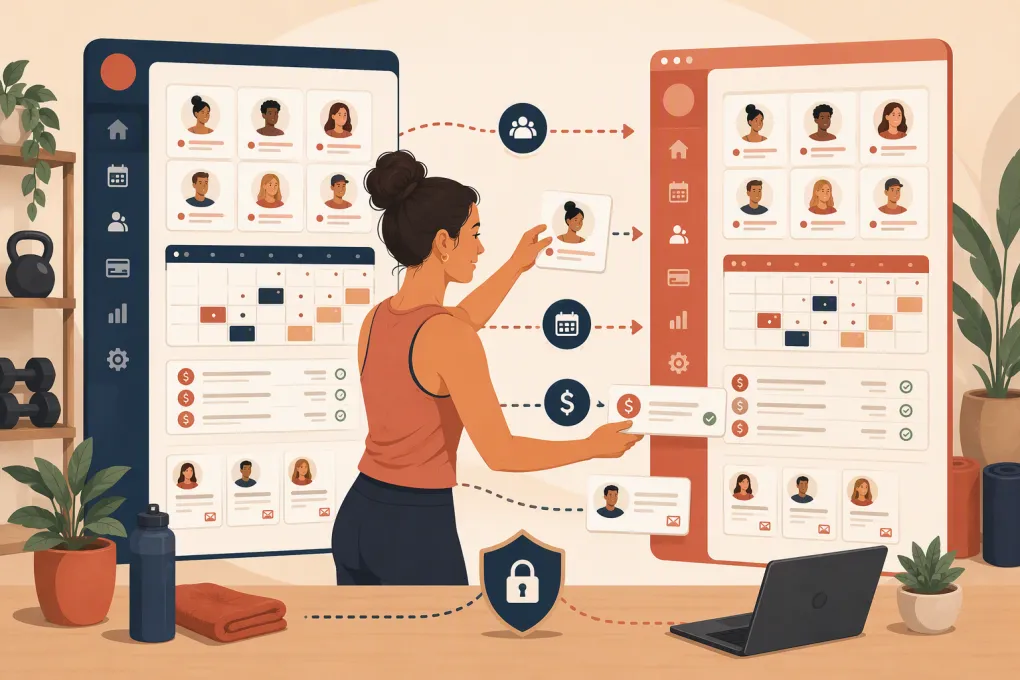
Changing studio software is not just an export-and-import job. You are moving the operating history of the business: members, recurring plans, unpaid balances, class schedules, waivers, leads and staff access. A weak migration can create duplicate members, missed follow-ups, booking confusion and awkward billing conversations.
A fitness studio software data migration template gives the project structure. It defines what should move, who owns each decision, how fields map between systems and what must be verified before the old platform is shut down.
The goal is not to copy every record you have ever collected. It is to launch the new system with clean, usable data and a clear audit trail.
See how WTF Go can consolidate booking, follow-up and member operations before you plan the move →
What your migration template should contain
Build the template as a workbook with separate tabs. A shared spreadsheet works for planning, although actual exports and sensitive files should be stored and transferred through approved secure methods.
Use these core tabs:
- Migration control sheet
- Members and contacts
- Memberships and packages
- Classes, appointments and resources
- Billing status and balances
- Leads and sales activity
- Waivers, forms and documents
- Staff and permissions
- Field mapping
- Testing and reconciliation
- Cutover tasks
Assign one owner to every tab. If everyone is responsible, nobody is responsible when a field is missing.
Copy this migration control sheet
The control sheet is the project dashboard. Use one row for each data set or operational workflow.
| Data set or workflow | Source system | Destination | Record owner | Export date | Import method | Test owner | Status | Issue or decision |
|---|---|---|---|---|---|---|---|---|
| Active members | Current CRM | New platform | General manager | CSV or vendor-assisted | Front desk lead | Not started | ||
| Recurring memberships | Current billing system | New platform | Finance owner | Confirm with vendors | Finance owner | Not started | Token portability unknown | |
| Future bookings | Booking calendar | New calendar | Studio manager | Import or manual rebuild | Schedule lead | Not started | ||
| Open leads | CRM and inbox | New CRM | Sales manager | CSV import | Sales manager | Not started | Preserve source and next task | |
| Waivers | Document storage | New member profile | Operations | File transfer or archive link | Operations | Not started | Confirm legal retention needs |
Add target record counts, imported record counts and exception counts once testing begins. Those totals make reconciliation much easier than manually browsing profiles.
Member and contact data template
Create one canonical record per person. Do not assume email addresses are always unique: families may share one, and old systems often contain blank or placeholder addresses.
Recommended member columns include:
legacy_member_id
first_name
last_name
preferred_name
email
mobile_phone
address_line_1
address_line_2
city
state
postal_code
date_of_birth
emergency_contact_name
emergency_contact_phone
home_location
member_status
join_date
marketing_email_consent
marketing_sms_consent
consent_source
consent_date
account_notes
created_at
updated_at
Keep the legacy member ID even if the new system creates a different ID. It gives your team a cross-reference when someone reports a missing package or incorrect balance.
Before import, standardize phone formats, state codes, dates and status labels. Decide whether Active, active member and Current all map to one destination value. Remove obvious test accounts, but do not delete disputed or financially relevant records without review.
Membership and package template
A contact record alone is not enough. The migration must preserve what each person bought and what they can still use.
Track these fields:
| Field | Purpose |
|---|---|
| Legacy agreement ID | Connects the imported plan to the original record |
| Member ID | Links the plan to the correct person |
| Plan or package name | Identifies the purchased product |
| Start and end dates | Controls access and expiration |
| Billing frequency | Monthly, weekly, paid in full or another valid cadence |
| Next bill date | Supports billing continuity |
| Current rate | Records what the member is actually charged |
| Remaining sessions or credits | Preserves unused value |
| Freeze status and dates | Prevents accidental access or billing changes |
| Cancellation notice date | Preserves an in-progress cancellation |
| Contract status | Active, expired, canceled or pending |
| Home location | Routes revenue and access correctly |
Do not replace a member’s actual rate with the current public price. Grandfathered pricing and custom agreements need an explicit destination rule.
Treat payment data as a separate project
Never place full card numbers or bank account details in a migration spreadsheet. Payment credentials are commonly represented by secure tokens, and whether those tokens can move depends on the processors, platforms and contractual setup involved.
Ask both vendors, in writing:
- Can existing payment tokens be transferred?
- Who initiates and approves the transfer?
- Which payment methods are eligible?
- Will members need to re-enter payment details?
- How are failed or unmatched tokens reported?
- Who owns PCI-related responsibilities during the transition?
- When should the old merchant account stop processing charges?
If credentials cannot move, plan a member payment-update campaign rather than discovering the issue at launch.
Schedule, booking and resource template
Future bookings affect members immediately, so handle them carefully. Document:
- Class and appointment name
- Location and room
- Instructor or provider
- Date, start time and duration
- Capacity and waitlist rules
- Recurrence pattern
- Booking window
- Cancellation policy
- Existing attendees and waitlisted members
- Resource requirements, such as a reformer, treatment room or recovery device
Recurring events are a common source of errors because source and destination platforms may represent recurrence differently. Test several real examples, including schedule exceptions and instructor substitutions. Compare the actual calendar, not just the number of imported class types.
Leads and follow-up data template
Many migrations focus on active members and leave prospective revenue behind. Your open leads should move with enough context for the team—or an AI agent—to continue the conversation.
Include:
lead_id
first_name
last_name
email
phone
lead_source
location_interest
service_interest
lead_stage
last_contact_at
next_follow_up_at
assigned_owner
trial_status
appointment_status
conversation_summary
marketing_consent
Importing a lead without the next action produces a contact list, not a working pipeline. At minimum, preserve stage, last contact, next task and service interest.
This is also the point to define what happens after launch. Fitty, WTF Go’s AI receptionist and agent, can answer leads, book classes, follow up and collect dues around the clock rather than letting the newly cleaned pipeline go stale.
See how Fitty can take over lead response and booking after migration →
Compare software before finalizing the migration scope
Migration requirements depend on the platform you choose. The table below is a practical starting point, not a substitute for a written implementation scope. Features, import support and contract terms can vary by plan, region and source system.
| Platform | Core operational fit | Booking | Automation and AI | Multi-location | Migration and pricing considerations | Best fit |
|---|---|---|---|---|---|---|
| WTF Go | All-in-one operations for gyms, studios, spas and wellness businesses | Classes and operational booking workflows | Fitty handles lead response, booking, follow-up and dues collection | Relevant for independent and multi-location operators; confirm configuration needs | Confirm exact import fields, historical data scope, integrations and commercial terms during onboarding | Operators wanting core software plus an AI receptionist in one operating system |
| Mindbody | Broad business management platform with a large consumer marketplace presence | Classes and appointments | Includes marketing and automation capabilities; verify the exact AI and communication workflows required | Supports multi-location businesses, with setup depending on the organization | Migration scope, onboarding and pricing depend on the selected package and business requirements | Studios and wellness businesses that value marketplace reach and a broad established platform |
| Glofox | Fitness-focused member management and branded customer experiences | Class scheduling and member booking | Provides sales and engagement tools; verify whether required conversations need staff, workflows or third-party tools | Used by both single-site and multi-location fitness brands | Ask which records can be imported and whether services are included or separately scoped | Fitness businesses prioritizing branded member booking experiences |
| Zen Planner | Member management oriented toward gyms, schools and fitness communities | Scheduling, attendance and membership workflows | Offers communication and operational tools; verify advanced AI receptionist requirements | Suitability depends on structure and reporting needs | Request a field-level migration plan and current pricing directly | Gyms and membership businesses needing established attendance and member workflows |
| WellnessLiving | Broad studio and wellness management suite | Classes, appointments and service booking | Includes marketing and client engagement capabilities; validate the exact automation depth needed | Offers multi-location capabilities, subject to setup and plan | Confirm document, payment, historical record and custom-field handling before signing | Studios and wellness operators seeking a wide feature set in one platform |
The decisive question is not whether a vendor says it supports migration. Ask for a field-level list of what will be imported, what will be archived, what must be rebuilt manually and who handles exceptions.
Run a test migration before cutover
Never make the first import the live import. Use a representative sample containing:
- An active recurring member
- A frozen membership
- A member with a grandfathered rate
- A family or shared account
- A member with unused credits
- An overdue balance
- A future appointment
- A future class booking and waitlist position
- A lead with an open follow-up task
- A former member who must remain in history
For each sample, verify the profile, access rights, package balance, next billing date, bookings, notes and communication consent. Record every mismatch in the testing tab with an owner and resolution.
Use a controlled cutover checklist
A clean cutover has a defined freeze window and rollback plan.
Before the freeze
- Complete data cleanup and deduplication.
- Resolve unknown membership statuses.
- Confirm payment-token handling.
- Publish the final class and staff schedules.
- Train staff on check-in, booking, refunds and profile lookup.
- Prepare member communications only for changes they need to know about.
During the freeze
- Export final data from every source.
- Record export timestamps and row counts.
- Restrict nonessential edits in the old platform.
- Import data in dependency order: contacts, products, agreements, balances, schedules, bookings and leads.
- Log any manual changes made during the transition.
Before going live
- Reconcile record counts.
- Test booking and cancellation from the member side.
- Test front-desk check-in.
- Verify upcoming charges without prematurely processing them.
- Confirm automated messages use the right location, sender and timing.
- Test lead capture outside staffed hours.
- Keep read-only access to the old system if your agreement and retention policy allow it.
Talk to WTF Go about moving operations without leaving lead response and follow-up behind →
Do not migrate clutter without a reason
Historical data can matter for accounting, disputes, contracts and operational analysis. That does not mean every obsolete tag, duplicate note or canceled test class belongs in the live platform.
Classify each data set as:
- Import: Required for current operations.
- Archive: Must be retained but does not need to be active.
- Rebuild: Better recreated using the new platform’s structure.
- Delete: Eligible for disposal under your documented retention and privacy policies.
Get financial, legal or compliance guidance where appropriate. A software migration is a good opportunity to reduce unnecessary data, but it is not permission to destroy records the business is required to retain.
The standard for a successful migration
Success is not simply logging into the new dashboard. Members can book, staff can find accurate records, scheduled charges are understood, leads receive timely responses and the old platform is no longer needed for daily work.
Use the template to force clear decisions before launch. Map every critical field, test difficult records, reconcile totals and give each exception an owner. That discipline matters more than moving quickly—and it prevents your software change from becoming a member-service problem.
Frequently asked questions
How long does a fitness studio software migration take?
It depends on data quality, payment-token handling, integrations, locations and the amount of history being moved. Build the timeline only after both vendors confirm the field-level scope.
Can recurring payment information move to new studio software?
Sometimes, but payment tokens are not automatically portable. The source platform, destination platform and payment processors must confirm eligibility and the secure transfer process.
Should former members be included in the migration?
Keep records needed for financial, contractual, service or retention purposes, but they may belong in an archive rather than the active database. Apply your documented legal and privacy policies.
What is the biggest risk in a gym software migration?
The biggest operational risk is importing incomplete or poorly mapped data without testing. Membership terms, future bookings, billing dates, balances and open lead tasks deserve particular attention.
When should members be told about the software change?
Tell members when the change affects an action they must take, such as downloading an app, resetting a password or updating payment details. Avoid announcing uncertain dates before testing is complete.
Keep reading



Run your gym on autopilot with WTF Go
Fitty — your AI receptionist — answers calls and DMs, fills classes, follows up with every lead, and collects dues while you coach.