Comparisons
Barre Studio Management Software: Complete Buying Guide
Compare barre studio management software by booking, billing, retention, AI, reporting, and migration so you can choose the right platform with confidence.
 Watch · 20s
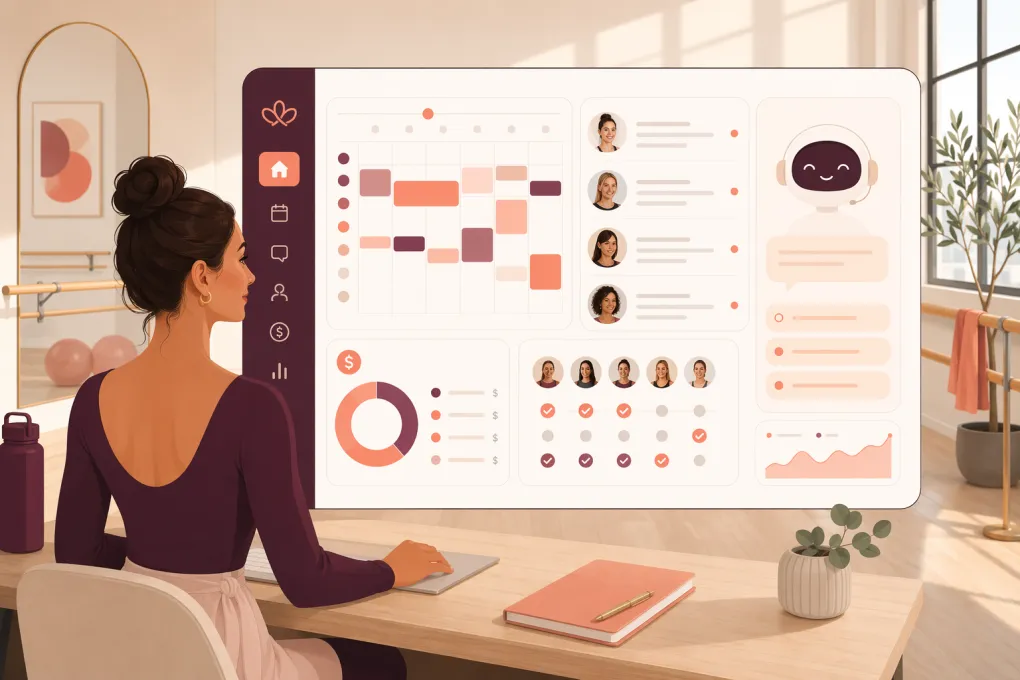
Barre studio management software should do more than put classes on a calendar. It needs to convert inquiries, manage recurring memberships, control class capacity, keep waitlists moving, collect payments, and give staff a reliable view of every client interaction.
The operational test is simple: does the software reduce work at the front desk, or does it create another inbox your team has to monitor?
Many platforms handle basic scheduling and billing. The differences become clearer when a lead messages after hours, a member’s payment fails, a full class develops an active waitlist, or an owner needs consistent reporting across multiple locations. Those are the moments that should drive your buying decision.
See how WTF Go and Fitty handle barre leads, bookings, and follow-up →
What barre studio management software should handle
A barre business combines appointment-like capacity constraints with a recurring class schedule and membership model. Your system should support the complete client lifecycle rather than treating booking, marketing, and collections as unrelated tasks.
Lead capture and fast response
Prospects may arrive through your website, phone, social media, referrals, or paid campaigns. The software should create a usable contact record and make the next action obvious.
Look for the ability to:
- Capture contact details and lead sources
- Respond outside staffed hours
- Answer routine questions about classes, pricing, and policies
- Follow up when a lead does not book
- Move prospects toward an intro offer or first class
- Show staff the conversation history
A contact database alone is not a lead-management system. Ask what actually happens after someone submits a form at 9:30 p.m. If the answer is that your manager sees it tomorrow, the workflow still depends on manual coverage.
Class booking, capacity, and waitlists
Barre classes have limited spaces, popular time slots, instructor substitutions, and late-cancellation rules. Booking tools should make these constraints manageable for both clients and staff.
Check for:
- Recurring class schedules
- Capacity limits by room or class
- Automated waitlist promotion
- Booking windows and cutoff times
- Cancellation and no-show policies
- Instructor assignments and substitutions
- Client self-service for reservations and cancellations
- Support for workshops, private sessions, or appointments if offered
Test the mobile booking experience yourself. A technically functional flow can still cost bookings if clients must create an account too early or navigate too many screens.
Memberships, packages, and payments
Most studios need a mix of unlimited memberships, class packs, drop-ins, introductory offers, and limited-use plans. The software must apply the right eligibility and expiration rules without requiring regular staff intervention.
Review how it handles:
- Recurring membership billing
- Class credits and expiration dates
- Pauses, freezes, and cancellations
- Proration and plan changes
- Failed-payment follow-up
- Digital waivers and agreements
- Discounts, promotional codes, and gift cards
- Refund permissions and transaction records
Do not evaluate payment processing only by the advertised rate. Ask about payout timing, chargeback workflows, contract terms, hardware requirements, and whether you can use another processor. Pricing and processing policies change, so request current details in writing.
Retention and client communication
Retention work starts before a client is visibly at risk. Useful software helps your team identify attendance changes and execute consistent outreach.
Relevant workflows include:
- First-visit follow-up
- Reminders for upcoming reservations
- Outreach after repeated absences
- Expiring package notifications
- Membership renewal communication
- Failed-payment recovery
- Segmented email or text campaigns
- Tracking notes and previous conversations
Ask whether these actions are automated, merely reported, or left to staff. A dashboard showing inactive members has limited value if someone still has to export a list, draft messages, and record every response manually.
Barre studio software comparison
There is no universal best platform. A single-location studio prioritizing an easy marketplace presence may choose differently from a growing regional brand that needs standardized multi-location workflows.
Product capabilities, packaging, and pricing can change. Use this table to create a shortlist, then verify every critical requirement during a live demo.
| Platform | Core strengths | Booking and CRM | Automation and AI | Multi-location and integrations | Pricing and migration considerations | Best fit |
|---|---|---|---|---|---|---|
| WTF Go | All-in-one operations with Fitty, its AI receptionist and agent | Connects lead handling, class booking, follow-up, and dues collection | Fitty can answer leads, book classes, follow up, and collect dues around the clock | Designed for gyms, studios, spas, and wellness operators; confirm required integrations during discovery | Request current pricing and a migration plan based on your existing data | Studios that want fewer disconnected tools and stronger after-hours coverage |
| Mindbody | Broad fitness and wellness ecosystem with consumer marketplace exposure | Established scheduling, client management, memberships, and payments | Marketing and communication tools are available; evaluate which workflows are automated within your plan | Supports multi-location businesses and a broad integration ecosystem | Plan structure and add-ons should be reviewed carefully; migration scope depends on the source system | Studios that value a widely used platform and marketplace reach |
| WellnessLiving | Broad studio-management feature set | Scheduling, memberships, client management, marketing, and payments | Includes automated marketing and engagement capabilities; verify exact channels and plan access | Serves single and multi-location wellness businesses with integrations available | Pricing is generally plan-dependent; confirm onboarding, data import, and payment terms | Operators wanting a wide set of studio tools in one established platform |
| Mariana Tek | Boutique fitness focus and polished branded client experiences | Strong class scheduling, memberships, and client-facing booking workflows | Supports marketing and operational automation; AI receptionist capabilities should be evaluated separately | Commonly considered by growing and multi-location boutique fitness brands | Typically requires a sales conversation; clarify implementation resources and contract terms | Boutique fitness brands prioritizing brand experience and multi-site growth |
| Vagaro | Accessible scheduling and business management across fitness, beauty, and wellness | Classes, appointments, memberships, payments, and marketplace features | Offers communication and marketing tools; confirm the depth of lead-response automation needed | Supports multiple locations and optional business features | Publicly presented plans may involve add-ons; calculate the cost of every required feature | Studios combining barre classes with private sessions, retail, beauty, or wellness services |
How to compare platforms without getting distracted by demos
Software demos often follow the vendor’s strongest workflow. Your evaluation should follow the way your studio actually operates.
Bring five real scenarios
Ask every vendor to demonstrate these from beginning to end:
- A new lead asks about beginner classes after the studio closes.
- A client cancels from a full Saturday class and the next person joins from the waitlist.
- A recurring membership payment fails.
- A member who attended regularly has not visited for several weeks.
- An instructor calls out shortly before class.
Watch who receives an alert, what happens automatically, and what staff must complete manually. If the presenter describes a workaround instead of showing the workflow, record that as a limitation.
Separate configuration from customization
Configuration means an administrator can change a rule, template, or setting. Customization may require vendor support, development work, or an additional fee.
Ask directly:
- Can our manager change this without contacting support?
- Does this require another product or plan?
- Is the workflow included in the quoted price?
- Can permissions differ for instructors, desk staff, and owners?
- Can communications be sent from our studio’s number or domain?
These questions reveal the ongoing operating burden more effectively than a long feature checklist.
Why responsiveness matters as much as scheduling
A barre prospect often has practical questions before booking: Is the class suitable for beginners? What should I bring? Is there parking? Can I use an intro offer at another location?
If those questions sit unanswered, a polished booking page does not solve the conversion problem. Your team needs either reliable coverage or a system that can respond and move the conversation forward.
Fitty is WTF Go’s AI receptionist and agent. It is built to answer leads, book classes, continue follow-up, and collect dues 24/7. That makes it relevant to the gaps between your marketing, schedule, and front desk—not just the reservation itself.
See how Fitty can cover after-hours barre inquiries and booking →
When evaluating any AI feature, ask for a live demonstration using your policies. Confirm how the system handles questions it cannot answer, escalates sensitive issues, records consent, and hands the conversation to a person. Good automation should make responsibility clearer, not hide errors.
Reporting that helps you run the studio
A long report menu is less important than fast access to a few dependable operating numbers. Your system should let you review:
- Attendance and capacity by class and time slot
- Revenue by membership, package, and service
- Intro-offer starts and subsequent purchases
- Lead source and booking status
- Membership freezes and cancellations
- Failed and recovered payments
- Instructor schedules and class performance
- Results by location, with a consolidated owner view
Ask vendors to define every metric. For example, a booked visit, completed visit, late cancellation, and no-show should not be treated as the same attendance event. Also confirm whether reports can be exported in a usable format and whether you retain access to historical data if you leave.
Plan the migration before signing
Switching software affects future bookings, active memberships, stored payment methods, waivers, account credits, and reporting history. Treat migration as an operations project, not a file upload.
Create a written inventory of:
- Active and frozen memberships
- Remaining class-pack balances
- Future reservations and waitlists
- Outstanding account balances
- Signed waivers and contracts
- Client notes and communication preferences
- Gift cards and promotional credits
- Historical reports you need to retain
Some payment credentials may not be transferable between processors. Determine this early because requiring members to re-enter payment information changes the communication plan.
Run test records before launch. Verify that a member can book, cancel, join a waitlist, use a valid credit, and receive the correct message. Keep the old system accessible in read-only form when possible until financial and attendance records have been reconciled.
Talk with WTF Go about consolidating your barre studio workflows and migration →
A practical buying decision
Choose the platform that best supports the work your team performs every day—not the one with the longest feature page.
Before committing, document:
- The three manual tasks you most want to eliminate
- The complete monthly cost, including required add-ons
- Who owns implementation and staff training
- Expected support channels and response process
- Data export rights and contract terms
- The exact workflows that will remain manual
For a barre studio, scheduling is the baseline. The stronger decision is the system that reliably connects lead response, booking, membership administration, retention outreach, collections, and reporting while remaining manageable for the people who actually run the floor.
Frequently asked questions
What is barre studio management software?
It is a platform for managing class schedules, reservations, waitlists, memberships, payments, client records, communications, and studio reporting.
How much does barre studio software cost?
Pricing varies by platform, location count, features, messaging usage, payment processing, and add-ons. Request a complete quote that includes implementation, support, required modules, and transaction-related costs.
Can barre studio software follow up with new leads automatically?
Some platforms provide templates or marketing sequences, while others offer more active automation. WTF Go includes Fitty, an AI agent designed to answer leads, book classes, follow up, and collect dues 24/7.
Can I move memberships and bookings from my current system?
Usually, but the amount of transferable data depends on both platforms. Confirm how memberships, credits, future bookings, waivers, payment credentials, and historical reports will be handled before signing.
What should a multi-location barre operator prioritize?
Prioritize centralized reporting, location-level permissions, shared or location-specific memberships, consistent automations, consolidated client records, and a clear process for transferring bookings or credits.
Keep reading



Run your gym on autopilot with WTF Go
Fitty — your AI receptionist — answers calls and DMs, fills classes, follows up with every lead, and collects dues while you coach.