AI & Automation
The AI Receptionist Checklist for Gym Management Software
Use this AI receptionist integration checklist for gym management software to map data, test bookings, protect payments, and launch without lost leads.
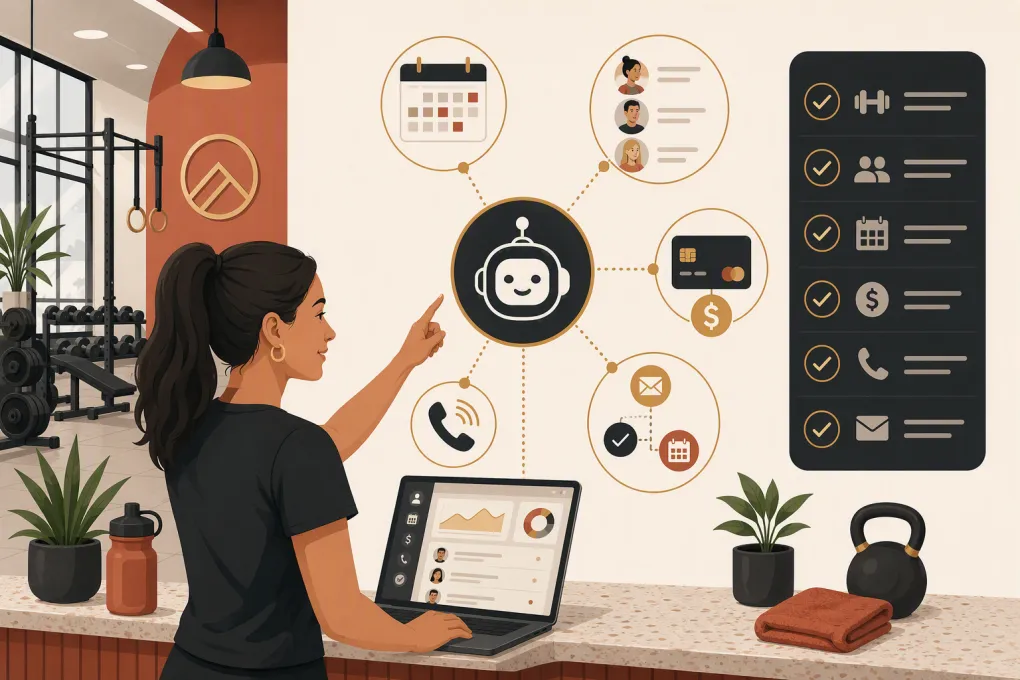 Watch · 20s
An AI receptionist can answer every inquiry and still create an operational mess if it cannot read the right schedule, update the correct lead record, or hand a sensitive issue to a person. The conversation is only the visible layer. The real work is connecting that conversation to your gym management software without introducing duplicate contacts, bad bookings, payment risk, or confused staff.
That makes implementation an operations project, not just a software setup. Before activating an AI agent, owners need to define what it may do, which system controls each record, and what happens when the automation reaches its limits.
Use the following AI receptionist integration checklist for gym management software to plan the rollout, question vendors, and test the workflows that affect revenue and member experience.
See how Fitty connects lead response, booking, follow-up, and dues workflows →
First, choose your integration approach
There are several ways to add an AI receptionist. The right path depends on whether you want to preserve your current software stack, consolidate systems, or build a tailored operation.
| Implementation path | Core workflows and booking | Automation and AI | Integration and migration | Pricing and availability | Best fit | Main limitation |
|---|---|---|---|---|---|---|
| WTF Go with Fitty | Built as an operating system for gyms, studios, spas, and wellness businesses; Fitty can answer leads, book classes, follow up, and collect dues | AI agent is part of the broader operating workflow rather than a separate answering layer | Consolidation may reduce the number of external connections; confirm migration scope and any required integrations during evaluation | Commercial software; pricing and onboarding details should be confirmed with WTF Go | Operators who want management workflows and an AI receptionist in one environment | A platform change requires planning, data cleanup, staff training, and a controlled cutover |
| Native automation in current gym software | Usually has direct access to that platform’s contacts, schedules, and memberships; exact capabilities vary by vendor | May range from basic reminders and forms to conversational tools | Typically the simplest path when the required feature is already available | Often packaged by plan or sold as an add-on; availability varies | Gyms satisfied with their current platform and needing limited automation | Native tools may not cover after-hours conversations, complex qualification, or collections |
| Third-party AI receptionist connected to current software | Depends on the quality and depth of the available API, connector, or middleware | Often specializes in phone or messaging conversations | Requires field mapping, authentication, error monitoring, and clear ownership between vendors | Commonly subscription- or usage-based; integration work may cost extra | Operators who want to retain their current management platform | A shallow connection may only capture messages instead of completing bookings or updating records |
| Custom AI and telephony build | Can be designed around unique workflows and multiple systems | Maximum control over prompts, routing, and business logic | Requires development, ongoing maintenance, security management, and API support | Project and usage costs vary substantially | Larger operators with technical resources and unusual requirements | The operator owns testing, uptime, vendor changes, compliance controls, and maintenance |
Do not select an option solely because the demo conversation sounds natural. Ask the vendor to demonstrate a real booking, cancellation, lead update, failed payment handoff, and duplicate-contact scenario using a test environment.
1. Define the jobs the AI receptionist owns
Start with a written scope. “Answer the phone” is not specific enough to test or manage.
List the exact jobs the AI may complete:
- Answer location, pricing, amenity, and schedule questions
- Capture a new lead with name and contact details
- Identify the lead’s preferred location, service, and time
- Book an intro, class, consultation, or appointment
- Reschedule or cancel within your stated rules
- Follow up with leads who have not booked
- Handle common membership questions
- Send a payment link or support an approved dues-collection workflow
- Escalate injuries, disputes, refund requests, and account exceptions
Assign an internal owner for each workflow. Sales might own intro bookings, the front desk might own schedule exceptions, and management might own payment disputes. The AI vendor should not be left to invent your policies.
Also define prohibited actions. For example, the receptionist should not promise a refund, waive a fee, interpret a contract, give medical advice, or place someone into a restricted class without the required approval.
2. Map systems, records, and sources of truth
Every important data object needs one authoritative system. If both the AI tool and gym software can independently modify the same information, records can drift.
Create a simple data map covering:
| Data object | Questions to resolve |
|---|---|
| Leads and contacts | Where is the primary record? How are duplicates detected? Which source and campaign fields must be preserved? |
| Locations | How does the AI distinguish locations, time zones, phone numbers, services, and local policies? |
| Classes and appointments | Can it see live capacity, waitlists, instructor changes, eligibility rules, and booking windows? |
| Memberships | Is access read-only, or may the AI change plans, freezes, or status? |
| Payments and dues | Does the workflow use a secure hosted payment process? What happens after a failed attempt? |
| Communication consent | Where are SMS, email, and calling permissions recorded and updated? |
| Notes and conversation history | Will staff see a summary, full transcript, outcome, and follow-up task? |
Confirm whether information moves in real time, on a schedule, or only after a conversation ends. A delayed schedule sync can produce bookings for spots that are no longer available.
For multi-location businesses, test contact matching carefully. A person may inquire at one location while already holding a membership at another. Decide whether the system should create a new location-specific opportunity, update the existing profile, or alert staff.
3. Set permissions, payment controls, and compliance rules
Give the AI only the access needed to perform its approved jobs. Reading class availability does not require permission to edit membership contracts. Creating a booking does not require unrestricted access to stored payment information.
Your security review should cover:
- Role-based access and administrator permissions
- Authentication and credential storage
- Logs showing automated actions and record changes
- Data retention and deletion procedures
- Vendor access to member and lead information
- Incident response and account deactivation
- Secure payment handling and applicable PCI responsibilities
Do not ask prospects to send complete card details through ordinary text messages or unsecured chat. Use an approved payment flow and confirm which provider handles the card data.
Communication rules also matter. Obtain appropriate consent for automated texts and marketing follow-up, honor opt-outs, and keep evidence of consent. Call-recording and AI-disclosure requirements can vary by jurisdiction. Health-related services should determine whether additional privacy obligations apply; operating a wellness business does not automatically answer that question. Have qualified counsel review requirements that apply to your locations and workflows.
4. Design conversations around operational rules
A reliable AI receptionist needs approved facts, not just a friendly voice. Build a maintained knowledge source for hours, parking, amenities, class descriptions, age restrictions, cancellation policies, intro offers, accessibility information, and location-specific details.
Then document decision rules. For a class booking, the AI may need to confirm:
- The correct person and location
- The requested class and live availability
- Membership or purchase eligibility
- Prerequisites or age restrictions
- Cancellation terms
- Booking confirmation and next steps
Create a clear human handoff for anything outside the rules. The handoff should include the contact record, conversation summary, requested outcome, urgency, and assigned staff member. Making the customer repeat the entire conversation defeats much of the value of automation.
5. Test complete workflows, not isolated answers
A successful response is not the same as a successful transaction. Test from the customer’s first words through the final record in your gym management software.
Use scripted acceptance tests such as:
- A new lead asks about tomorrow’s beginner class and books an intro
- An existing member uses a different phone number
- The requested class becomes full during the conversation
- A caller wants two people booked under one contact number
- A prospect asks about pricing but refuses to provide an email address
- A member requests a cancellation outside the permitted window
- A payment attempt fails
- A customer opts out of text follow-up
- The scheduling or management platform is temporarily unavailable
- A caller raises an injury, charge dispute, or urgent safety concern
For every test, verify the spoken or written response, contact matching, booking result, source attribution, staff notification, follow-up status, and audit trail. Repeat tests across every location and service type with different policies.
Explore how Fitty handles gym inquiries, bookings, follow-up, and dues around the clock →
6. Launch in controlled stages
Avoid switching every workflow on at once. Start with a narrow, high-volume use case such as after-hours lead capture and intro booking. Keep humans responsible for exceptions while the team reviews outcomes.
A practical rollout sequence is:
- Internal testing with staff accounts and test schedules
- Limited use for one location or one inquiry type
- Daily review of conversations, bookings, and failed actions
- Correction of knowledge, permissions, and routing rules
- Expansion into follow-up, member service, or dues workflows
- Scheduled audits after policies, pricing, or schedules change
Prepare a fallback before launch. If an API, phone service, or booking system is unavailable, the AI should capture the request, explain the next step accurately, and create a staff task rather than claiming the booking succeeded.
Train employees on what the system does and where handoffs appear. Staff should know how to take over, correct a record, report a bad answer, and pause an automation if necessary.
7. Monitor outcomes that expose integration problems
Call volume alone will not tell you whether the integration works. Review operational signals tied to completed work:
- Inquiries that became valid lead records
- Booking attempts that were completed or failed
- Duplicate contacts and incorrect profile matches
- Handoffs that exceeded your response standard
- Opt-outs and consent-recording failures
- Payment workflows requiring staff intervention
- Cancellations, corrections, or complaints caused by bad information
- Conversations where the AI lacked an approved answer
Review failures by cause: policy gap, outdated knowledge, integration error, customer ambiguity, or unavailable system. That turns monitoring into an improvement process instead of a transcript-reading exercise.
Your pre-launch checklist
Before going live, confirm that you can answer yes to each item:
- The AI’s allowed and prohibited actions are documented
- Every data object has a defined source of truth
- Duplicate-contact rules have been tested
- Live schedule and capacity behavior are understood
- Multi-location routing works correctly
- Payment information uses an approved secure process
- Consent, opt-out, disclosure, and recording rules have been reviewed
- Sensitive issues have a named human escalation path
- Failed integrations create visible tasks instead of false confirmations
- Staff can see conversation context and outcomes
- Test cases cover both normal and edge-case requests
- Someone owns ongoing knowledge and policy updates
The best AI receptionist integration is not the one with the longest feature list. It is the one that completes approved work inside your operating system, leaves a clean record, and gets exceptions to the right person. If your current stack makes that difficult, consolidation may be more reliable than adding another disconnected tool.
See whether WTF Go and Fitty can replace disconnected reception, booking, and follow-up workflows →
Frequently asked questions
Can an AI receptionist integrate with existing gym management software?
Often, but integration depth varies. Confirm whether it can only capture messages or can also read live availability, create bookings, update contacts, record consent, and trigger follow-up.
What should a gym test before launching an AI receptionist?
Test new and existing contacts, full classes, cancellations, multi-location routing, opt-outs, failed payments, system outages, and human escalations. Verify the final records inside the management software, not just the conversation.
Should an AI receptionist be allowed to collect gym dues?
It can support collections through an approved secure payment workflow. Define its permissions, avoid collecting complete card details through unsecured messages, and confirm payment-security responsibilities with each vendor.
Is an all-in-one platform better than connecting a separate AI tool?
An all-in-one platform can reduce synchronization and ownership problems, while a separate tool may preserve a software setup you already like. Compare workflow depth, migration effort, data control, failure handling, and ongoing maintenance.
Keep reading



Run your gym on autopilot with WTF Go
Fitty — your AI receptionist — answers calls and DMs, fills classes, follows up with every lead, and collects dues while you coach.