AI & Automation
AI Receptionist for Tattoo Consultation Bookings: Guide
Learn how an AI receptionist for tattoo consultation bookings can qualify leads, route artists, schedule consults, follow up, and protect client experience.
 Watch · 20s
A tattoo inquiry is not a basic appointment request. Before anything gets booked, the studio may need to understand the concept, placement, size, style, budget, timing, reference images and preferred artist. If that conversation stalls because nobody answers the phone or follows up, the prospect usually keeps looking.
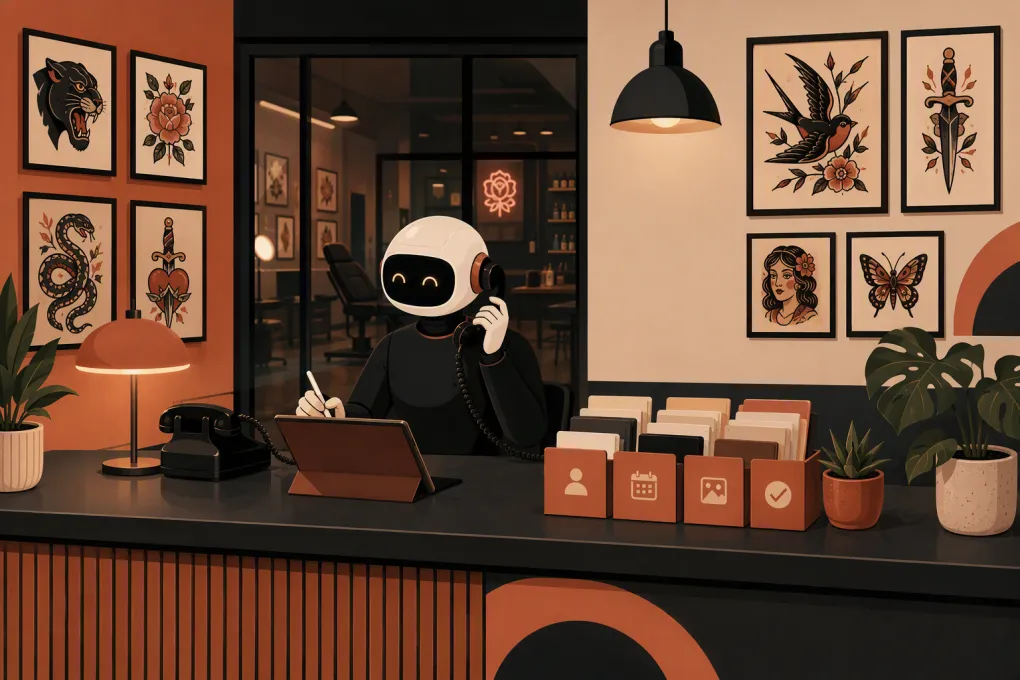
An AI receptionist for tattoo consultation bookings can handle the first stage of that conversation around the clock. Done well, it gives the client a fast, professional response while giving artists and front-desk staff a cleaner, more qualified consultation queue. Done poorly, it creates mismatched bookings, repetitive questions and frustrated clients.
The difference is the workflow behind the AI.
Why tattoo consultation leads are easy to lose
Tattoo studios often receive inquiries while artists are working, the front desk is busy or the shop is closed. The prospective client may contact the studio through a phone call, website form, text message or social channel, then expect a reasonably quick response.
That creates several operational problems:
- Artists should not have to interrupt sessions to answer routine booking questions.
- Front-desk staff may need to contact the artist before confirming suitability.
- Incomplete inquiries create multiple rounds of follow-up.
- Clients may confuse a consultation with the tattoo appointment itself.
- Artist availability, style fit and project scope all affect routing.
- Deposits and studio policies may need to be explained consistently.
A generic answering service can take a message, but that still leaves someone at the studio to interpret it, chase missing details and schedule the consultation. An AI receptionist should move the inquiry further without pretending every project can be approved automatically.
See how Fitty can respond to tattoo consultation inquiries after hours →
What an AI tattoo receptionist should actually do
The goal is not to replace the artist’s judgment. The goal is to collect the right information, handle predictable questions and create a reliable path to a consultation.
Answer common questions immediately
The receptionist should be able to explain studio-approved information such as:
- Business hours and location
- How consultations work
- Whether walk-ins are accepted
- Minimum age and identification requirements
- Deposit and cancellation policies
- General artist specialties
- Accessibility and parking information
- Whether reference images can be submitted
- What clients should bring to a consultation
Answers should come from a controlled studio knowledge base, not improvised assumptions. If a policy varies by artist or project, the AI should say that confirmation is required.
Collect a useful project brief
A name and phone number are not enough. Build an intake sequence that asks for the information your team actually uses to evaluate an inquiry:
- Tattoo concept or subject
- Preferred style
- Approximate size
- Body placement
- Color or black-and-grey preference
- Whether the work involves a cover-up, rework or scar area
- Preferred artist, if any
- Desired timing and scheduling constraints
- Reference image availability
- Best contact method and permission to follow up
Do not turn intake into an interrogation. Ask one clear question at a time, explain why images may be helpful and allow the client to say they are unsure. Uncertainty is normal at the consultation stage.
Route the inquiry to the right artist
Artist routing can be based on studio-defined criteria such as style, project type, location, availability or whether the client requested someone specific.
The AI should not claim that an artist has accepted a project unless the artist has actually reviewed it. A safer workflow is to book a preliminary consultation in an eligible calendar or submit the project for artist approval, depending on how the studio operates.
For example, a realism sleeve, a small flash piece and a cover-up may need three different paths. Good automation preserves those distinctions.
Book the correct type of consultation
Studios may offer in-person, phone or video consultations. Some artists may require a project review before opening their calendar, while others allow qualified prospects to book directly.
Your AI receptionist needs rules for:
- Consultation format and duration
- Artist-specific calendar access
- Required intake fields
- Scheduling lead time
- Buffer periods
- Rescheduling and cancellation
- Whether a fee or deposit applies
- When human approval is required
The confirmation should clearly state that the booking is for a consultation, not necessarily the tattoo session.
A practical consultation-booking workflow
A strong workflow can be organized into six stages.
1. Respond
Acknowledge the inquiry immediately, identify the studio and determine whether the person wants a new tattoo, an existing appointment change or general information.
2. Qualify
Collect the core project details without making artistic, medical or pricing promises. If the client describes an emergency, a medical concern or a problem with healing, route the conversation to a human and avoid diagnosis or treatment advice.
3. Match
Use studio rules to identify an appropriate artist or consultation calendar. If there is no clear match, create a review task rather than forcing a booking.
4. Schedule
Offer valid consultation times, capture contact details and send a written confirmation with the location, format and preparation instructions.
5. Remind
Send reminders through the channels the client agreed to use. Include a simple way to confirm, reschedule or ask for help. This reduces manual chasing and keeps the calendar current.
6. Follow up
If the prospect starts intake but does not book, send a limited, respectful follow-up sequence. Stop when the person opts out, declines or requests a human conversation.
Fitty is built to answer leads, schedule bookings and continue follow-up without requiring staff to monitor every conversation in real time. See how Fitty can support a tattoo consultation workflow →
How to set up the AI without damaging the client experience
Automation should sound like your studio and follow your actual policies. Before launch, document the decisions staff currently make from memory.
Build one source of truth
Create an approved knowledge base covering:
- Studio policies
- Artist biographies and specialties
- Consultation options
- Deposit rules
- Cancellation and rescheduling procedures
- Age and identification requirements
- Communication preferences
- Escalation contacts
Assign someone to update this information whenever an artist changes availability or a policy changes. Outdated automation is often worse than no automation.
Define what the AI cannot decide
Set firm boundaries around pricing, final artist acceptance, medical questions and creative feasibility. Tattoo pricing can depend on size, detail, placement, artist, time and other project-specific factors. The AI can explain the pricing process without inventing a quote.
Escalate conversations involving:
- Healing complications or health concerns
- Aggressive, threatening or inappropriate behavior
- Complex cover-ups and reworks
- Requests outside studio policy
- Confusion about deposits or refunds
- Accessibility needs requiring staff coordination
- Any question the knowledge base cannot answer confidently
Use transparent communication
Do not design the assistant to deceive clients into thinking it is a human employee. Introduce it as the studio’s automated or AI booking assistant and make human help available.
If you use text messaging for follow-up, collect appropriate consent, honor opt-outs and have your legal adviser review the workflow against applicable federal and state requirements. Payment information should be handled through a reputable payment provider rather than placed into ordinary chat notes.
Test real conversations before launch
Test more than the ideal booking path. Try vague and difficult inquiries, including:
- I want a tattoo but do not know which artist.
- Can you tell me exactly what this will cost?
- I need to move tomorrow’s appointment.
- Can you copy this other artist’s design?
- I have a problem with a healing tattoo.
- I want a large cover-up next week.
- I am booking for someone under 18.
Review whether the assistant asks sensible questions, avoids unsupported promises and escalates at the right time. Repeat the test whenever policies or artist rosters change.
What to measure after launch
Do not judge the system only by how many conversations it handles. Track whether it improves the underlying booking operation.
Useful measures include:
- Inquiry response time
- Completed consultation bookings
- Intake completion rate
- Consultations requiring manual correction
- No-shows and late cancellations
- Unfinished inquiries recovered through follow-up
- Human escalations and their reasons
- Artist feedback on lead quality
- Common unanswered questions
Review conversation samples regularly. A high booking count is not useful if artists receive poorly matched projects or clients misunderstand what they booked.
When an AI receptionist is a good fit
AI reception is especially useful when a studio receives inquiries outside business hours, has multiple artists with different specialties, relies on staff to repeat the same information or loses track of leads across several channels.
It may be less appropriate to automate direct booking when every project requires an artist’s personal review. In that case, automate intake, reminders and follow-up while leaving project acceptance with the artist.
The best setup is not maximum automation. It is the right division of work: AI handles speed, consistency and routine coordination; people handle art, judgment and sensitive situations.
Explore WTF Go and see whether Fitty fits your studio’s consultation process →
Build the process before adding the AI
An AI receptionist will expose unclear policies quickly. If artists use different intake questions, staff give conflicting deposit explanations or nobody owns follow-up, document and fix those issues first.
Then configure the assistant around a simple operating standard: respond promptly, collect only useful information, route accurately, book the right calendar, communicate expectations and escalate uncertainty. That is how AI becomes a practical front-desk tool instead of another inbox your team has to clean up.
Frequently asked questions
Can an AI receptionist book tattoo consultations after hours?
Yes, if it has access to the correct consultation calendars and studio booking rules. Projects requiring artist approval should be routed for review instead of being automatically accepted.
What information should an AI collect from a tattoo lead?
Useful fields include the concept, style, approximate size, placement, color preference, preferred artist, timing and reference images. The studio should only request information it genuinely needs to route or schedule the inquiry.
Should an AI receptionist quote tattoo prices?
It can explain minimums, deposit policies or the studio's pricing process when those details are approved. It should not invent a project quote or promise a final price before the appropriate artist has evaluated the work.
Can clients still speak with a person?
They should be able to. Studios need a clear escalation path for complex projects, policy disputes, health-related concerns and any question the AI cannot answer confidently.
Does an AI receptionist replace tattoo consultation software?
Not necessarily. It typically works as the conversational layer that answers, qualifies, schedules and follows up, while calendars, payments and client records remain part of the studio's broader operating system.
Keep reading



Run your gym on autopilot with WTF Go
Fitty — your AI receptionist — answers calls and DMs, fills classes, follows up with every lead, and collects dues while you coach.