AI & Automation
AI Receptionist for Swim Schools: Complete Operator Guide
Learn how an AI receptionist for swim schools handles calls, books lessons, follows up with leads, and supports parents without adding front-desk load.
 Watch · 20s
A parent searching for swim lessons rarely contacts only one school. They call between errands, send a message after dinner, or ask about Saturday classes while your team is managing deck changes and speaking with families. If nobody responds quickly, that enrollment can go elsewhere.
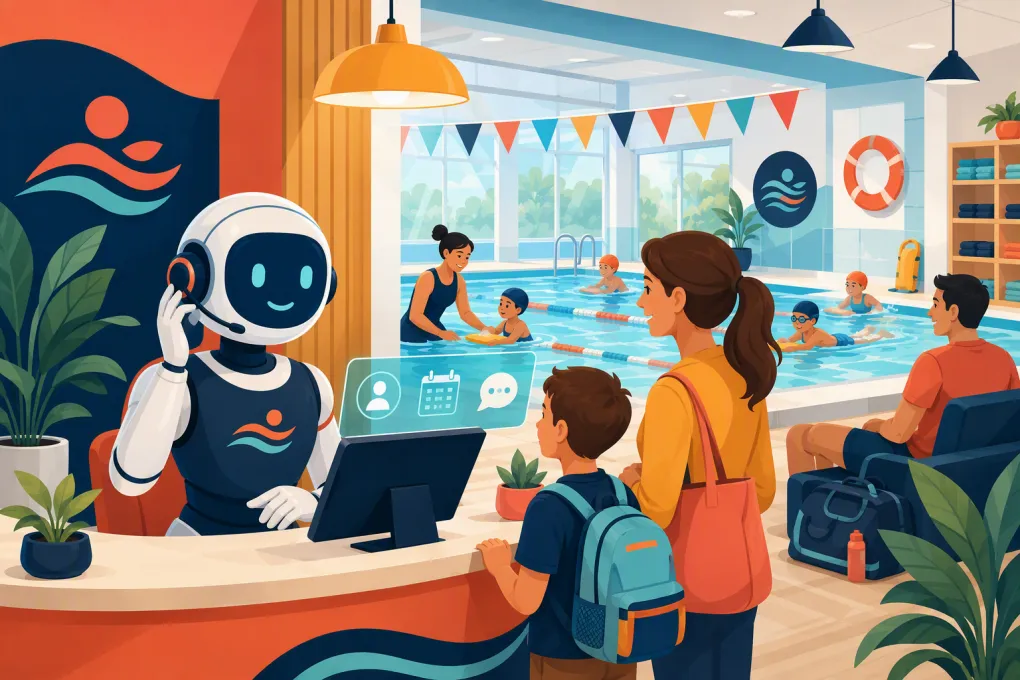
An AI receptionist for swim schools closes that response gap. It can answer common questions, capture lead details, help parents find suitable lessons, book approved classes, follow up, and handle routine account conversations. The goal is not to remove your staff from the parent experience. It is to keep repetitive front-desk work from controlling their day.
The difference between a useful AI receptionist and a frustrating chatbot comes down to operational setup. Swim schools have age requirements, skill levels, ratios, prerequisites, makeup policies, sibling schedules, and safety questions. Your AI needs to work inside those rules rather than improvising around them.
What an AI receptionist can handle for a swim school
A well-configured AI receptionist should manage the high-volume conversations that follow clear rules. Common workflows include:
- Answering calls and inquiries outside staffed hours
- Capturing the parent or guardian’s contact information
- Asking about swimmer age, experience, goals, and availability
- Explaining lesson formats, schedules, and published policies
- Recommending an assessment when placement is uncertain
- Booking eligible classes or appointments
- Following up with leads who have not enrolled
- Sending reminders about evaluations, trials, or first lessons
- Answering routine questions about what to bring and when to arrive
- Directing account or payment requests into the correct workflow
- Escalating safety-sensitive or unusual issues to a staff member
This is especially useful during lessons, when your employees may technically be at the facility but cannot stop what they are doing to answer every call.
See how Fitty can answer swim school leads and book lessons 24/7 →
Where swim schools lose enrollments
Most lead loss is not caused by a bad swim program. It happens in the space between a parent’s question and the school’s response.
Calls missed during deck operations
The busiest inquiry windows can overlap with afternoon and weekend lessons. A ringing phone competes with check-ins, instructor questions, class transitions, and conversations with current families.
Voicemail creates another task but does not give the parent an immediate answer. An AI receptionist can hold the initial conversation, gather the right details, and complete the next approved step.
Inquiries arriving after hours
Parents often research activities when children are home and the day’s schedule is settled. If your only after-hours response is a generic form confirmation, the conversation stalls.
An AI agent can continue that conversation immediately. Even when it cannot complete placement, it can collect enough information for your team to take informed action the next morning.
Slow or inconsistent follow-up
A lead may ask about beginner lessons, receive an answer, and then disappear. Staff members often intend to follow up but get pulled back into daily operations.
Automated follow-up gives every qualified inquiry a defined path. For example:
- Respond immediately to the original inquiry.
- Send the relevant scheduling or assessment option.
- Follow up if the parent does not book.
- Stop enrollment messages once the family registers or opts out.
- Escalate questions the AI cannot answer confidently.
The cadence should be persistent enough to help, not aggressive enough to damage trust.
Swim lesson booking requires more than an open time slot
A swim class is not interchangeable with a haircut appointment. Booking decisions may depend on age, current ability, instructor qualifications, pool location, class capacity, and prerequisites.
Before allowing an AI receptionist to book lessons, define the rules it must follow.
Age and skill-level rules
Create clear placement criteria for every program. Avoid labels such as “beginner” without explaining what they mean operationally.
Your rules might address whether the swimmer:
- Is comfortable entering the water
- Can submerge independently
- Can float or recover to a standing position
- Has experience with a specific stroke
- Requires a parent or guardian in the water
- Needs an evaluation before group placement
The AI should never guess a swimmer’s level from a vague parent description. When the answer is unclear, the correct action is to book an assessment or request staff review.
Capacity and schedule controls
The receptionist should use current availability from your designated scheduling system. It also needs instructions for full classes, waitlists, location changes, and enrollment cutoffs.
Decide whether it may:
- Add a swimmer directly to a class
- Offer a waitlist
- Suggest nearby times or locations
- Book a trial or evaluation
- Collect interest for a future session
- Place siblings into different but overlapping classes
Do not give the AI broad booking permission before testing these edge cases.
Guardian and account requirements
Document which steps must be completed by a parent or legal guardian. Registration may involve waivers, emergency contacts, health information, payment authorization, and policy acceptance.
An AI receptionist can guide the family to the proper process, but it should not imply that required forms or consent steps have been completed when they have not.
Build a reliable swim school knowledge base
Your AI can only provide reliable answers when your operating information is accurate. Start with the questions your front desk answers every week rather than writing a broad marketing brochure.
Include:
- Locations, operating hours, and parking instructions
- Program names and plain-English level descriptions
- Age ranges and prerequisites
- Class lengths and session structures
- How evaluations work
- Registration and payment procedures
- Cancellation, withdrawal, and refund policies
- Makeup lesson rules
- Waitlist procedures
- Required swimwear and equipment
- Parent viewing policies
- Arrival and changing-room guidance
- Holiday closures
- Procedures for weather or facility interruptions
- Contact paths for billing, safety, and program concerns
Assign an employee to own this information. Whenever schedules or policies change, update the AI’s source material as part of the same operational checklist. Otherwise, it may continue giving an answer that was correct last session but is wrong now.
Set firm boundaries for safety and sensitive issues
AI should support your customer service operation, not make safety judgments.
Create mandatory escalation rules for:
- Reports of injuries or medical events
- Allegations involving staff or another swimmer
- Water safety complaints
- Accessibility or accommodation requests requiring review
- Disputes over supervision or child release
- Threats, harassment, or abusive communication
- Requests involving private account or child information
- Emergencies at the facility
For emergencies, the system should clearly direct the caller to the appropriate emergency service rather than attempting to troubleshoot. For non-emergency incidents, it should capture only the necessary information and notify the designated manager.
Staff should also be able to review conversations and take over when context, empathy, or authority is required.
Use AI to improve follow-up, not just answer calls
Call coverage solves only the first part of the enrollment problem. The stronger use case is maintaining momentum until the family reaches a clear outcome.
A practical lead workflow could separate inquiries into these groups:
Ready to enroll
The parent knows the swimmer’s level and has found a suitable class. The AI can guide them into booking and the required registration steps.
Needs placement help
The parent is unsure which class fits. The AI collects age, experience, goals, and schedule preferences, then books an evaluation or sends the case to staff.
Interested but unavailable
No current class fits the family’s schedule. The AI can offer approved alternatives, a waitlist, or a follow-up when a relevant program opens.
Started but did not finish
The parent discussed a class but did not complete enrollment. A short follow-up can answer remaining questions and return them to the booking process.
Fitty, WTF Go’s AI receptionist, is built to answer leads, book classes, follow up, and support dues collection around the clock. That connects the conversation to the next operational action instead of leaving your team with another inbox to monitor.
See how Fitty can manage swim lesson inquiries and follow-up →
How to roll out an AI receptionist without disrupting operations
Do not automate every conversation on day one. A controlled rollout makes errors easier to find and policies easier to refine.
1. Audit recent inquiries
Review calls, emails, texts, and website submissions. Group them by intent: new enrollment, placement, schedule questions, makeup requests, billing, cancellations, and safety concerns.
This reveals which conversations are repetitive enough to automate and which still need staff ownership.
2. Choose a narrow first workflow
Start with new-lead response and frequently asked questions. These conversations usually have clearer boundaries than complaints, refunds, or complex account changes.
3. Write explicit rules
Convert staff knowledge into instructions. Define what the AI may say, what it may book, what information it must collect, and when it must escalate.
4. Test realistic scenarios
Test more than the ideal enrollment path. Include:
- A child between two age groups
- A parent who does not know the swimmer’s level
- Two siblings needing compatible times
- A full class
- A request for a makeup lesson
- A billing dispute
- A report involving safety
- A parent asking for an exception to policy
Confirm that the AI does not invent availability, promise exceptions, or force a booking when evaluation is appropriate.
5. Review outcomes weekly
Track operational outcomes rather than conversation volume alone. Look at whether inquiries reached booking, evaluation, waitlist, staff escalation, or a clear closed status.
Review failed or confusing conversations with front-desk and program staff. Their feedback will expose gaps that a software administrator may miss.
What to look for in an AI receptionist for swim schools
When evaluating a system, ask vendors to demonstrate your real workflows rather than presenting a generic call script.
Look for:
- Phone and digital inquiry handling that fits your communication channels
- Booking connected to current class availability
- Custom qualification questions for age and skill level
- Automated follow-up with clear stop conditions
- Human handoff and escalation controls
- Conversation records your team can review
- Permission controls for bookings and account actions
- Support for multiple programs or locations if needed
- A clear process for updating policies and schedules
- Payment and dues workflows appropriate to your operation
The right system should reduce duplicate work. If staff must copy every AI conversation into a separate record, manually check all bookings, and run follow-up elsewhere, the automation has simply moved the workload.
WTF Go brings lead handling, booking, follow-up, and business operations into one platform, with Fitty working as the always-on receptionist. The practical benefit is continuity: the inquiry, conversation, booking, and next action do not have to live in disconnected tools.
Explore an AI receptionist built for class-based businesses →
The standard is controlled automation
A swim school AI receptionist should be fast, but speed is not enough. It must respect placement rules, use current availability, protect sensitive information, and recognize when a person needs to step in.
Start with the repetitive conversations your team already knows how to handle. Document the rules, test difficult scenarios, and expand only after the workflow is reliable. Done properly, AI gives parents a responsive first contact while giving your staff more time to focus on swimmers, instructors, and the quality of the program.
Frequently asked questions
Can an AI receptionist book swim lessons automatically?
Yes, when it has access to approved availability and clear rules for age, level, capacity, and prerequisites. Uncertain placements should go to an assessment or staff review.
Can AI determine a child's swim level?
AI can ask screening questions, but it should not make uncertain safety or placement judgments. When ability is unclear, the appropriate next step is an in-person evaluation.
Will an AI receptionist replace swim school front-desk staff?
It is better used to cover repetitive inquiries, after-hours calls, booking, and follow-up. Staff remain essential for sensitive issues, exceptions, relationship management, and complex decisions.
What information should a swim school give its AI receptionist?
Provide current schedules, level requirements, age rules, booking procedures, fees, makeup policies, facility information, escalation paths, and answers to common parent questions.
How should a swim school test an AI receptionist?
Test normal bookings as well as full classes, unclear skill levels, sibling scheduling, policy exceptions, billing disputes, and safety reports. Confirm that the AI escalates instead of guessing.
Keep reading



Run your gym on autopilot with WTF Go
Fitty — your AI receptionist — answers calls and DMs, fills classes, follows up with every lead, and collects dues while you coach.