AI & Automation
AI Receptionist for Scalp Spas: A Practical Booking Playbook
Learn how an AI receptionist for scalp spas can answer inquiries, qualify guests, book appointments, follow up, and protect your team's time—day and night.
 Watch · 20s
A potential guest discovers your scalp spa at 9:30 p.m. They have questions about the treatment, want to know whether it is appropriate for their scalp concerns, and need a Saturday appointment. If nobody responds until the next business day, that guest may already have contacted another spa.
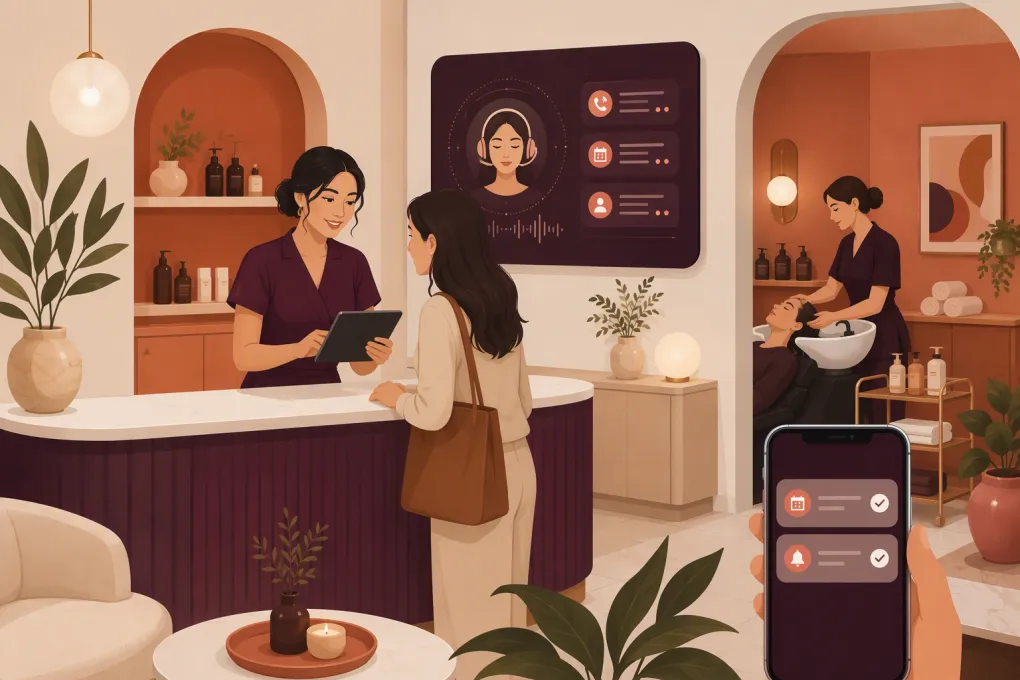
That is the practical case for an AI receptionist for scalp spas. It is not just a phone-answering tool. Properly configured, it becomes the first layer of your front desk: responding to common questions, collecting booking details, guiding guests toward the right service, scheduling appointments, following up, and handing sensitive or unusual situations to a person.
The goal is not to remove hospitality from the guest experience. It is to make sure hospitality does not stop when your team is treating clients, cleaning rooms, managing inventory, or sleeping.
Why scalp spas have a front-desk problem
Scalp and head spa services often require more explanation than a standard haircut or massage. First-time guests may ask:
- What happens during the appointment?
- How long does the service take?
- Should I arrive with clean or unwashed hair?
- Will my hair be dried afterward?
- Can you work around extensions, braids, or protective styles?
- Is the service appropriate for a specific scalp condition?
- What is included at each service level?
- Can two people book together?
Those questions arrive through calls, website forms, texts, social media, and online listings. During a treatment, answering immediately may be impossible. But delayed replies create friction at the exact moment a prospect is ready to book.
A generic chatbot may provide basic business information. A useful AI receptionist should go further by moving the conversation toward a clear outcome: book, collect more information, or escalate to a team member.
See how Fitty can handle after-hours scalp spa inquiries and booking requests →
What an AI receptionist should handle
The right scope depends on your services and policies, but most scalp spas should begin with five workflows.
1. Answer routine service questions
Build an approved knowledge base covering:
- Service descriptions and durations
- Pricing or starting-price language
- Preparation and aftercare instructions
- Hair drying and styling policies
- Age requirements
- Accessibility information
- Cancellation and rescheduling rules
- Location, parking, and arrival instructions
- Gift cards, packages, and memberships
Keep answers short and operational. Guests rarely need a wall of text. They need enough information to make the next decision.
Review every answer for accuracy before launch. Whenever a service, policy, or schedule changes, update the AI knowledge base at the same time as your website and booking system.
2. Guide guests to the appropriate service
Scalp spa menus can confuse new clients. Names such as “signature ritual” or “detox experience” may sound appealing without explaining who should choose them.
The AI receptionist can ask a controlled set of questions, such as:
- Is this your first scalp spa visit?
- What is your main goal: relaxation, buildup removal, hydration, or general scalp care?
- What is your hair length and texture?
- Do you have extensions or a protective style?
- Are you looking for an individual or side-by-side appointment?
The answers can narrow the menu, but the AI should not diagnose conditions or promise medical results. When a guest mentions open sores, infection, severe irritation, recent procedures, unexplained hair loss, or another concern outside your staff’s approved scope, the system should stop recommending services and escalate.
A safe response is direct: “I can help with general service information, but the team needs to review that concern before an appointment is booked.”
3. Book without unnecessary back-and-forth
A booking workflow should collect the minimum information required and offer actual available times. It should not create another message for your front desk to process later.
At minimum, confirm:
- Service and duration
- Preferred provider, if applicable
- Location for multi-location businesses
- Date and time
- Guest name and contact information
- Required intake or policy acknowledgment
- Payment requirement, if part of your booking process
The final message should repeat the appointment details and explain what happens next. Include preparation instructions, the cancellation policy, and a link to any intake form.
4. Follow up on incomplete inquiries
Many prospects ask a question, receive an answer, and disappear before booking. A disciplined follow-up sequence can bring them back without requiring staff to search through message threads.
A simple sequence might include:
- An immediate answer with the relevant booking option
- A later reminder asking whether the guest still wants help choosing a service
- A final message with a direct scheduling link or an invitation to speak with staff
Do not keep pursuing someone indefinitely. Set a clear stopping point, honor opt-outs, and follow applicable calling and messaging rules. Automation should reduce pressure on your staff, not create pressure for the guest.
5. Route exceptions to the right person
AI is most useful when it knows where its authority ends. Define escalation rules for:
- Possible contraindications or health-related concerns
- Complaints and refund requests
- Bridal, group, or private-event inquiries
- Complex extension or styling questions
- Accessibility accommodations requiring confirmation
- Requests outside standard operating policies
- A guest who explicitly asks for a person
The handoff should include the conversation summary and contact details. The guest should not have to repeat the entire story.
Build the conversation around your actual operation
Installing a tool is not the same as designing a receptionist workflow. Before going live, document how your best front-desk employee would handle each stage.
Create a source-of-truth document
Collect your current service menu, policies, preparation instructions, operating hours, staff schedules, location details, and escalation contacts. Remove outdated or conflicting language.
Pay close attention to phrases such as “starting at,” “approximately,” and “subject to consultation.” The AI must communicate these qualifications consistently rather than turning them into firm promises.
Use response boundaries
Write down what the receptionist may and may not say. For example:
It may: explain the steps included in a service, share approved preparation guidance, offer available appointments, and describe your cancellation policy.
It may not: diagnose a scalp condition, guarantee a result, improvise a discount, override capacity rules, or speak as a licensed medical professional.
If your spa collects health-related intake information, involve qualified legal and compliance advisers when deciding what the AI can request, where the data is stored, who can access it, and whether specific privacy obligations apply. Do not assume every general-purpose AI tool is suitable for sensitive information.
Match the tone to the brand
Scalp spa communication should be calm and clear without becoming vague or overly clinical. Give the receptionist approved language for common moments.
For example:
“Our signature service includes a consultation, scalp cleansing, massage, and the finishing steps listed on the service page. I can show you available appointments or help you compare service options.”
That response explains the offer and creates a next step. It does not make claims the spa cannot support.
Explore how WTF Go and Fitty connect lead response, booking, follow-up, and payment workflows →
How to launch without disrupting the guest experience
Start with a narrow, measurable rollout rather than automating every conversation on day one.
Phase 1: Common questions and after-hours leads
Train the AI on your approved frequently asked questions. Let it respond when the front desk is unavailable, but route complex requests to staff.
Review transcripts daily during the first few weeks. Look for unclear questions, incorrect assumptions, dead ends, and places where guests abandon the conversation.
Phase 2: Appointment booking
Once answers are reliable, connect booking workflows. Test each service, provider, location, appointment duration, buffer, and availability rule.
Use test profiles to confirm that the system does not double-book resources, offer unavailable combinations, or omit required preparation instructions.
Phase 3: Follow-up and reactivation
Add follow-up for new leads, incomplete bookings, missed appointments, and past guests due for another visit. Separate these workflows because the context and appropriate message are different.
A first-time prospect may need education. A returning guest may only need a quick path back to their preferred service and provider.
Metrics worth monitoring
Avoid judging the system only by how many messages it sends. Track outcomes that reflect the health of the operation:
- Response time by channel and time of day
- Inquiries that become completed bookings
- Conversations requiring staff escalation
- Booking errors or manual corrections
- Common questions not covered by the knowledge base
- Cancellations and no-shows by booking source
- Opt-outs and negative guest feedback
- Staff time spent resolving automated-conversation issues
Read actual conversations alongside the numbers. A high booking count does not excuse misleading answers, poor qualification, or an awkward handoff.
Where Fitty fits for scalp spa operators
Fitty is WTF Go’s AI receptionist and agent for businesses including gyms, studios, spas, and wellness operators. It is designed to help answer leads, book, follow up, and collect dues around the clock.
For a scalp spa, that means the lead conversation can stay connected to the operating workflow instead of living in a disconnected inbox. The practical value is continuity: a prospect asks a question, gets directed toward the appropriate service, books, and receives follow-up without your treatment staff repeatedly switching between guests and phones.
Multi-location operators can also benefit from consistent responses across locations while preserving differences in hours, menus, staff, and policies. The important step is configuration. Your automation should reflect each location’s real capacity rather than forcing every spa into one generic script.
See how Fitty can support your scalp spa’s inquiry-to-appointment workflow →
The standard is fewer dropped opportunities, not fewer people
A strong AI receptionist handles repetitive front-desk work quickly and consistently. Your people remain responsible for judgment, relationships, sensitive conversations, and the in-person experience that earns repeat visits.
For scalp spas, the best setup is a clear division of labor: let AI answer routine questions, capture intent, book valid appointments, and follow up. Let trained staff handle clinical boundaries, exceptions, complaints, and nuanced service recommendations.
That approach does more than keep the phone covered. It creates a booking process that works even while every treatment room is occupied.
Frequently asked questions
Can an AI receptionist book scalp spa appointments automatically?
Yes, when it is connected to your scheduling workflow and configured with accurate services, durations, providers, buffers, and availability rules. Test every booking path before allowing it to operate without review.
Can an AI receptionist answer questions about scalp conditions?
It can provide approved general service information, but it should not diagnose conditions or promise medical results. Health-related concerns should trigger a defined handoff to qualified staff.
Will an AI receptionist replace my spa front desk?
It is better used to cover repetitive questions, after-hours inquiries, booking, and follow-up. Staff should continue handling exceptions, complaints, sensitive concerns, and high-touch guest interactions.
What information should I prepare before launching one?
Prepare your service menu, durations, prices, policies, preparation instructions, hours, provider schedules, location details, booking rules, escalation contacts, and approved answer boundaries.
How do I know whether the AI receptionist is working?
Monitor response times, completed bookings, escalation rates, manual corrections, cancellations, opt-outs, and guest feedback. Review conversation transcripts regularly rather than relying only on booking totals.
Keep reading



Run your gym on autopilot with WTF Go
Fitty — your AI receptionist — answers calls and DMs, fills classes, follows up with every lead, and collects dues while you coach.