AI & Automation
AI Receptionist for Salt Therapy Centers: Owner's Guide
Learn how an AI receptionist for salt therapy centers handles calls, explains sessions, books appointments, follows up, and protects staff time every day.
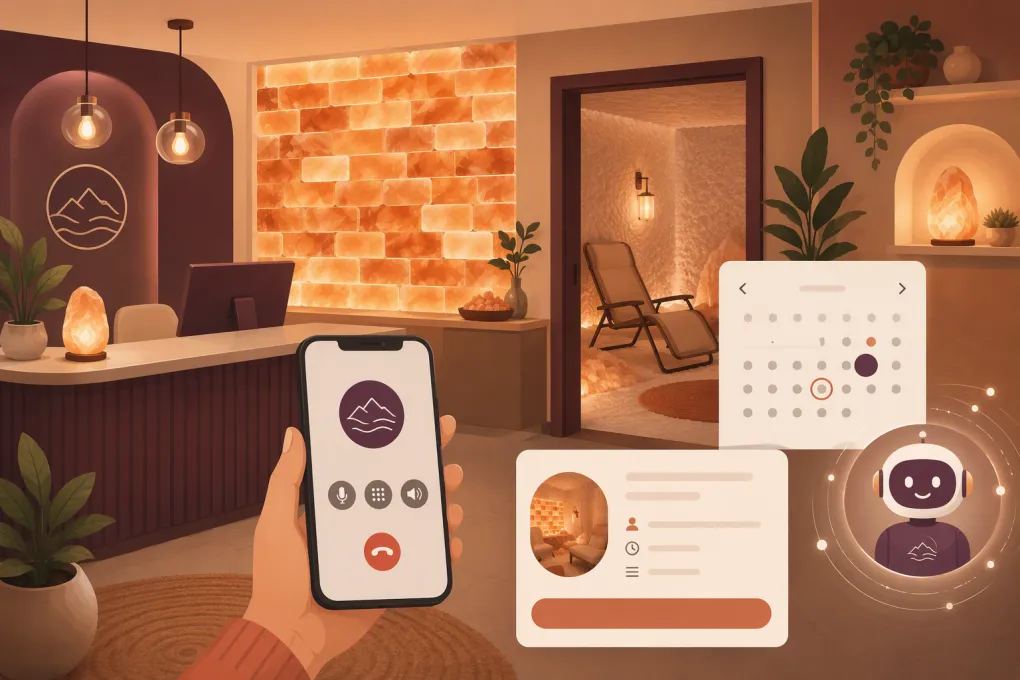 Watch · 20s
A potential client calls your salt therapy center at 7:30 p.m. They want to know what to wear, whether the room is private, how long a session lasts, and if they can bring a child. If nobody answers, that person may not leave a voicemail. They may simply call the next wellness business in the search results.
An AI receptionist for salt therapy centers closes that operational gap. It can answer common questions, capture lead details, book eligible appointments, follow up with undecided callers, and escalate situations that require a person. The goal is not to remove hospitality from a wellness business. It is to make sure hospitality starts whenever the prospect contacts you—not only when the front desk is free.
Why salt therapy centers need more than voicemail
Salt therapy businesses receive a wide mix of inquiries. Some callers already understand halotherapy and want an appointment. Others need basic education before they are comfortable booking. Existing clients may want to reschedule, confirm preparation instructions, buy a package, or ask about a late arrival.
That creates several front-desk problems:
- Calls arrive while staff members are checking in clients or resetting rooms.
- Prospects often ask several questions before booking.
- Evening and weekend inquiries can sit unanswered until the next shift.
- Different employees may give different answers about policies or preparation.
- Repetitive calls pull staff away from the in-person experience.
- Missed follow-up allows interested leads to go cold.
A conventional answering service can take a message, but message-taking still leaves the work for your team. A properly configured AI receptionist can complete the next appropriate step during the conversation.
See how Fitty can answer salt therapy inquiries and move callers toward a booking →
What an AI receptionist should handle
The best starting point is not unlimited automation. It is a defined set of high-volume, low-risk workflows with clear escalation rules.
New-client questions
Your AI receptionist should be able to explain operational facts such as:
- Session length and available room types
- Private, shared, adult, family, or child session options
- What clients should wear or bring
- Arrival-time recommendations
- Food, drink, phone, and footwear policies
- Accessibility information
- Package, membership, and gift card options
- Cancellation and late-arrival policies
- Parking and entrance instructions
Keep the language factual. The system should describe what your center offers without promising medical outcomes or diagnosing a caller’s condition.
Appointment booking
Once a caller is ready, the receptionist should check actual availability rather than promise that someone will call back. A useful booking workflow accounts for:
- Room capacity
- Session start times
- Turnover or cleaning buffers
- Adult-only or family-specific sessions
- Private-room requirements
- Staff-assisted services added to a salt session
- New-client forms or acknowledgments
- Package eligibility and booking restrictions
Booking logic matters. If a shared salt room holds multiple people, the system needs different rules from those used for a private appointment. If infrared sauna, massage, or another service requires a specific staff member or resource, that dependency must also be reflected in the calendar.
Changes, cancellations, and reminders
An AI receptionist can confirm bookings, send directions, and help clients reschedule within your stated policy. It can also explain when a cancellation fee may apply, but disputed charges should move to a manager instead of becoming an argument with automation.
Useful reminders include what time to arrive, what to wear, whether forms are outstanding, and how to contact the center if plans change. These messages should reflect the service booked rather than using one generic reminder for every appointment.
Lead follow-up
Not every conversation ends with a booking. A caller may want to check with a spouse, compare packages, or look at a child’s schedule. With permission, the receptionist can send a follow-up message containing the booking link, location details, or the specific option discussed.
Fitty, WTF Go’s AI receptionist and agent, is designed to keep that work moving. It answers leads, books services, follows up, and can help collect dues around the clock, so staff members are not rebuilding the conversation from a voicemail the next morning.
See how Fitty handles booking and follow-up while your team serves clients →
Build the knowledge base before turning on automation
An AI receptionist is only as reliable as the operating information behind it. Before launch, create one approved source of truth instead of feeding the system old web pages, scattered documents, and employee notes.
At minimum, document the following.
Services and scheduling rules
List every service exactly as it appears in your booking system. Include duration, capacity, eligible age groups, room assignment, setup buffer, price structure, and any prerequisite.
Clarify edge cases. Can one adult bring two children? Can a first-time guest book the final session of the day? Can a client combine salt therapy with another service? Is online booking closed within a certain window?
Policies
Write plain-language answers for cancellations, no-shows, late arrivals, refunds, package expiration, membership pauses, gift cards, and inclement weather. Identify which decisions require manager approval.
If policies differ by location, membership, or service, label those differences clearly. A multi-location operator should never let the receptionist apply one site’s parking instructions or cancellation rules to another site.
Approved service descriptions
Provide a concise explanation of the salt room experience and how your equipment operates. Avoid turning the receptionist into a medical adviser. Health-related questions should trigger an approved response that encourages the caller to consult a qualified healthcare professional when appropriate.
Escalation contacts
Define who receives urgent operational issues, billing disputes, accessibility requests, media inquiries, vendor calls, and complaints. Include fallback contacts for nights and weekends, plus the hours during which a live transfer is allowed.
Put firm guardrails around health questions
Salt therapy centers often receive questions involving asthma, pregnancy, allergies, respiratory symptoms, skin conditions, medications, or recent procedures. These are not ordinary scheduling questions.
Your AI receptionist should not:
- Diagnose a condition
- Tell someone to stop or change medication
- Guarantee relief or a health result
- Override advice from a clinician
- Interpret symptoms as safe or unsafe
- Handle an emergency as a normal lead
Create an approved boundary response. It can explain that the center cannot provide medical advice, direct the caller to a qualified healthcare professional, and offer to answer nonclinical questions about the facility or session format. If someone describes a possible emergency, the system should instruct them to contact emergency services rather than continuing a sales conversation.
Also limit data collection. Ask only for information needed to complete the booking or route the request. If your business collects health information, determine what privacy obligations apply to your operation and vendors. Do not assume that every wellness business or software tool is automatically subject to—or compliant with—the same healthcare rules.
For payments, use a properly configured payment flow rather than storing card details in conversation transcripts. For automated texts and follow-up calls, obtain and document the consent required for your communication practices.
A practical rollout plan
Treat deployment like an operating-system change, not a switch you flip after uploading an FAQ.
1. Review recent inquiries
Look through call notes, inboxes, web forms, and staff questions. Group them into categories such as booking, preparation, children, pricing, membership, directions, health questions, and complaints. This shows what the receptionist actually needs to handle.
2. Choose a narrow first scope
Start with common questions, lead capture, and straightforward bookings. Keep unusual combinations, policy exceptions, clinical questions, and disputes with a person until the core workflows are stable.
3. Map each conversation outcome
For every inquiry type, decide whether the desired outcome is:
- Answer the question
- Book an appointment
- Send a booking link
- Collect contact information
- Transfer to staff
- Create a callback task
- Decline the request with an explanation
Without a defined outcome, the AI may provide a polite answer while failing to move the client forward.
4. Test realistic scenarios
Do not test only easy questions. Try interruptions, background noise, vague requests, multiple family members, expired packages, fully booked rooms, late cancellations, and callers who change their minds midway through booking.
Test each location separately. Confirm time zones, business hours, addresses, resource limits, pricing descriptions, and escalation contacts.
5. Review conversations and refine weekly
Early reviews should focus on accuracy, booking completion, unnecessary escalations, unanswered questions, and policy confusion. Update the source material when a recurring issue appears. Do not patch individual transcripts with improvised wording while leaving the underlying rule unclear.
Explore WTF Go and Fitty for a connected front desk, booking, follow-up, and payment workflow →
What to measure
Avoid judging the system only by how many calls it answers. Measure whether it produces clean operational outcomes.
Useful measures include:
- Calls answered versus sent to voicemail
- Qualified leads captured
- Appointments booked from conversations
- Follow-ups sent with proper consent
- Reschedules completed without staff intervention
- Calls transferred or escalated correctly
- Bookings requiring manual correction
- Repeated questions missing from the knowledge base
- Cancellations or complaints linked to incorrect information
Review quality alongside volume. One inaccurate policy answer can create more work than several correctly handled calls save.
Choosing the right setup for your center
Ask vendors to demonstrate your workflows, not a generic restaurant or salon script. Give them scenarios involving shared-room capacity, family bookings, package eligibility, preparation instructions, and health-related boundaries.
Confirm how the system connects with your calendar, client records, follow-up process, and payments. Ask what happens when availability changes, an integration is interrupted, or the AI is uncertain. You should also understand how transcripts are stored, who can access them, and how information can be corrected or deleted.
The right AI receptionist does not merely sound pleasant. It follows your rules, completes the next step, protects sensitive situations, and gives staff a clear handoff when human judgment is needed. For a salt therapy center, that means fewer conversations disappearing into voicemail and more attention available for the clients already in the room.
Frequently asked questions
Can an AI receptionist book shared and private salt room sessions?
Yes, if it connects to accurate availability and is configured with each room's capacity, session type, buffers, and eligibility rules. Complex combinations should be escalated until the booking logic is fully tested.
Should an AI receptionist answer medical questions about salt therapy?
It can provide approved, nonclinical information about the experience, but it should not diagnose conditions, promise outcomes, or advise callers about medication. Medical questions should be referred to a qualified healthcare professional.
Can it handle calls when the salt therapy center is closed?
Yes. An AI receptionist can answer common questions, capture leads, book eligible sessions, and send approved follow-up information outside business hours.
What information is needed to set up an AI receptionist?
Prepare current service descriptions, scheduling rules, room capacities, prices, policies, preparation instructions, location details, escalation contacts, and approved responses for health-related questions.
Will an AI receptionist replace front-desk staff?
It is better used to cover repetitive and after-hours work while staff handle in-person hospitality, exceptions, complaints, and sensitive conversations that require human judgment.
Keep reading



Run your gym on autopilot with WTF Go
Fitty — your AI receptionist — answers calls and DMs, fills classes, follows up with every lead, and collects dues while you coach.