AI & Automation
AI Receptionist for Rowing Studios: The Operator's Guide
Learn how an AI receptionist for rowing studios handles leads, trial bookings, follow-up, FAQs, and dues 24/7 while protecting every member experience.
 Watch · 20s
A prospective member finds your rowing studio at 9:40 p.m. They want to know whether beginners are welcome, which class to take, what to bring, and whether there is space tomorrow morning. If nobody responds until the front desk opens, that lead may already be comparing another workout.
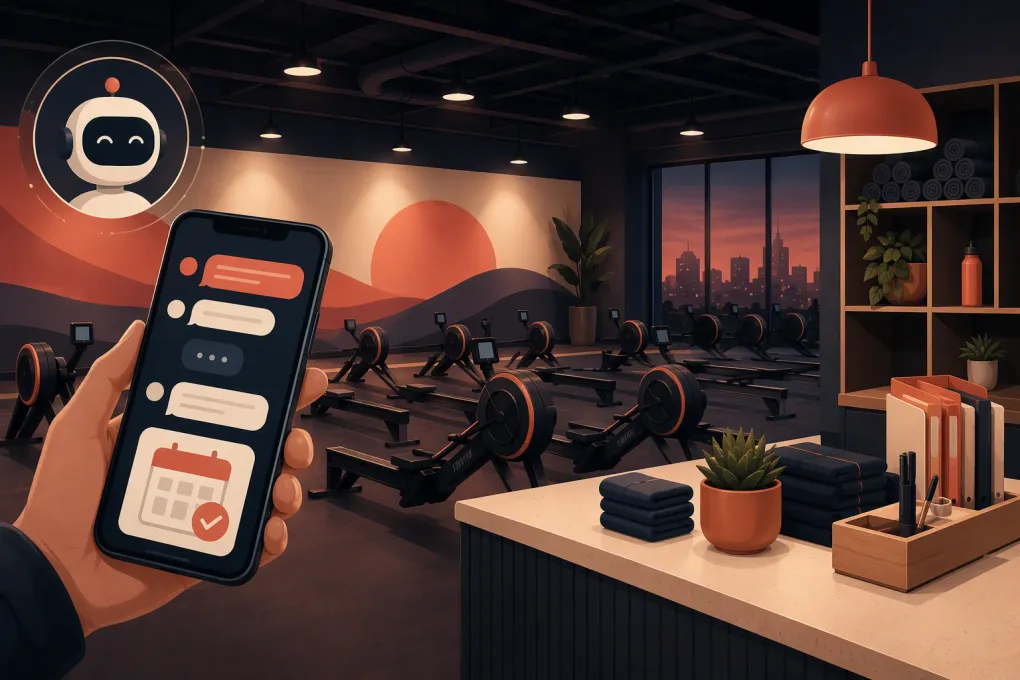
An AI receptionist for rowing studios closes that service gap. It can respond immediately, answer approved questions, recommend the right starting point, book a trial, and continue following up without asking a coach to monitor the studio phone between classes.
This is not simply a website chatbot. Set up correctly, an AI receptionist becomes an operating layer connecting lead response, scheduling, member communication, and payment follow-up.
See how Fitty handles after-hours rowing inquiries and books trials →
What an AI receptionist should handle
Rowing studios have a concentrated set of repetitive conversations. That makes the model especially suitable for structured automation, provided the AI has access to accurate studio policies and live booking information.
New-lead questions
First-time rowers often need more reassurance than experienced boutique fitness customers. An AI receptionist should be able to explain:
- Whether prior rowing experience is required
- Which class is appropriate for a beginner
- How early a first-timer should arrive
- What clothing and footwear to wear
- Whether rowing technique is taught during class
- The difference between an intro, trial, drop-in, and membership
- Where to park and how to enter the studio
- What happens if a class is full
Answers should be brief and should lead toward a useful next step. Instead of sending several paragraphs about your methodology, the agent might say: “No rowing experience is required. Your best starting option is our Intro Row, where the coach covers setup and stroke basics. I can check the next available sessions for you.”
That response answers the concern and advances the booking.
Trial and class booking
A capable AI receptionist should work from current availability rather than repeating a static schedule. It needs to recognize booking rules such as:
- Introductory classes required before general sessions
- Capacity limits based on available rowing machines
- Waitlist eligibility and promotion rules
- Booking windows and cutoff times
- Late-arrival policies for first-time participants
- Location selection for multi-studio operators
- Eligibility restrictions tied to an offer
The agent should confirm the class, location, time zone, price or offer terms, and cancellation policy before finalizing a reservation. After booking, it should send the practical details a new rower needs to arrive prepared.
Follow-up when someone does not book
Many leads ask a legitimate question but stop before choosing a class. That does not make them a bad lead. They may have been interrupted, needed to check a calendar, or wanted to speak with a partner.
A useful follow-up sequence can reference the actual conversation:
- Confirm that the original question was answered.
- Offer two suitable class times rather than asking an open-ended question.
- Address the most likely objection, such as beginner readiness or schedule fit.
- Provide a clear way to book or ask for a person.
- Stop when the lead opts out, books, or requests no further contact.
Generic messages such as “Just checking in” waste the context the lead already provided. The AI should know that the prospect asked about beginner classes and continue from there.
Where automation matters most for rowing studios
Between classes and after hours
Studio staff cannot consistently answer calls and messages while coaching, resetting equipment, welcoming members, or resolving an in-person issue. Leads, however, do not limit their questions to staffed desk hours.
An AI receptionist can provide immediate coverage without requiring coaches to interrupt the floor experience. It can also distinguish between a question it can resolve and one that needs a human response.
No-shows and unused trials
When a first-time guest misses a class, speed and tone matter. The follow-up should not sound accusatory. It should acknowledge that plans change, restate any relevant policy, and offer the next appropriate opening.
A practical message is: “We missed you at Intro Row this morning. If you would still like to try the studio, I can help you move the booking to another beginner session. Would Tuesday evening or Saturday morning work better?”
The available options must come from the live schedule. Otherwise, automation creates more cleanup for the front desk.
Failed payments and overdue dues
Dues collection is necessary, but it is a poor use of a coach’s time. An AI agent can notify a member that a payment needs attention, provide an approved secure payment path, and follow the studio’s escalation schedule.
The conversation should remain neutral. It should not expose sensitive account information in an unsecured message or ask a member to send card details by text. Billing disputes, cancellation claims, hardship requests, and repeated payment failures should go to an authorized employee.
See how Fitty follows up on missed payments without putting coaches on collection duty →
What should stay with a human
Automation should expand staff coverage, not pretend every interaction is routine. Define clear escalation conditions before the agent goes live.
Send the conversation to a person when it involves:
- An injury, health condition, pregnancy, or request for medical guidance
- A formal complaint about a coach or another member
- A refund, chargeback, contract dispute, or cancellation disagreement
- An accessibility accommodation that requires operational review
- A safety incident or equipment problem
- A private event, corporate booking, or unusual group request
- A member who explicitly asks for a person
For health questions, the AI can explain general class demands and studio policies, but it should not decide whether someone is medically cleared to row. The appropriate answer is to recommend speaking with a qualified healthcare professional and notify studio staff when needed.
Escalation also needs ownership. “A team member will respond” is incomplete unless the system assigns the conversation, sets its priority, and gives staff the context already collected.
How to configure an AI receptionist for your studio
Build one approved source of truth
Start with the information your front desk uses every day. Do not make the agent assemble answers from old social posts, archived promotions, and conflicting documents.
Your operating knowledge base should include:
- Current classes and beginner pathways
- Pricing structure and active introductory offers
- Booking, cancellation, waitlist, and late-arrival policies
- Membership freeze and cancellation procedures
- Facility access, parking, lockers, and amenities
- Minimum age and waiver requirements
- Contact and escalation responsibilities
- Holiday hours and temporary schedule changes
Assign someone to maintain this information. When a policy changes, update the source before announcing the change broadly.
Connect scheduling and lead records
A receptionist that cannot see availability is mostly an FAQ tool. For operational value, it needs a reliable way to check the schedule, create the correct record, and preserve conversation history.
Before choosing a system, verify how it handles:
- Existing contacts versus duplicate lead creation
- Real-time capacity and waitlists
- Intro-offer eligibility
- Multiple locations and time zones
- Attribution from ads, forms, calls, or referrals
- Rescheduling and cancellations
- Staff notifications and task assignment
If the AI and booking platform are not directly connected, define exactly how data moves between them. Manual exports are rarely suitable for time-sensitive class inventory.
Write boundaries, not just scripts
Scripts help establish tone, but rules prevent mistakes. Document what the agent may promise, modify, waive, or refund. Set limits around discounts, complimentary classes, membership changes, and exceptions.
Also specify when the agent must disclose that it is an automated assistant. Clear identification builds trust and prevents a member from feeling misled when a human takes over.
Test real rowing-studio conversations
Do not test only the easiest path. Run scenarios such as:
- A beginner wants to join an advanced class
- A lead asks whether rowing is safe for a specific injury
- A member is on two waitlists at overlapping times
- A first-timer tries to book after the arrival cutoff
- A prospect asks about an expired social-media promotion
- A member wants to cancel and disputes the notice requirement
- A caller uses the studio’s nickname rather than its formal location name
Review both the answer and the action taken in the underlying system. A polished message is not enough if the wrong class gets booked.
Measure whether the receptionist is working
Track operational outcomes rather than the number of conversations alone. Useful measures include:
- Time from inquiry to first response
- Leads that progress to a booked intro or trial
- Bookings that result in attendance
- Unbooked leads recovered through follow-up
- Waitlist spots filled
- Payment issues resolved through the approved flow
- Conversations escalated to staff
- Incorrect answers, failed actions, and manual corrections
- Opt-outs and communication complaints
Break results down by source, location, class type, and time of day. That shows whether the agent is solving an after-hours response problem, improving trial conversion, or simply handling questions that would have resolved without intervention.
Review transcripts regularly. Look for recurring questions that indicate a confusing offer, weak website copy, or an operational policy members do not understand. The conversation data should improve the rest of the business.
Fitty as the front door to your rowing studio
Fitty is the AI receptionist inside WTF Go, an operating system built for gyms, studios, spas, and wellness businesses. It can answer leads, book classes, continue follow-up, and collect dues around the clock while keeping the conversation tied to the operating workflow.
For a rowing operator, the value is not “having AI.” It is giving a prospect a clear answer and a valid class option while their interest is active, without pulling a coach away from the member standing in front of them.
See how WTF Go and Fitty can run your rowing studio’s lead-to-booking workflow →
The best rollout is controlled: begin with approved FAQs and introductory bookings, monitor the results, then add no-show recovery, waitlists, and payment follow-up. That sequence lets your team establish trust in the system before expanding its authority.
Frequently asked questions
Can an AI receptionist book rowing classes directly?
Yes, if it is connected to current schedule and capacity data. Confirm that it can enforce beginner requirements, booking windows, waitlists, and location-specific rules.
Will an AI receptionist replace rowing studio staff?
It should replace repetitive administrative work, not human judgment. Complaints, health concerns, billing disputes, and unusual requests should still be escalated to trained staff.
Can it answer questions from first-time rowers?
Yes. Give it approved information about beginner classes, arrival time, clothing, technique instruction, parking, waivers, and studio policies, while prohibiting medical advice.
How should a rowing studio evaluate AI receptionist software?
Check live scheduling access, lead-record accuracy, follow-up controls, escalation handling, multi-location support, payment security, reporting, and how easily staff can update policies.
How quickly can a studio launch an AI receptionist?
Timing depends on the quality of your policies, schedule data, integrations, and testing. A controlled rollout should start with a narrow set of approved workflows before expanding.
Keep reading



Run your gym on autopilot with WTF Go
Fitty — your AI receptionist — answers calls and DMs, fills classes, follows up with every lead, and collects dues while you coach.