AI & Automation
AI Receptionist for Pilates Intro Class Bookings Playbook
Use an AI receptionist for Pilates intro class bookings to answer leads, qualify prospects, schedule sessions, reduce no-shows, and follow up day and night.
 Watch · 20s
A prospective Pilates client rarely begins with a clean booking request. They ask whether reformer Pilates is appropriate for beginners, what to wear, whether an old injury matters, and which intro option fits their schedule. If your front desk cannot answer promptly, that lead may never reach the calendar.
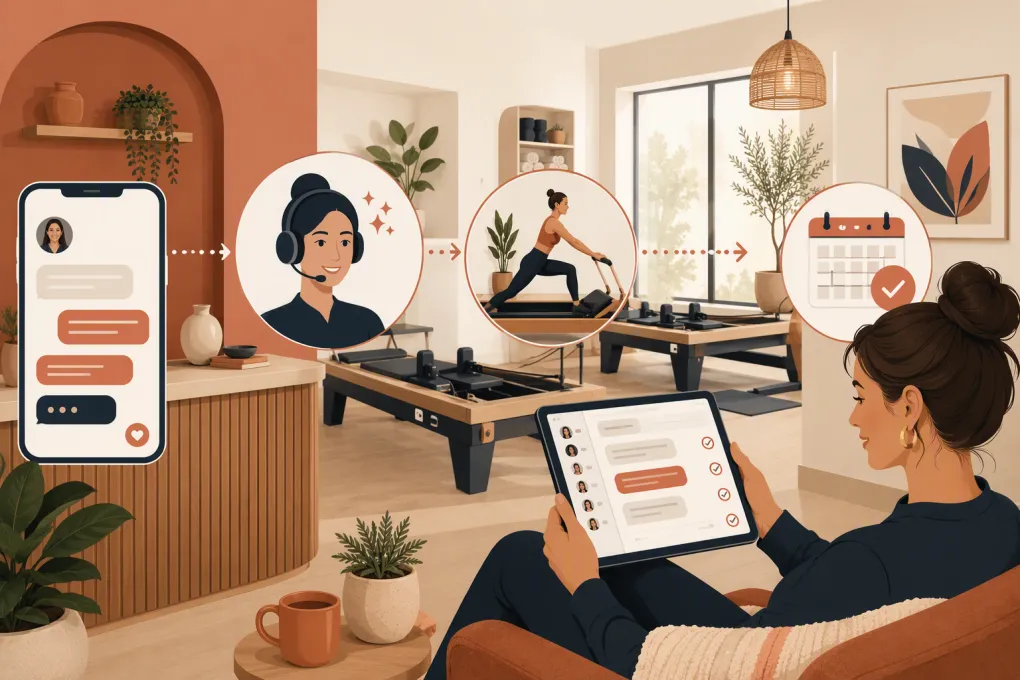
An AI receptionist for Pilates intro class bookings closes that operational gap. It can respond when staff are teaching, handle routine questions, collect the information needed to recommend the right starting point, and move qualified prospects into an available session. The goal is not to replace instructors. It is to remove the repetitive front-desk work that delays a lead between initial interest and a confirmed first visit.
Why Pilates intro bookings require more than a calendar link
A generic scheduling page assumes the prospect already knows what to book. Many first-time Pilates leads do not.
They may need help understanding:
- The difference between a private assessment, intro class, and regular group class
- Whether the studio offers mat, reformer, or other apparatus-based sessions
- Which classes are suitable for complete beginners
- What happens if they have an injury, are pregnant, or need accessibility support
- What the intro costs and whether payment is required when booking
- Where to park, what to wear, and how early to arrive
When the only response is a link to the full schedule, the lead has to solve those questions alone. A better process guides the person toward one clearly defined next step.
That process also has to work outside staffed hours. Prospects often research studios before work, after dinner, or on weekends. Waiting until the next front-desk shift adds friction at the point of highest intent.
See how Fitty answers Pilates leads and books intro sessions 24/7 →
What an AI receptionist should handle
A useful Pilates AI receptionist should manage the routine booking journey while recognizing when a person needs human attention.
Immediate lead response
The receptionist should acknowledge the inquiry, identify the studio, and ask one focused question. A strong opening is simple:
Hi, this is the studio’s virtual receptionist. I can help you choose and book the right first Pilates session. Have you done Pilates before?
Avoid beginning with a long questionnaire. The first objective is to start a conversation, not recreate an intake packet in a text thread.
Basic qualification
The AI can collect operational details such as:
- Previous Pilates experience
- Interest in private or group instruction
- Preferred days and times
- Preferred location for a multi-location studio
- Whether the person is looking for a specific format
- Whether there is an injury, pregnancy, or accessibility concern requiring staff review
Qualification should be used to route the lead, not to provide medical advice. If a prospect discloses pain, a recent procedure, or another health concern, the AI should pause the standard booking flow and arrange an appropriate human follow-up.
Live scheduling
Once the right intro service is clear, the receptionist should offer a small number of relevant openings rather than listing the entire calendar.
For example:
The beginner reformer intro is available Tuesday at 6:00 p.m. or Saturday at 10:00 a.m. Which works better?
This reduces choice overload and keeps the conversation moving. Availability should come from the actual booking system so the AI is not suggesting full, canceled, or instructor-inappropriate sessions.
Payment and policy communication
If the intro requires prepayment, the receptionist should send the prospect through a secure checkout flow. It should also surface essential policies before confirmation, including cancellation terms, late-arrival rules, and any required waiver.
Do not ask prospects to send raw card information in a text or chat. Payment should be handled by a properly secured payment system.
Confirmation, reminders, and follow-up
A booking is not finished when a name lands on the calendar. The receptionist should confirm:
- Date, time, and location
- Session type and instructor, when applicable
- Arrival time
- Clothing or grip-sock guidance
- Parking and entry instructions
- Waiver or intake requirements
- Rescheduling instructions
If the lead stops replying before booking, the system should follow up without restarting the conversation. After the intro, it can prompt the next appropriate action, such as booking a first regular class or speaking with staff about a package.
Build the booking flow before turning on AI
AI will expose a messy offer rather than fix it. Before automating conversations, make the intro pathway operationally clear.
1. Choose one primary starting offer
Decide which service most new clients should book. That might be a beginner group intro, a private orientation, or an assessment required before group participation.
Document exceptions. For example, an experienced visitor may enter an open-level class, while a complete beginner is directed to an intro. Prospects with specific physical concerns may require staff review before scheduling.
2. Define the minimum questions
Only ask what is required to make a safe routing and scheduling decision. A practical sequence is:
- Have you practiced Pilates before?
- Are you interested in private sessions, group classes, or unsure?
- Do you have an injury, pregnancy, or accessibility need the studio should review?
- Which location and times work for you?
- What is the best email and mobile number for confirmation?
Keep detailed health history in your approved intake process rather than an open-ended booking conversation.
3. Create routing rules
Write explicit if-then rules for common scenarios:
- Complete beginner: Offer the designated beginner intro.
- Experienced prospect: Offer an approved class or staff consultation.
- Injury or health concern: Escalate to a qualified team member.
- Private-session interest: Show private intro availability.
- No matching availability: Collect preferences and create a staff follow-up task.
- Existing member: Route to account support instead of treating the person as a new lead.
These rules keep the AI aligned with how your instructors already operate.
4. Decide when a human takes over
Human handoff is essential when the conversation involves medical questions, complaints, refunds, unusual accommodation requests, membership disputes, or anything the system cannot interpret confidently.
Assign ownership and response expectations. A handoff that sits in an unmonitored inbox is not a handoff; it is another lost lead.
Use Fitty to qualify Pilates prospects, offer real openings, and hand exceptions to your team →
A practical intro-booking conversation
A complete workflow might look like this:
- A prospect submits a website form or contacts the studio.
- The AI receptionist responds and asks about Pilates experience.
- The prospect says they are a beginner interested in reformer Pilates.
- The AI checks for concerns that require staff review.
- If none apply, it offers two beginner intro times at the correct location.
- The prospect chooses a time and completes any required payment and waiver steps.
- The system sends a confirmation with arrival instructions.
- A reminder is sent before the session.
- After attendance, the prospect receives the correct next-step invitation.
- If the prospect does not book, the system follows up and preserves the conversation context.
Every message should answer the current question and advance one step. Avoid sending pricing, policies, schedules, directions, and intake questions in one large block.
Protect trust while automating
A Pilates studio handles personal and sometimes health-related information. Treat automation as an extension of the front desk, with the same need for discretion and clear boundaries.
Use these safeguards:
- Tell people when they are interacting with an automated or virtual receptionist.
- Collect only information needed for the booking workflow.
- Restrict access to lead and client records by staff role.
- Use secure payment and waiver systems.
- Maintain a clear path to a person.
- Review conversation logs for incorrect routing or outdated answers.
- Obtain appropriate consent for marketing messages and honor opt-out requests.
- Separate operational reminders from promotional follow-up where required.
Your policies, intro prices, instructor assignments, and schedule rules will change. Assign one person to keep the AI’s approved information current.
Measure the workflow, not just message volume
Do not judge an AI receptionist by how many conversations it starts. Measure whether it moves qualified leads into appropriate first visits.
Useful operating metrics include:
- Time from inquiry to first response
- Percentage of intro inquiries that reach a booking
- Where prospects stop in the booking flow
- Number and type of human handoffs
- Intro cancellations and no-shows
- Intro attendees who book the intended next step
- Common questions the AI cannot answer
- Incorrect bookings or routing errors
Review failed and escalated conversations regularly. If prospects repeatedly ask whether grip socks are required, add that answer to the confirmation. If leads abandon at payment, inspect the checkout process. If staff receive too many avoidable handoffs, tighten the routing rules.
Where Fitty fits in the Pilates front desk
Fitty is the AI receptionist inside WTF Go, an operating system built for gyms, studios, spas, and wellness businesses. It can answer new leads, help book classes, follow up, and support dues collection without requiring an instructor to leave the floor whenever the phone or inbox lights up.
For a Pilates operator, the practical advantage is continuity. The lead conversation, booking action, follow-up, and ongoing client workflow can operate as connected parts of the business instead of separate tools and staff workarounds.
Automation is most valuable when it protects the experience on both sides: prospects receive prompt, useful guidance, while instructors stay focused on the clients already in front of them.
See how WTF Go and Fitty can run your Pilates intro-booking workflow →
Start with one intro offer, one location, and a narrow set of approved booking rules. Test the common paths yourself, including after-hours inquiries, no availability, health-related disclosures, and requests for a human. Once that flow is reliable, expand it to additional services and locations.
Frequently asked questions
Can an AI receptionist book Pilates intro classes after hours?
Yes. When connected to current availability and booking rules, an AI receptionist can answer routine questions, offer appropriate openings, and confirm intro bookings outside staffed hours.
Should AI answer questions about injuries or pregnancy?
AI can identify that a concern exists, but it should not provide medical advice. The safest workflow is to pause automatic booking and route the prospect to a qualified staff member.
Can an AI receptionist reduce Pilates intro no-shows?
It can support attendance by sending clear confirmations, preparation instructions, reminders, and rescheduling options. Studios still need sensible booking and cancellation policies.
What information should a Pilates booking AI collect?
Collect only what is needed to route and confirm the booking, such as experience level, session preference, location, availability, contact details, and whether staff review is required.
Does Fitty replace a Pilates studio's front-desk staff?
Fitty handles repetitive lead response, booking, follow-up, and related workflows. Staff remain important for nuanced questions, health concerns, complaints, exceptions, and relationship-building.
Keep reading



Run your gym on autopilot with WTF Go
Fitty — your AI receptionist — answers calls and DMs, fills classes, follows up with every lead, and collects dues while you coach.