AI & Automation
AI Receptionist for Nutrition Clinics: A Practical Guide
Learn how an AI receptionist for nutrition clinics can answer inquiries, book consults, follow up with leads, and reduce front-desk workload securely.
 Watch · 20s
A prospective client contacts your nutrition clinic after dinner, asks whether you help with their goals, and wants an appointment next week. If nobody responds until the next business day, that inquiry can cool off—or go to another provider that answers first.
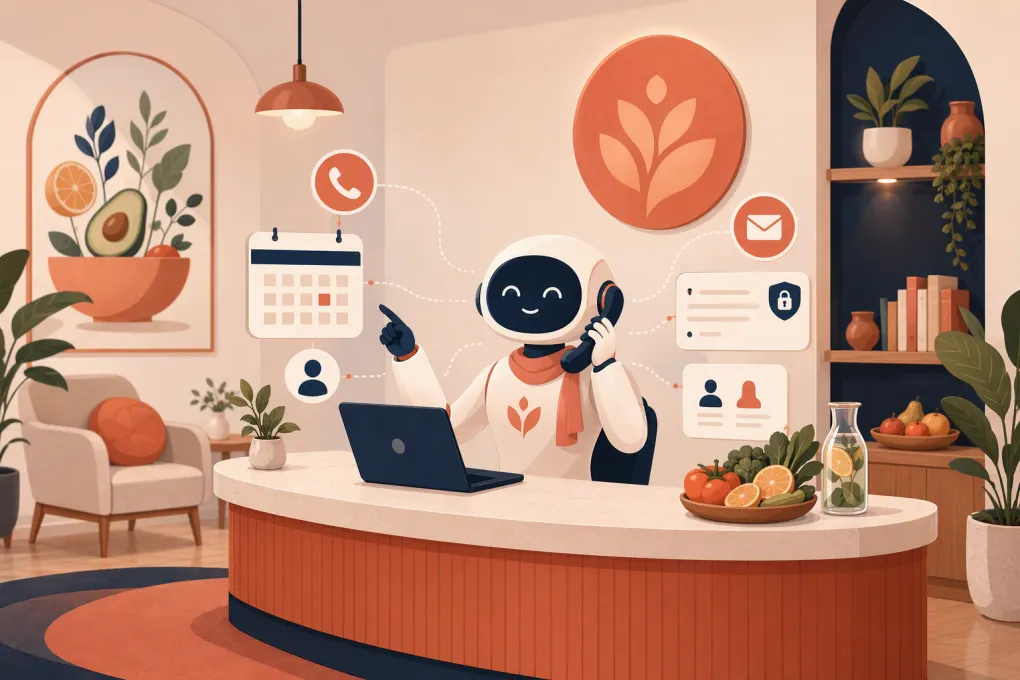
An AI receptionist for nutrition clinics helps close that response gap. It can answer routine questions, qualify inquiries, book consultations, send reminders, and follow up with people who have not scheduled. The right setup gives clients a faster path forward without asking dietitians to monitor the phone between sessions.
The important distinction is scope. An AI receptionist should handle administrative conversations, not practice dietetics. It needs clear boundaries around clinical advice, protected health information, emergencies, payments, and escalation to a human.
See how Fitty can answer nutrition clinic inquiries and book consultations 24/7 →
What an AI receptionist can handle for a nutrition clinic
Nutrition practices receive a predictable set of questions: services offered, appointment availability, provider specialties, pricing, location, virtual options, insurance policies, and what to expect at the first visit. These are useful conversations, but they do not always require a clinician.
A properly configured AI receptionist can support several front-desk workflows.
Answering routine inquiries
The AI can respond using information approved by the clinic, including:
- Services and programs offered
- In-person and virtual appointment options
- Clinic hours, locations, and parking instructions
- Provider biographies and non-clinical specialties
- Self-pay pricing and package structure
- General insurance and reimbursement policies
- Cancellation and rescheduling rules
- What clients should bring to an initial consultation
Answers should come from a controlled knowledge base rather than an open-ended internet search. If the approved information does not cover a question, the system should say so and route it to staff.
Booking the right appointment
Scheduling is more useful when the AI understands appointment rules instead of merely displaying a calendar.
For example, a clinic may offer:
- Complimentary discovery calls
- Initial nutrition assessments
- Follow-up appointments
- Group programs or classes
- Different appointment types for existing and new clients
- Provider-specific services
The receptionist should identify whether someone is a new or returning client, present eligible appointment types, apply scheduling rules, and confirm the booking. It should not place a new client into a follow-up slot simply because that time is available.
Following up with unscheduled leads
Many inquiries do not book during the first conversation. The person may need to check a calendar, talk with a family member, or think about the cost.
An AI receptionist can continue an approved follow-up sequence by text, email, or another supported channel. Useful messages might answer a remaining logistical question, offer the booking link again, or ask whether the person wants help selecting an appointment.
Follow-up should stop when someone declines, opts out, schedules, or requests a human response. Repeated generic messages are not a substitute for a thoughtful workflow.
Handling changes and reminders
Administrative workload also comes from existing clients. An AI receptionist may help clients confirm, cancel, or reschedule appointments within clinic policy. It can send reminders with location details, preparation instructions, and a secure link to required forms.
Where supported by the clinic’s systems, it may also send payment reminders or direct clients to an approved payment page. Full card details should not be collected in an ordinary chat or text conversation.
What the AI should never do
A nutrition clinic has a different risk profile from a salon or general fitness studio. The receptionist’s boundaries need to be explicit.
It should not:
- Diagnose a condition or interpret symptoms
- Build a meal plan or recommend supplements
- Adjust a clinician’s care instructions
- Interpret laboratory results
- Guarantee insurance coverage or reimbursement
- Present itself as a registered dietitian or other clinician
- Handle an urgent medical situation as a normal lead
- Request sensitive health details that are unnecessary for scheduling
If a person asks, “What should I eat to control my blood sugar?” the system should not improvise an answer. It can explain that individualized guidance requires a clinician, offer an appropriate appointment, and escalate according to clinic policy.
Urgent or emergency language needs a separate path. The system should clearly state that it is not an emergency service and direct the person to the clinic’s approved emergency guidance. Staff should define this wording with appropriate compliance or legal input rather than relying on a generic AI response.
Privacy, consent, and healthcare compliance
Adding AI does not remove the clinic’s responsibility for privacy and communication compliance. Before launch, map what information enters the system, where it is stored, which vendors can access it, and how long it is retained.
Ask vendors direct questions
Do not accept “secure” or “healthcare-ready” as a complete answer. Ask:
- Will the system receive or store protected health information?
- Is the vendor willing to sign a business associate agreement when required?
- Which subprocessors may handle clinic or client data?
- How is data encrypted in transit and at rest?
- Can access be restricted by staff role?
- Are conversation and activity logs available?
- Can data be exported, corrected, and deleted?
- Is clinic data used to train shared models?
- What happens to retained data if the service is canceled?
Whether a particular setup is appropriate depends on the clinic, its services, the data involved, and the contracts and configuration in place. Confirm requirements with qualified privacy and legal advisers. Do not assume that connecting a compliant clinical system automatically makes every connected tool or workflow compliant.
Collect only what the workflow needs
Lead qualification should stay administrative. Asking for a name, contact details, preferred service, general scheduling preference, and whether the person is new or returning may be enough to route the inquiry.
Detailed medical history, diagnoses, medications, lab reports, and treatment notes belong in the clinic’s approved intake or clinical system—not an ordinary text thread. The AI can send a secure form link instead of collecting that information conversationally.
Respect communication rules
Texting and automated calls can trigger federal and state consent requirements. Call recording and AI disclosure rules may also apply depending on the channel and jurisdiction. Build clear opt-in and opt-out handling, identify the clinic in messages, and document how consent is captured.
How to implement an AI receptionist without creating chaos
The fastest implementation is not always the best one. Start with a narrow set of high-volume workflows and expand after reviewing real conversations.
1. Document your front-desk rules
Write down the decisions your staff already makes:
- Which services are available to new clients?
- When is a discovery call required?
- Which providers handle each service?
- What can be booked online?
- How late can an appointment be canceled or changed?
- Which questions require staff or clinician review?
If the rules are unclear to employees, the AI will not fix them. It will expose the ambiguity faster.
2. Build an approved answer library
Use current website copy, service descriptions, policies, provider information, and scheduling instructions. Assign an owner to each content category and record when it was last reviewed.
Avoid broad claims such as “we can treat any condition” or “your insurance will cover this.” Specific, bounded language is safer and more useful.
3. Connect scheduling carefully
Test appointment durations, buffers, provider availability, time zones, intake requirements, and new-client restrictions. Run scenarios for virtual and in-person visits, multiple locations, rescheduling, and calendar conflicts.
A successful test is not just “the booking appeared.” Confirm that the correct appointment type, provider, location, reminders, and intake instructions were applied.
Explore how WTF Go and Fitty combine lead response, booking, follow-up, and client management →
4. Define human handoffs
Every workflow needs an exit. Specify who receives escalations, during what hours, through which channel, and with what conversation context.
Common handoff triggers include:
- Clinical or condition-specific questions
- Insurance details that require verification
- Complaints or refund requests
- Accessibility or language needs the system cannot support
- Repeated misunderstanding
- Requests to speak with a person
- Urgent or sensitive messages
The client should not have to repeat the entire conversation after the handoff.
5. Review before expanding
Start with routine inquiries and consultation booking. Review transcripts or summaries regularly, correct weak answers, and add only the next workflow that staff can supervise.
Do not automate every touchpoint at once. A smaller system with accurate answers and reliable escalation is more valuable than a broad system nobody trusts.
What to measure
Measure the AI receptionist as an operating workflow, not as a novelty. Useful indicators include:
- Time from inquiry to first response
- Percentage of inquiries that receive a usable answer
- Consultations booked from new inquiries
- Unscheduled leads that later book after follow-up
- Appointment changes completed without staff intervention
- Human escalation volume and reasons
- Incorrect-answer and failed-booking incidents
- Opt-outs, complaints, and unresolved conversations
- Staff time spent correcting automation errors
Review quality alongside volume. More automated conversations are not a win if clients receive the wrong service, inaccurate policy information, or no clear path to a person.
Where Fitty fits
Fitty is WTF Go’s AI receptionist and agent for wellness businesses. It is designed to answer leads, support booking, follow up, and help collect dues around the clock while operating alongside the broader WTF Go business platform.
For a nutrition clinic, the practical value is continuity: an after-hours inquiry can receive an immediate administrative response, move into the right consultation, and continue through an approved follow-up process without relying on sticky notes or disconnected inboxes.
The clinic still controls the important parts: service definitions, scheduling rules, approved answers, escalation paths, and the boundaries between administrative support and clinical care.
See how Fitty can support your nutrition clinic’s inquiry-to-booking workflow →
An AI receptionist should not replace the judgment or trust clients expect from a nutrition professional. It should remove the avoidable friction around reaching that professional. When the scope, privacy controls, booking logic, and handoffs are built correctly, the result is a more responsive clinic without turning clinicians into full-time receptionists.
Frequently asked questions
Can an AI receptionist give nutrition advice?
It should not provide individualized nutrition advice, diagnose conditions, or change a clinician's instructions. Its role should be limited to approved administrative answers, scheduling, follow-up, and routing clinical questions to qualified staff.
Can an AI receptionist for nutrition clinics be HIPAA compliant?
Suitability depends on the vendor, contracts, data handled, integrations, and configuration. Ask whether the vendor will sign a business associate agreement when required, then confirm the complete workflow with qualified privacy or legal advisers.
Can an AI receptionist verify insurance benefits?
It can explain the clinic's general insurance policy or collect basic information through an approved workflow. It should not guarantee coverage or reimbursement, and actual benefit verification may require staff or a connected eligibility service.
Will an AI receptionist replace front-desk staff?
It is better used to handle repetitive inquiries, booking, reminders, and follow-up. Staff remain essential for exceptions, sensitive conversations, insurance issues, complaints, and anything requiring clinical or operational judgment.
What should a nutrition clinic automate first?
Start with routine FAQs, after-hours lead response, discovery-call booking, and basic reminders. Add more workflows only after testing accuracy, privacy boundaries, scheduling rules, and human escalation.
Keep reading



Run your gym on autopilot with WTF Go
Fitty — your AI receptionist — answers calls and DMs, fills classes, follows up with every lead, and collects dues while you coach.