AI & Automation
AI Receptionist for Med Spa Same-Day Appointment Openings
Use an AI receptionist for med spa same-day appointment openings to qualify clients, fill cancellations, protect staff time, and preserve guest experience.
 Watch · 20s
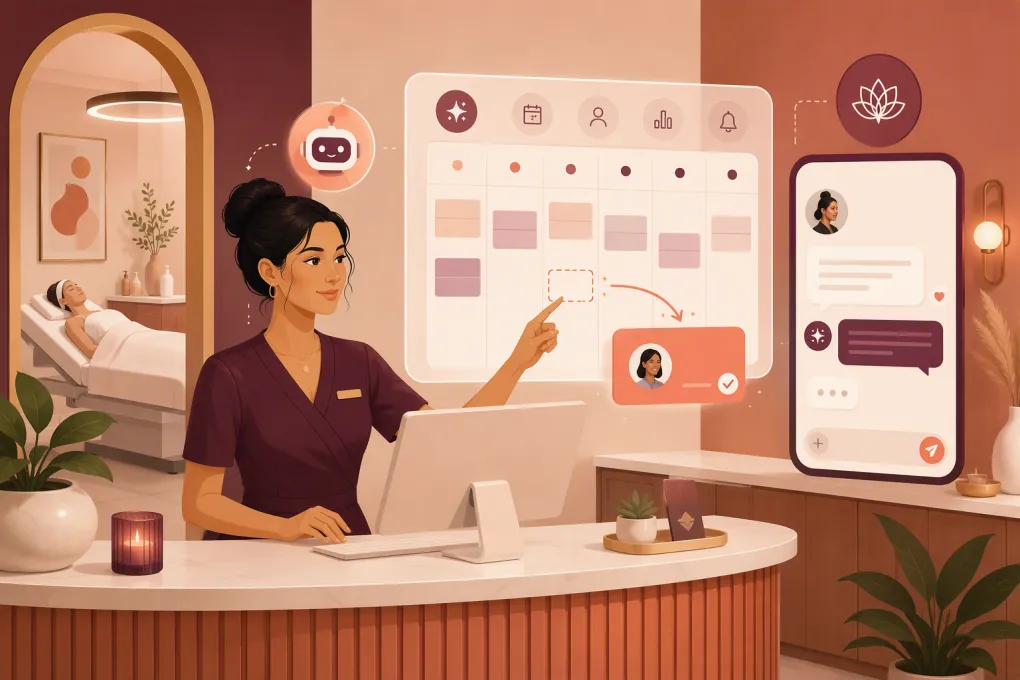
A cancellation at 10:15 a.m. can leave a valuable 2:00 p.m. treatment slot sitting empty. The front desk may have a waitlist, unread inquiries and clients who said they wanted an earlier appointment—but finding the right person, confirming eligibility and collecting payment takes time.
An AI receptionist for med spa same-day appointment openings can handle that coordination without turning the front desk into an outbound call center. The goal is not to message every client or discount every cancellation. It is to match the right opening with the right client while protecting treatment protocols, provider schedules and the guest experience.
See how Fitty can respond, follow up and book med spa openings →
Why same-day med spa openings are difficult to fill
A med spa appointment is not interchangeable inventory. Filling a facial opening is different from filling an injectable, laser or body-contouring appointment.
Before offering a slot, the business may need to account for:
- The treatment duration and required cleanup time
- The provider’s credentials and permitted services
- Room, device or equipment availability
- Whether the client needs a consultation first
- Treatment-specific preparation requirements
- Contraindications that require clinical review
- Membership, package or promotional eligibility
- Deposits, cancellation fees and payment policies
- Intake forms or consent documents
A standard waitlist often captures only a name and preferred day. It does not necessarily show whether the client can arrive within two hours, wants that specific service or is ready to place a deposit.
That is where automation becomes useful. A properly configured AI receptionist can qualify interest, apply booking rules and escalate exceptions. It should not make clinical decisions.
What the AI receptionist should do when a slot opens
A reliable same-day workflow has six parts.
1. Detect an actual bookable opening
The trigger should come from the live scheduling system or a controlled staff action. A canceled appointment is not automatically available if the provider’s schedule has changed, a room is unavailable or the team needs the time for another procedure.
Define what counts as offerable inventory:
- Minimum time before the appointment
- Services allowed for same-day outreach
- Providers who participate
- Required buffers between treatments
- Whether consultations can fill treatment slots
- Latest time at which outreach should stop
Do not let the AI promise a slot based on an old spreadsheet or manually maintained waitlist.
2. Build a relevant candidate list
The best candidate is not simply the last person who called. The system should narrow the list using practical booking information, such as:
- Requested service or service category
- Preferred provider, if applicable
- Stated availability
- Location preference
- Existing client status
- Consultation or intake status
- Membership or package eligibility
- Prior request for an earlier appointment
- Communication consent and contact preferences
Start with the smallest relevant group. If nobody accepts, expand the audience in controlled stages. This avoids creating unnecessary demand for one slot and then disappointing multiple clients.
3. Send a clear, low-friction offer
The message should identify the location, service, time and response deadline. It should also make clear that availability is not guaranteed until the booking is confirmed.
A practical template is:
An opening became available today at 2:00 p.m. for your requested service at our North location. Would you like it? Reply YES and I’ll check eligibility and help you book. The opening remains available until confirmed.
Avoid vague messages such as “Call us for a special opening.” Every extra step gives the client another reason to postpone responding.
The AI should also handle normal follow-up questions: provider name, expected appointment length, deposit policy, location and whether an existing package can be used. Clinical questions should go to qualified staff.
4. Apply booking rules before confirming
Speed matters, but an incorrect booking creates more work than an empty slot. Configure the AI to check operational requirements before placing the appointment.
For example, it can verify whether:
- The client has completed a required consultation
- The selected service fits the available duration
- A deposit is required
- Intake documents are outstanding
- The appointment requires staff approval
- Another client has already taken the slot
For treatment suitability, contraindications or medical advice, the correct action is escalation—not improvisation. The AI can collect the question and route it to an authorized team member without attempting to diagnose or clear the client.
Use urgency without creating a bad client experience
Same-day outreach is time-sensitive, but it should not feel manipulative. A real opening and a real response deadline provide enough urgency.
Good operating rules include:
- State that the appointment is first confirmed, not first to reply
- Do not imply scarcity beyond the actual opening
- Stop outreach as soon as the slot is filled
- Notify clients promptly if another person confirms first
- Offer to keep interested clients on the priority list
- Respect opt-outs and communication preferences
- Limit repeated messages to clients who do not engage
Discounting should not be the default. Many clients value an earlier appointment, a preferred provider or a convenient time without needing a lower price. If you do use an offer, define which services, providers and client segments qualify before automation begins.
Let Fitty manage the conversation, not just the first text
Basic reminders can announce an opening. They usually do not manage the back-and-forth that follows: Is the slot still open? Can I use my package? Do I need a consultation? What deposit is required?
Fitty, WTF Go’s AI receptionist, is designed to answer leads, follow up, book and collect payments around the clock. For same-day med spa openings, that means the workflow can continue after the initial message instead of dropping every interested client into the front desk inbox.
Your team still controls the important boundaries: which appointments can be offered, what Fitty may answer, when payment is required and which questions need a human or licensed clinical professional.
See how Fitty can work an opening from first response to confirmed booking →
Create an escalation map before going live
The quality of an AI receptionist depends heavily on its operating rules. Document the situations that should pause automation and alert a person.
Front desk or manager escalation
Route questions about:
- Policy exceptions
- Unusual package or membership issues
- Refunds and disputed charges
- VIP handling instructions
- Schedule conflicts the system cannot resolve
Clinical escalation
Route questions about:
- Candidacy for a treatment
- Contraindications
- Medication interactions
- Side effects or adverse reactions
- Pre-treatment and post-treatment medical guidance
The AI can provide approved logistical information, but it should not replace clinical judgment. Review vendor capabilities, privacy practices and your own legal obligations before allowing any system to process sensitive client information.
A practical rollout plan for one location
Do not begin with every service and every cancellation. Start with a narrow workflow that the team can supervise.
Week 1: Define the rules
Choose one or two services with straightforward booking requirements. Document eligible providers, appointment lengths, buffers, deposit rules, outreach hours and escalation paths.
Clean the waitlist so each entry includes the desired service, location, timing preferences and consent status.
Week 2: Run in approval mode
Let the system identify candidates and draft outreach, but require staff approval before messages go out. Review the questions clients ask and identify missing policies or knowledge-base content.
Week 3: Automate low-risk cases
Allow automatic outreach and booking for appointments that meet all established rules. Keep staff approval for clinical, payment or scheduling exceptions.
Week 4: Review performance
Track operational metrics rather than message volume:
- Number of genuine openings created
- Number offered through the workflow
- Openings successfully filled
- Time from cancellation to confirmation
- Booking completion and deposit collection
- Same-day no-shows or late cancellations
- Human escalations and their causes
- Opt-outs and client complaints
Review failed conversations as carefully as successful bookings. They reveal missing answers, confusing policies and scheduling rules that need correction.
Protect the slot after it is filled
A same-day booking is only useful if the client arrives prepared and the team knows what to expect. Confirmation should trigger the normal pre-appointment workflow immediately.
Send the client:
- Confirmed time, location and provider
- Arrival instructions
- Approved preparation information
- Required intake or consent forms
- Deposit or payment confirmation
- Rescheduling and cancellation policies
- A clear route for clinical questions
The schedule, staff notifications and client record should all show the same appointment status. Avoid running a separate “AI calendar” that can drift away from the operating schedule.
Turn cancellation recovery into a repeatable operating system
The real value of an AI receptionist is not one rescued appointment. It is a consistent process that runs when the front desk is serving clients, handling checkout or responding to new leads.
Build the system around controlled inventory, qualified outreach, booking guardrails and clear human escalation. That combination helps a med spa pursue same-day revenue without lowering standards or asking staff to chase every opening manually.
Explore WTF Go and build a same-day appointment recovery workflow with Fitty →
Frequently asked questions
Can an AI receptionist automatically fill a canceled med spa appointment?
Yes, if it has access to current availability and clear rules for eligible services, clients, deposits and required consultations. Clinical or policy exceptions should be escalated to staff.
Should same-day med spa openings always be discounted?
No. Convenience, preferred timing and earlier access may be enough to fill the slot. Use discounts only when they support a defined pricing and capacity strategy.
Can an AI receptionist answer questions about treatment eligibility?
It can collect information and provide approved logistical answers, but it should not diagnose, assess contraindications or give medical advice. Those questions require an appropriate clinical professional.
What information should a med spa waitlist collect?
Capture the requested service, location, preferred provider, availability, consultation status and communication consent. Keep the information current so outreach targets clients who can realistically take the opening.
How should a med spa measure same-day appointment automation?
Track fill rate, cancellation-to-confirmation time, completed bookings, deposits, no-shows, escalations and opt-outs. These metrics show whether the workflow improves usable capacity without damaging the client experience.
Keep reading



Run your gym on autopilot with WTF Go
Fitty — your AI receptionist — answers calls and DMs, fills classes, follows up with every lead, and collects dues while you coach.