AI & Automation
AI Receptionist for Gym Personal Training Cancellations
Learn how an AI receptionist for gym personal training cancellations can rebook clients, enforce policies, alert coaches, and protect revenue every day.
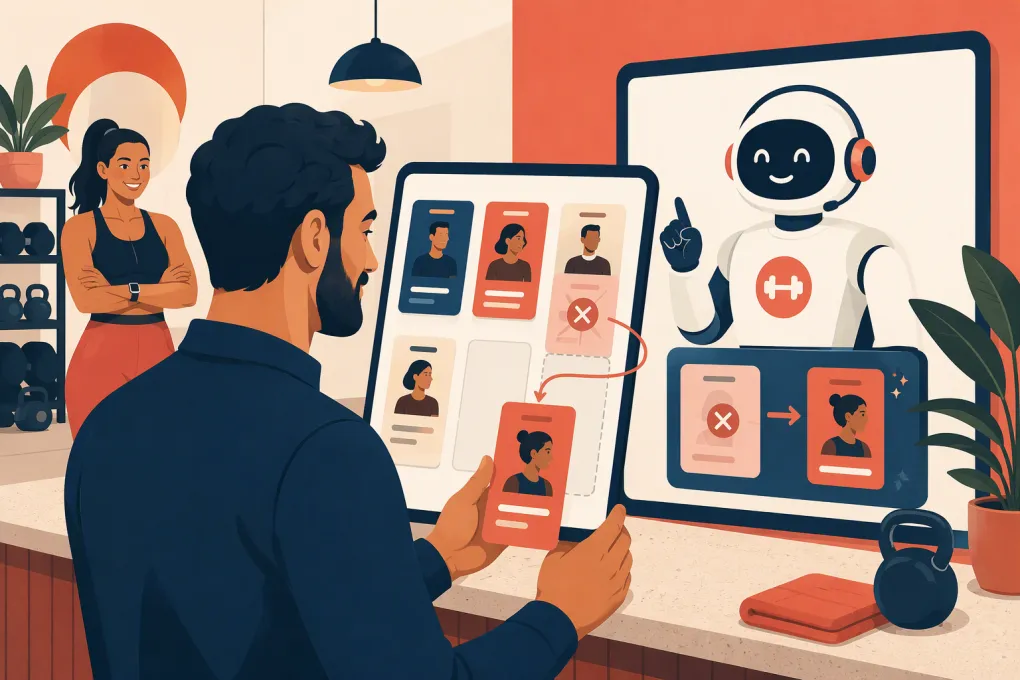 Watch · 20s
Personal training cancellations create more than an empty calendar slot. Someone has to answer the client, check the policy, update the session balance, notify the trainer, offer a new time, and document what happened. If the request arrives after hours, that work often waits until the slot is impossible to refill.
An AI receptionist can handle the first response and much of the routine coordination. The goal is not to punish clients or remove staff judgment. It is to give every cancellation a fast, consistent path toward rebooking while protecting trainer capacity and enforcing the gym’s rules.
Why personal training cancellations are an operational problem
A canceled class seat may be filled from a waitlist. A canceled training session is harder to recover because it depends on a specific coach, service duration, client package, and available time.
The cost also extends beyond the appointment itself. Poorly managed cancellations can cause:
- Trainers to receive late or incomplete schedule updates
- Clients to misunderstand whether a session was charged
- Front-desk staff to spend time relaying messages
- Unused package credits to accumulate
- Recurring appointments to disappear without follow-up
- Managers to make inconsistent policy exceptions
- Clients to leave instead of finding another workable time
The biggest failure is often response speed. A client who texts at night may be willing to move from Tuesday morning to Wednesday afternoon, but only if someone presents the option while the request is active.
See how Fitty can respond to gym clients after hours and keep booking conversations moving →
What an AI receptionist should do with a cancellation
An AI receptionist for gym personal training cancellations needs more than a generic apology message. It should follow a defined workflow based on the appointment, timing, policy, and client request.
Identify the appointment accurately
Before changing anything, the system should confirm:
- Client identity
- Trainer or service booked
- Appointment date and time
- Whether the client wants to cancel or reschedule
- Whether the appointment is part of a recurring schedule
This prevents a common problem: canceling one session when the client meant to change the entire recurring series.
Apply the correct policy path
Your workflow should distinguish among several events:
| Event | Recommended automated action | When staff should review |
|---|---|---|
| Cancellation within the allowed window | Confirm cancellation and offer rebooking | Unusual package or account issue |
| Late cancellation | Explain the applicable policy, record the event, and offer a new time | Client disputes the fee or requests an exception |
| No-show | Send a factual follow-up and provide rebooking options | Repeated no-shows or a disputed attendance record |
| Coach-initiated cancellation | Apologize, preserve the client’s session, and prioritize rebooking | Compensation or service recovery may be appropriate |
| Emergency or sensitive situation | Acknowledge the request without interrogating the client | Staff should decide whether to waive the policy |
| Recurring schedule change | Clarify whether one or all future sessions are affected | Calendar conflicts or trainer reassignment |
Automation should execute the policy, not invent it. If your written terms are vague, the AI will only automate inconsistency faster.
Attempt to save the appointment
A cancellation request does not always mean the client wants to skip training. They may need a different time, trainer, format, or day.
Give the receptionist a clear sequence:
- Ask whether the client wants to reschedule rather than cancel.
- Offer a small set of relevant openings.
- Prioritize the same trainer when appropriate.
- Offer an approved alternate trainer if the client is flexible.
- Confirm the new appointment and any effect on the session balance.
- Notify the original and replacement trainers when necessary.
Do not overwhelm the client with every available slot. A few relevant choices make the conversation easier to complete.
Build the cancellation policy before the automation
Your cancellation workflow should be specific enough that a new employee could follow it without guessing. Define the following in writing:
The cutoff
State when an appointment becomes a late cancellation. Avoid loose phrases such as reasonable notice. Use one rule across your agreement, booking confirmation, reminders, and receptionist workflow.
The consequence
Clarify whether a late cancellation results in a lost session, a fee, or another account action. The wording should also explain how no-shows are treated.
The exception authority
Decide who can approve exceptions and which situations must be escalated. An AI receptionist should not make subjective decisions about illness, family emergencies, or long-term member relationships unless you have explicitly defined that authority.
The rebooking rules
Document whether package expiration dates change, whether clients can switch trainers, and how recurring appointments are handled. Include any restrictions tied to service level or trainer availability.
The communication record
Every cancellation should leave a usable record: request time, appointment affected, policy outcome, rebooking status, and escalation notes. Staff should not have to reconstruct the conversation from separate voicemail, text, and email threads.
Use scripts that are clear without sounding hostile
Policy language should be direct, brief, and focused on the next action. Here are adaptable examples.
Cancellation within the allowed window
Your session with Jordan on Tuesday at 4:00 p.m. has been canceled. Would you like the next available times with Jordan, or are you open to another trainer?
Late-cancellation request
This appointment falls inside the late-cancellation window in your training agreement. The session may still be charged under that policy. I can help you find another training time or ask the team to review the account if you believe this needs an exception.
No-show follow-up
We missed you at your scheduled training session today. I can help you book your next session. If there was an issue with the appointment record, I can also send it to the team for review.
Coach cancellation
We need to change your upcoming session because your trainer is unavailable. Your session credit will remain on your account. I can help you choose another time or check availability with an alternate trainer.
Avoid telling clients that a fee was definitely charged unless the billing or session record confirms it. The receptionist should never guess about account status.
Connect the conversation to the rest of the operation
A polite response is not enough if the schedule, coach, and account remain unchanged. Map each cancellation outcome to an operational action.
Your checklist should include:
- Update the appointment status
- Release the calendar slot
- Apply the correct session or fee treatment
- Notify the trainer promptly
- Offer replacement times
- Update recurring appointments if requested
- Flag disputes and exceptions for staff
- Create a follow-up task if the client does not rebook
- Preserve a transcript or activity record
This is where disconnected tools cause trouble. If an AI answers the client but staff must manually copy the result into three systems, the gym still has a fragile process.
WTF Go is built as an operating system for gyms, studios, spas, and wellness businesses. Fitty acts as the AI receptionist layer, answering inquiries, helping with bookings, following up, and supporting payment conversations around the clock.
See how Fitty can support your personal training booking and follow-up workflow →
Measure whether the workflow is working
Do not judge the AI only by how many conversations it answers. Track whether it produces clean operational outcomes.
Useful measures include:
- Cancellation requests resolved without staff intervention
- Canceled sessions rebooked
- Time between the request and the first response
- Clients who cancel and never schedule again
- Late-cancellation disputes requiring management review
- Repeated cancellations or no-shows by account
- Trainer notification failures
- Open slots created too late to refill
Review conversation transcripts as well as totals. A high automation rate is not useful if clients receive irrelevant times, trainers are not notified, or account questions are mishandled.
Set guardrails for sensitive conversations
An AI receptionist should escalate rather than improvise when a request involves:
- Injury, medical information, or safety concerns
- Threats, harassment, or abusive language
- Refund demands or payment disputes
- A disputed contract term
- Repeated policy violations
- Complaints about a trainer
- Requests to cancel a membership rather than one appointment
- Unclear identity or conflicting appointment details
Limit access to the information needed for the task. Use appropriate consent and security practices for messaging, payments, and client records. If your policies touch contracts, recurring billing, or consumer-protection requirements, have qualified counsel review them.
A practical rollout plan
Start with one location or one training service rather than automating every exception at once.
- Write the current cancellation policy in decision-tree form.
- List every channel clients use to cancel.
- Define routine outcomes and mandatory escalations.
- Prepare approved messages for each outcome.
- Test single appointments, recurring sessions, late requests, no-shows, and coach cancellations.
- Confirm that trainers and front-desk staff receive the right notifications.
- Review transcripts frequently during the initial rollout.
- Adjust the workflow when staff repeatedly override the same decision.
The best implementation makes the routine cases invisible to the team while bringing the difficult cases to the right person with complete context.
Personal training capacity is perishable. Once a coach’s open hour passes, it cannot be stored for next week. A well-configured AI receptionist helps your gym respond immediately, preserve the client relationship, and turn more cancellation conversations into confirmed future sessions.
Explore WTF Go and see how Fitty can handle booking conversations while your team coaches clients →
Frequently asked questions
Can an AI receptionist enforce a gym’s late-cancellation policy?
Yes, if the policy and decision rules are clearly configured. Disputes, emergencies, and exception requests should be escalated to authorized staff.
Can an AI receptionist reschedule personal training sessions?
It can collect the request, present appropriate availability, and confirm a replacement session when connected to the gym’s booking workflow.
Should AI automatically waive personal training cancellation fees?
Usually not. Waivers require business judgment unless the gym has defined specific, objective conditions that the system is authorized to apply.
What happens when a client cancels a recurring training appointment?
The receptionist should confirm whether the client means one appointment or the entire series before making changes. Complex schedule changes may require staff review.
How does Fitty help with personal training cancellations?
Fitty provides an always-available conversation layer for responding to clients, supporting booking and rebooking, following up, and routing issues that need staff attention.
Keep reading

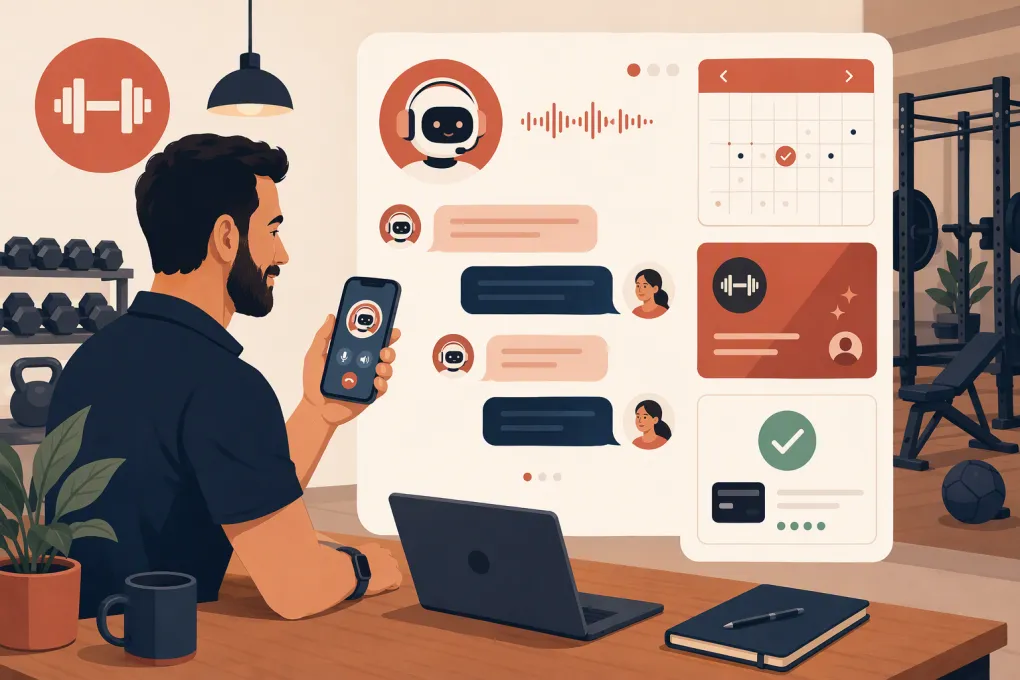

Run your gym on autopilot with WTF Go
Fitty — your AI receptionist — answers calls and DMs, fills classes, follows up with every lead, and collects dues while you coach.