AI & Automation
AI Receptionist for Gym Personal Training Bookings Guide
Learn how an AI receptionist for gym personal training bookings qualifies leads, schedules consults, follows up, and reduces missed opportunities 24/7.
 Watch · 20s
A personal training lead rarely arrives when your front desk has nothing else to do. The inquiry comes during the evening rush, before the morning shift, or while the only employee on duty is checking in members and handling the phone. If the response waits, the prospect can contact another gym before your team opens the lead record.
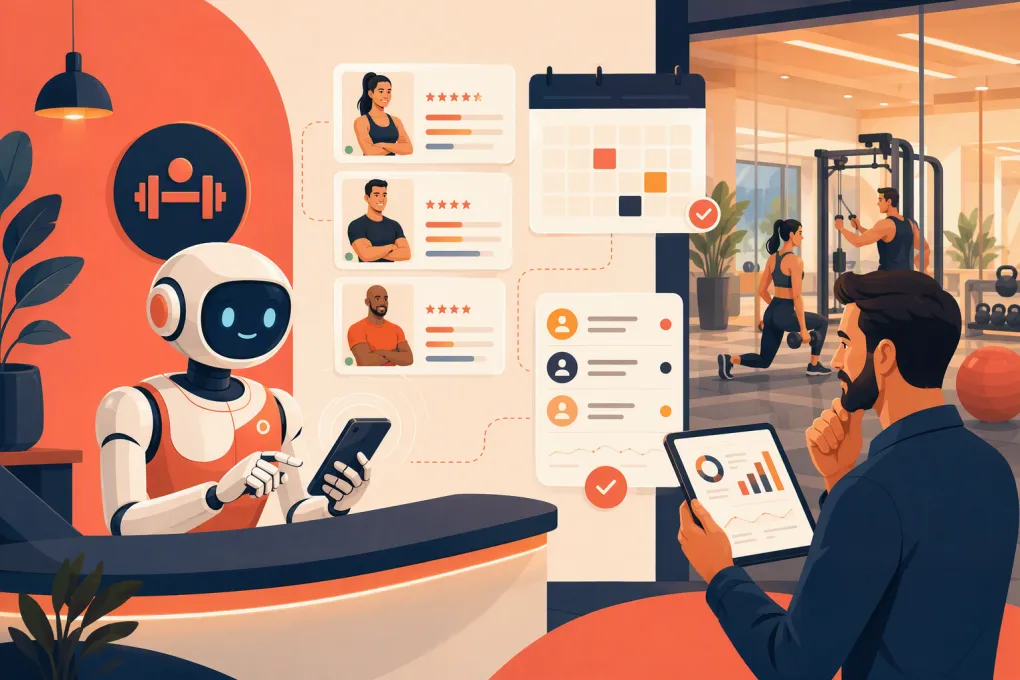
An AI receptionist for gym personal training bookings is designed to close that gap. It can respond immediately, collect the details needed to route the prospect, offer an appropriate consultation or assessment, and continue following up when the lead does not book on the first attempt.
That does not mean giving software unlimited control of the training calendar. The best setup combines automation with clear booking rules, accurate availability, and a defined handoff to a human when judgment is required.
See how Fitty can respond to personal training leads and move them toward a booking →
Why personal training booking is harder than basic scheduling
A class booking usually involves a published time, a capacity limit, and a member selecting a spot. Personal training has more variables:
- Is the person a new lead or an existing member?
- Do they need a consultation, assessment, introductory session, or regular appointment?
- Which trainer is qualified and available for the requested service?
- Does the prospect have a trainer preference?
- Which location should handle the appointment?
- Has the client purchased sessions, or is payment still required?
- Are buffers needed before or after the session?
- Can the appointment be rescheduled automatically?
A weak automation treats every inquiry as a calendar request. A useful AI receptionist treats it as a routing and conversion workflow.
The immediate objective for most new leads should not be to promise a long-term training slot. It should be to book the correct next step—often a consultation, goal review, movement assessment, or introductory session—without creating work your team must later undo.
What an AI receptionist should handle
Immediate lead response
The system should acknowledge the inquiry while intent is still clear. It should be able to handle common opening messages such as:
- “How much is personal training?”
- “Do you have trainers available after work?”
- “I want help losing weight.”
- “Can I train at your downtown location?”
- “I need to reschedule my session.”
The response should answer what can be answered accurately, then move the conversation forward. A price question, for example, should not receive a vague demand to call the gym. If pricing depends on frequency, package, or trainer tier, the receptionist can explain that and ask the minimum necessary questions before offering the next step.
Lead qualification without an interrogation
Qualification helps with routing, but long questionnaires kill momentum. Start with information that changes the booking decision:
- Preferred location
- Primary goal or service requested
- Preferred days or time window
- New prospect versus existing member
- Trainer preference, if any
- Contact details and communication consent
Medical history, injury screening, waivers, and detailed assessments usually belong in a secure intake process or a staff-led conversation. Do not ask an AI receptionist to diagnose conditions or decide whether someone is medically cleared to exercise.
Calendar matching and booking
The receptionist needs access to real availability or tightly controlled booking windows. It should account for session length, service type, trainer assignment, location, lead time, and scheduling buffers.
Offer a small number of relevant choices rather than dumping an entire calendar into the conversation. “Tuesday at 5:30 or Wednesday at 6:00” is easier to act on than a link with dozens of openings.
Once the prospect selects a time, the system should create the booking in the calendar your staff actually uses. A booking that lives only in a conversation transcript is not operationally complete.
Confirmation and follow-up
The confirmation should state:
- Appointment type
- Date and time, including the correct time zone when relevant
- Gym location or virtual meeting instructions
- Trainer or staff member, if assigned
- What to bring or complete beforehand
- Rescheduling and cancellation instructions
If the lead stops responding, follow-up should continue according to a defined cadence. Messages should reference the original request and make the next action simple. They should also stop when the person books, declines, or opts out.
See how Fitty follows up with gym leads instead of leaving them in the inbox →
Build the booking rules before turning on automation
AI cannot compensate for unclear operations. Before connecting an AI receptionist to personal training bookings, document the rules your experienced front-desk employee already applies instinctively.
Define every bookable appointment type
Create a short service list with unambiguous names. For each service, record:
- Who is eligible to book it
- Duration and required buffer
- Eligible trainers and locations
- Whether payment or an active package is required
- How far in advance it can be booked
- Cancellation and rescheduling limits
- Whether staff approval is required
Separate lead-generation appointments from paid sessions. A “Personal Training Consultation” and a “60-Minute Training Session” should not share the same eligibility rules.
Create routing logic
Write simple if-then instructions. For example:
- If the person is a new lead, offer a consultation or assessment.
- If the person is an existing client with valid sessions, show eligible training appointments.
- If the requested trainer is unavailable, ask whether the client wants another trainer or different dates.
- If the person mentions acute pain, medical restrictions, or post-surgical training, route the conversation to qualified staff.
- If the request involves a refund, contract dispute, or exception to policy, escalate it.
Clear routing reduces awkward handoffs and prevents the system from making promises your team cannot keep.
Decide when a human takes over
Automation should handle repetitive decisions, not every decision. Common escalation triggers include:
- A prospect asks for specialized training outside your documented services
- A client disputes a charge or package balance
- Someone requests an exception to a cancellation policy
- The conversation becomes angry, sensitive, or legally significant
- Calendar data conflicts with what the client was previously told
- The system cannot confidently identify the correct service
The handoff should include the conversation history, contact record, and reason for escalation. Do not make the customer repeat the entire story.
Conversation templates your team can adapt
AI performs better when it has approved examples and a current knowledge base. Start with concise language that sounds like your gym.
New personal training inquiry
“Thanks for reaching out about personal training. I can help you find the right next step. Are you looking for one-on-one training at our north or downtown location, and what days or times usually work best?”
Price-first inquiry
“Our personal training options depend on session frequency and the type of coaching you need. I can help you book a consultation so we can recommend the right option. Do weekdays, evenings, or weekends work better?”
No response after availability is offered
“Are you still interested in meeting with a trainer? I can check current consultation times if the options I sent did not work.”
Rescheduling request
“I can help with that. Please confirm which upcoming session you want to move. I’ll check options that follow your package and cancellation rules.”
Treat these as starting points. Review transcripts and revise wording when prospects repeatedly misunderstand a question or abandon the same stage.
Protect the client experience and your data
An AI receptionist will interact with real contact, scheduling, and potentially payment information. Operators should verify how vendors store data, control staff access, manage permissions, and transfer records between systems.
For automated texts and calls, collect appropriate consent, honor opt-out requests, and configure communication hours. Requirements can depend on channel, location, and use case, so review current guidance with your providers and legal counsel rather than relying on a generic template.
The AI should also use only approved operational information. Keep trainer profiles, services, prices, policies, locations, and hours current. If an answer is uncertain, the system should escalate instead of improvising.
How to measure whether the workflow is working
Do not judge the receptionist only by how many messages it sends. Review the full path from inquiry to attended appointment.
Useful operational measures include:
- Time from inquiry to first response
- Percentage of qualified leads offered a valid appointment
- Consultation bookings by source and location
- Booking completion after availability is offered
- Reschedules, cancellations, and no-shows
- Conversations requiring staff takeover
- Reasons leads do not book
- Consultations that progress to a training purchase
Read a sample of conversations every week during rollout. Look for incorrect routing, repetitive questions, weak answers, and appointments staff had to repair. Numbers show where the workflow leaks; transcripts often show why.
Where Fitty fits into the process
Fitty is WTF Go’s AI receptionist and agent for fitness and wellness businesses. It can answer leads, support booking workflows, follow up, and help collect dues while operating beyond front-desk hours.
For personal training, the practical value is continuity. The inquiry, qualification, booking attempt, and follow-up do not have to sit across separate inboxes or depend on an employee remembering to check a lead later. Fitty works as part of the broader WTF Go operating system, so the customer conversation can connect to the business workflow instead of becoming another isolated chat tool.
Explore WTF Go and put Fitty on your personal training lead workflow →
A practical rollout plan
Start with one narrow workflow rather than automating every training interaction at once.
- Choose one location and one lead appointment, such as a personal training consultation.
- Clean up service names, staff eligibility, hours, buffers, and availability.
- Document qualification questions, approved answers, and escalation triggers.
- Test common inquiries, including price questions, unavailable trainers, rescheduling, and existing-client requests.
- Run internal booking tests from different devices and outside staffed hours.
- Review conversations and calendar records daily during the initial rollout.
- Expand to additional trainers, locations, and paid-session workflows only after the first path is reliable.
An AI receptionist for gym personal training bookings should make the next step easier for the prospect and create less cleanup for your staff. If it produces faster conversations but inaccurate appointments, the workflow is not finished. Build the rules, control the handoffs, and connect automation to the systems your team uses to run the gym.
Frequently asked questions
Can an AI receptionist book personal training sessions directly?
Yes, if it is connected to accurate availability and given rules for service type, trainer eligibility, location, package status, and scheduling buffers. Many gyms should begin by automating consultations before allowing direct paid-session booking.
Will an AI receptionist replace gym front-desk staff?
It is better used to cover repetitive inquiries, booking steps, and follow-up. Staff should still handle sensitive conversations, policy exceptions, disputes, and requests requiring professional judgment.
What information should the AI collect from a personal training lead?
Collect only what is needed to route the lead: location, goal, preferred schedule, membership status, trainer preference, and contact details. Detailed health screening should remain in an appropriate intake or staff-led process.
How does Fitty help with personal training leads?
Fitty can answer leads, support bookings, follow up when prospects stop responding, and connect those interactions to the broader WTF Go operating system.
Keep reading



Run your gym on autopilot with WTF Go
Fitty — your AI receptionist — answers calls and DMs, fills classes, follows up with every lead, and collects dues while you coach.