AI & Automation
AI Receptionist for Gym Membership Cancellation Calls Guide
Learn how an AI receptionist for gym membership cancellation calls can verify members, capture reasons, apply policy, and protect retention without friction.
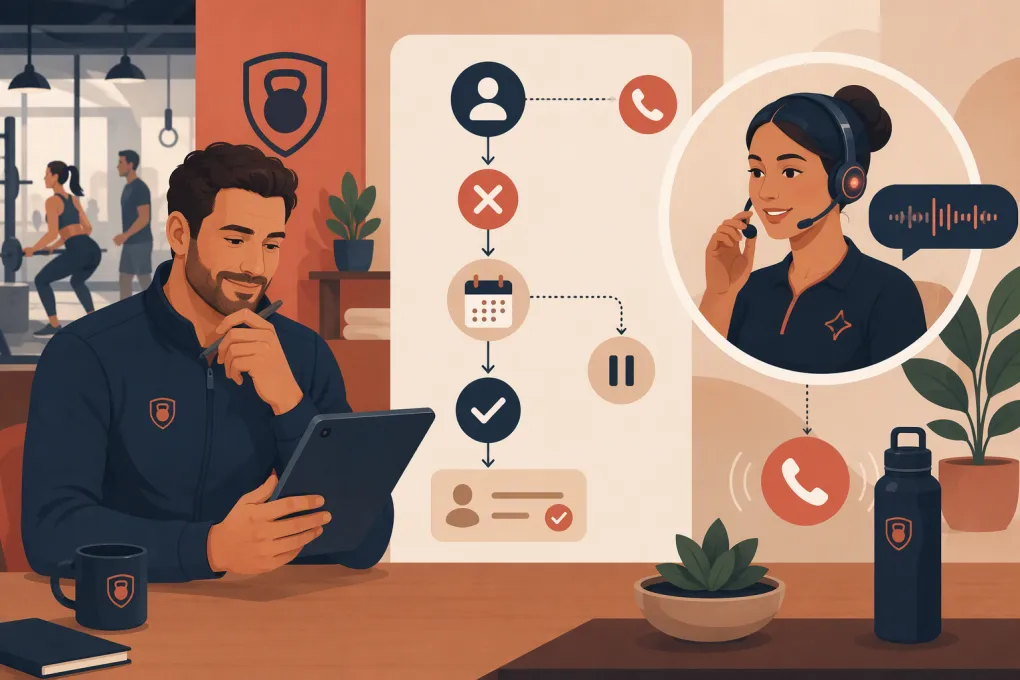 Watch · 20s
Membership cancellation calls are easy to mishandle. The member may be frustrated, the front desk may be busy, and the person answering may not know the contract, billing history, or approved save offers. A delayed or defensive response can turn an ordinary cancellation into repeat calls, payment disputes, negative reviews, or chargebacks.
An AI receptionist can bring consistency to this conversation, but only if the workflow is designed correctly. The goal is not to trap members. It is to answer promptly, understand the request, present relevant options without pressure, execute or route the cancellation correctly, and create a reliable record.
Why cancellation calls need a dedicated workflow
A general phone script is not enough. Cancellation requests involve more risk than routine questions about hours or class availability.
The receptionist may need to determine:
- Whether the caller is authorized to make changes
- Which membership and location are involved
- Whether the member wants to cancel, freeze, downgrade, or stop an add-on
- Whether notice periods or final payments apply
- Whether an injury, move, financial issue, or service problem requires special handling
- Whether the request can be completed immediately or needs manager review
- What confirmation must be sent after the call
When these decisions live in a binder, an employee’s memory, or a manager’s inbox, the member gets a different answer depending on who picks up. An AI receptionist can serve as the consistent front door while preserving human escalation for exceptions.
See how Fitty can front-end your gym cancellation workflow →
What an AI receptionist should do on a cancellation call
The best workflow separates conversation from authorization. AI can handle the repeatable parts, while your business rules determine what the system is allowed to complete.
1. Identify the member without over-collecting data
Start with the minimum information needed to locate the account, such as the member’s name, phone number, email address, home location, or another approved verification factor.
Avoid asking callers to speak full card numbers, bank details, passwords, or sensitive medical information. If stronger verification is required, send the member to a secure authenticated channel rather than gathering unnecessary data over the call.
The AI should also know what to do when:
- Multiple profiles match
- A parent is calling for a minor
- A spouse or family member calls about another adult’s account
- A corporate membership is controlled by an employer
- No account can be found
Those situations should move to a defined review queue instead of producing a guess.
2. Confirm the caller’s actual intent
Members often use the word cancel when they mean something else. A useful clarification is simple:
Are you looking to end the membership permanently, pause it temporarily, change plans, or remove a specific service?
That question improves routing without obstructing the request. Once the member clearly confirms that they want to cancel, the workflow should proceed rather than forcing them through a long retention pitch.
3. Capture a structured reason
Ask one neutral question about the reason for leaving. Keep the choices operationally useful:
- Moving or travel
- Cost or financial change
- Injury, health, or pregnancy
- Schedule or convenience
- Not using the membership
- Facility, staff, or service concern
- Switching to another fitness option
- Other or prefer not to say
Allow free-form notes, but do not rely on them alone. Structured reasons help operators spot recurring issues by location, plan, or membership age without reviewing every transcript.
4. Present only relevant save options
Retention offers should solve the reason the member gave. They should not be an obstacle course.
| Cancellation reason | Appropriate option | Poor response |
|---|---|---|
| Temporary travel | Defined membership freeze | Repeating the full sales pitch |
| Schedule conflict | Different class, access, or plan option | Discounting without addressing schedule |
| Financial pressure | Lower-cost plan or approved pause | Making an unauthorized price promise |
| Injury or health issue | Medical freeze process or manager review | Requesting detailed medical information on the call |
| Service complaint | Immediate escalation and documented follow-up | Arguing with the member |
| Moving away | Remote option, transfer, or cancellation | Offering an irrelevant local class |
Configure eligibility rules in advance. The AI should never invent discounts, waive contractual terms, or promise refunds outside its authority.
5. Complete or route the request
Every cancellation category needs a defined endpoint. Depending on your agreement and operating model, that may be:
- Immediate cancellation
- Cancellation effective on a future date
- Submission for manager review
- A secure form or authenticated account step
- Documentation review for a contract exception
- Escalation to billing or the member’s home location
If a human must act, the request is not finished just because a ticket was created. Assign an owner, priority, response deadline, and escalation path. Fitty can handle the initial conversation around the clock and collect the information your team needs, while WTF Go keeps the resulting follow-up from disappearing into a disconnected inbox.
Explore how WTF Go connects AI conversations with operator follow-up →
6. Confirm the outcome in writing
After the call, send a clear confirmation by an approved channel. It should state:
- What the member requested
- Whether the request is complete or pending review
- The effective date, if established
- Any remaining scheduled payment, if applicable and verified
- Access implications
- Freeze, downgrade, or refund terms accepted during the conversation
- How to correct an error or contact the business
Do not use vague wording such as your request has been received when the member could reasonably interpret that as completed cancellation. Distinguish submission from completion.
Guardrails operators should set before launch
AI does not fix an unclear cancellation policy. It exposes it. Before turning on the workflow, document the rules in a format both employees and systems can follow.
Create a cancellation decision matrix
For each membership type, define:
- Who may authorize changes
- Available cancellation channels
- Verification requirements
- Notice or commitment rules
- Approved freeze and downgrade options
- Refund authority
- Required documents, if any
- Effective-date logic
- Confirmation requirements
- Conditions requiring human review
Have qualified legal counsel review the policy and customer agreement for the jurisdictions where you operate. Cancellation rights, automatic-renewal requirements, call-recording consent, privacy obligations, and required disclosures can vary. An AI workflow must follow applicable requirements rather than create additional friction.
Tell callers how automation and recording are used
Use an appropriate disclosure when callers interact with an AI system, and provide any call-recording notice required for your operation. Give members a practical path to a person when the request is sensitive, disputed, inaccessible through automation, or outside the AI’s authority.
Set hard escalation triggers
The AI should immediately escalate situations involving:
- Threats, harassment, or safety concerns
- Claims of unauthorized charges or identity misuse
- Disputed contract terms
- Refund demands outside approved limits
- Legal complaints or regulator references
- Serious injury allegations
- Accessibility needs the automated flow cannot accommodate
- Repeated failure to identify the account
- A highly distressed caller requesting a person
Escalation is not failure. It is part of a well-designed system.
A practical cancellation-call script
The exact wording should match your brand and policies, but the structure can remain consistent.
Opening
- Acknowledge the request without becoming defensive.
- Verify the account using approved information.
- Confirm whether the member wants to cancel, freeze, downgrade, or change a service.
Reason and resolution
- Ask one concise reason question.
- Present one relevant alternative if the member is eligible.
- Accept no as a complete answer.
- Explain the next step and effective date in plain language.
Close
- Recap what was completed and what remains pending.
- Confirm the delivery method for written documentation.
- Provide a reference number or traceable record when available.
- Explain how the member can reach a person if anything is incorrect.
A good workflow is brief when the member’s intent is clear. The AI should not restart the save sequence after the member declines an offer.
What to measure after implementation
Review outcomes, not just call volume. Useful operating measures include:
- Percentage of requests resolved without repeat contact
- Time from request to confirmed completion
- Requests waiting beyond the internal response target
- Escalation rate and escalation reason
- Freeze or downgrade acceptance by cancellation reason
- Number of members calling again for status
- Complaints, billing disputes, and chargebacks linked to cancellation
- Accuracy of effective dates and final-payment explanations
- Cancellation reasons by location, plan, and acquisition source
Listen to a sample of completed, escalated, and abandoned calls. Check whether the AI interpreted intent correctly, applied current policy, and communicated the status clearly. Review the workflow whenever pricing, contracts, locations, or membership products change.
Where Fitty fits into the member experience
Fitty is WTF Go’s AI receptionist and agent for around-the-clock member and lead conversations. For cancellation calls, the practical value is availability and consistency: Fitty can answer when the desk is closed, gather structured details, apply the workflow you configure, and direct exceptions to the right team.
That works best when cancellation is connected to the rest of the operation. The same system should help your staff see the conversation, understand the requested outcome, complete assigned follow-up, and preserve the record. Otherwise, AI simply creates another inbox to monitor.
The business case is not about preventing every cancellation. Some members need to leave. The opportunity is to retain members when a legitimate alternative fits, resolve final decisions professionally, and give operators clean data about why revenue is walking out the door.
See how Fitty handles member conversations after hours →
Frequently asked questions
Can an AI receptionist cancel a gym membership without staff involvement?
It can complete requests that fit clearly defined business rules and authorized system actions. Disputes, exceptions, refunds, identity issues, and unclear contract terms should be routed to trained staff.
Should an AI receptionist try to save every cancellation?
No. It should offer only a relevant, approved alternative and respect the member's answer. Forcing repeated offers creates friction and can increase complaints.
What information should the AI collect during a cancellation call?
Collect only what is needed to identify the account, clarify the requested action, capture the reason, determine eligibility, and send confirmation. Avoid unnecessary payment, password, or medical information.
How should after-hours cancellation calls be handled?
The AI should record the request time, verify the member, complete authorized actions, and create an assigned escalation for anything requiring review. The member should receive a clear written status rather than being told only to call back.
Does using AI change a gym's cancellation obligations?
No. The workflow still needs to comply with the membership agreement and applicable cancellation, privacy, disclosure, and call-recording requirements. Have qualified counsel review policies for each jurisdiction where you operate.
Keep reading



Run your gym on autopilot with WTF Go
Fitty — your AI receptionist — answers calls and DMs, fills classes, follows up with every lead, and collects dues while you coach.