AI & Automation
AI Receptionist for Gym Locker Rental Inquiries: Guide
Learn how an AI receptionist for gym locker rental inquiries can answer questions, check availability, collect details, and route members correctly 24/7.
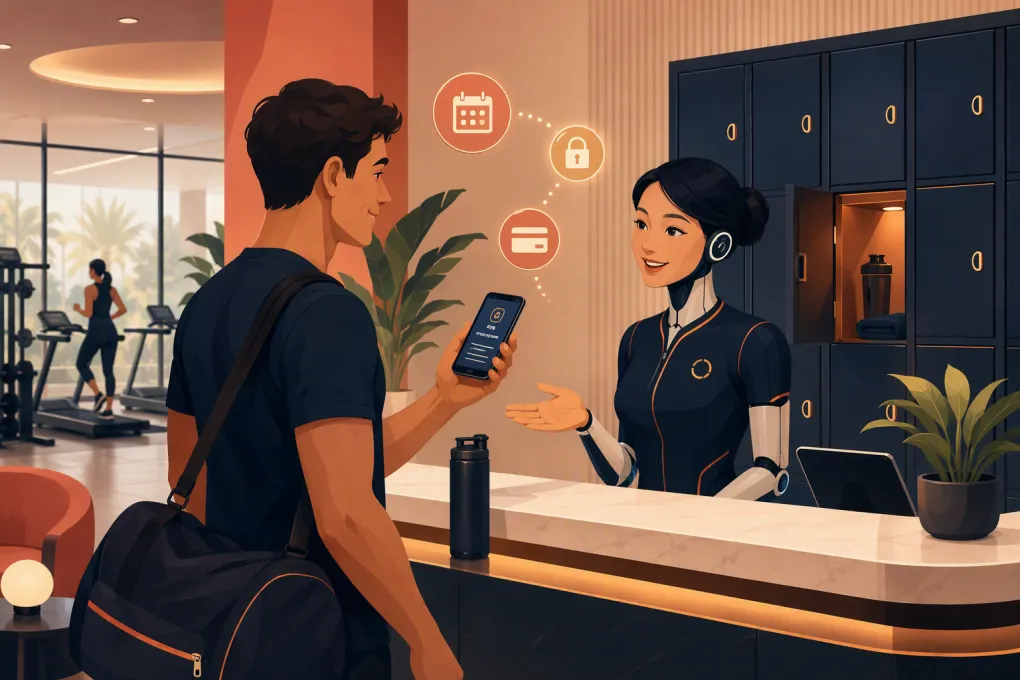 Watch · 20s
Locker rentals look like a small front-desk responsibility until the same questions arrive all day: Are lockers available? What sizes do you have? Can I rent one for a month? Is a lock included? What happens if I cancel my membership?
Each question is easy to answer. The operational problem is answering consistently, especially when the desk is busy or the club is closed. A delayed or incomplete response creates extra calls, repeat visits and frustrated members. Worse, an employee may promise a locker that is not actually available or explain a policy incorrectly.
An AI receptionist for gym locker rental inquiries can take the repetitive conversation off the front desk while preserving human control over inventory, exceptions and physical locker assignment. The key is to treat it as an operating workflow—not simply a chatbot loaded with a few FAQs.
See how Fitty can handle locker questions while your front desk serves members →
What an AI receptionist should handle
A useful AI receptionist does more than reply with locker pricing. It identifies the member’s need, applies the gym’s rules and moves the inquiry toward a clear next step.
For locker rentals, that usually means handling five jobs.
Answer routine policy questions
The AI should be able to explain:
- Which locations offer rentals
- Available locker types or sizes
- Rental periods, such as daily, monthly or ongoing
- Eligibility rules for members, guests and staff
- Whether members provide their own lock
- Deposit, key or access-card requirements
- Billing and renewal policies
- Cancellation and notice requirements
- Rules for prohibited or abandoned items
- Who can approve accessibility accommodations or exceptions
These answers must come from approved operating policies. An AI should not infer a rule from an old promotion, an employee note or a policy from another location.
Qualify the request
Before sending work to an employee, the receptionist can collect the information needed to act:
- Member name and contact information
- Home club or preferred location
- Locker size or type requested
- Desired start date
- Expected rental duration
- Current membership status
- Accessibility needs
- Whether the member will accept a waitlist position
This turns a vague message such as “I need a locker” into a structured request the team can process.
Check availability—or state its limits
Availability is where locker automation often breaks down. The AI must know whether it has access to a reliable inventory source.
If locker status is maintained in a connected system or current operational record, the receptionist can use that information according to the configured workflow. If inventory is tracked on a whiteboard, spreadsheet or key rack that is not synchronized, the AI should never promise a specific locker.
In that situation, the correct response is to collect the request and tell the member that staff will confirm availability. A qualified handoff is better than a confident but incorrect answer.
Start the approved payment workflow
Once availability and eligibility are confirmed, the AI can direct the member into the gym’s approved billing process. Depending on the setup, that may mean sending a secure payment link, adding a staff task or routing the member to an employee who can update the account.
Do not ask members to send full card details through ordinary chat, text or email. Payment information should stay inside the gym’s secure payment workflow.
Escalate exceptions
Human review should remain mandatory for disputes, refunds, damaged property, suspected theft, accessibility requests requiring judgment, locker clean-outs and exceptions to published policy.
A good AI receptionist recognizes these cases early. It should summarize the conversation and route it to the correct role instead of forcing the member through more automated questions.
Build the locker rental workflow before automating it
Automation exposes weak processes. Before launching an AI receptionist, document how locker rentals actually work at each club.
Establish one source of truth
Choose where current locker information lives. At minimum, each rentable locker record should include:
- Location
- Locker number or internal identifier
- Size or type
- Current status
- Assigned member, if applicable
- Rental start and end dates
- Billing status
- Key, lock or access status
- Maintenance notes
Use clear status labels such as available, pending, occupied, out of service and cleaning required. Avoid ambiguous notes like “probably open” or “ask evening staff.”
If employees cannot trust the inventory, the AI cannot trust it either.
Define what “available” means
A locker may be physically empty but unavailable because it needs cleaning, has a broken hinge or is reserved for an incoming member. Your process should define when a locker becomes rentable and who can change that status.
Pending requests also need an expiration rule. Without one, tentative holds can quietly block inventory.
Standardize policies across channels
Compare the answers currently given at the desk, over the phone, on the website and in membership documents. Resolve conflicts before adding them to the AI’s knowledge base.
For multi-location operators, identify which rules are company-wide and which belong to an individual club. The receptionist should ask for or recognize the location before quoting location-specific terms.
A practical conversation flow
The member experience should be short and direct. A basic locker inquiry can follow this sequence:
- Identify intent. Determine whether the person wants pricing, availability, a new rental, cancellation or help with an existing locker.
- Confirm location. Do not present inventory or policies until the relevant club is known.
- Answer the immediate question. Give the approved policy without burying it in unrelated details.
- Collect required information. Ask only for details needed to continue.
- Check the source of truth. Confirm availability only when reliable data is accessible.
- Present the next action. Offer the approved payment, reservation, waitlist or staff-review path.
- Create a record. Save the request, outcome and any promised follow-up.
- Escalate when necessary. Send staff a useful summary, not just a raw conversation transcript.
For example, if a member asks for a large locker next month, the AI should not respond with every locker rule. It should confirm the club, explain the relevant term and price from the approved policy, determine whether future reservations are allowed, and then complete or route the request.
Use Fitty to turn after-hours locker questions into structured follow-up tasks →
Guardrails that protect members and staff
Locker conversations can involve membership records, billing and personal property. Set explicit boundaries around the AI’s authority.
The receptionist should not:
- Reveal another member’s locker assignment
- Share access codes, key-control details or security procedures
- Claim that personal property is insured or protected unless an approved policy explicitly says so
- Waive charges or deposits without authorization
- Override membership eligibility rules
- Promise that missing property will be recovered
- Confirm physical availability from stale records
Limit collected data to what the workflow needs. Define who can view conversations and locker records, how long those records are retained, and how corrections are handled. Staff should also know how to take over a conversation when judgment is required.
How Fitty fits into the operation
Fitty, WTF Go’s AI receptionist and agent, is designed to keep lead and member conversations moving around the clock. For locker inquiries, that means answering approved questions, collecting the details your team needs, following up and routing the member toward booking or payment workflows where appropriate.
The value is not that AI can describe a locker. The value is consistent execution when the front desk is checking in members, giving tours, cleaning equipment or closed for the night.
Fitty should be configured around your actual locker policies and escalation rules. If your locker inventory is not available to the workflow, Fitty can still qualify the request and create a clean handoff without inventing availability. That distinction matters: useful automation is transparent about what it knows.
See how WTF Go and Fitty can automate your gym’s locker inquiry workflow →
Measure whether the workflow is working
Do not evaluate the AI only by conversation volume. Review whether it reduces work and produces correct outcomes.
Useful operating measures include:
- Locker inquiries resolved without staff intervention
- Requests escalated by reason
- Time from inquiry to staff follow-up
- Waitlist requests awaiting action
- Payment links or rental steps left incomplete
- Incorrect or outdated policy answers
- Inventory conflicts discovered after a response
- Questions the AI could not classify
Audit a sample of conversations regularly, especially after changing pricing, membership terms or locker rules. Review failures with the front-desk team; they will usually spot missing context faster than anyone else.
Start with a controlled rollout
Begin with one location or one locker type. Load approved policies, test common questions and deliberately test edge cases. Ask employees to try incomplete, misspelled and contradictory requests—not just ideal questions.
Before going live, confirm that the AI knows when to stop and hand off. Then expand the workflow only after inventory updates, payment routing and staff ownership are reliable.
Locker rental automation should make the operation quieter and more accurate. If it creates another inbox that nobody owns, it is not finished.
Frequently asked questions
Can an AI receptionist confirm whether a gym locker is available?
Yes, but only when it can reference a current, reliable inventory source. Otherwise, it should collect the request and tell the member that staff will confirm availability.
Can an AI receptionist collect locker rental payments?
It can guide members into an approved secure payment workflow or route the request to staff. Members should not send full card details through ordinary chat, text or email.
What locker inquiries should always go to a person?
Disputes, refunds, damaged or missing property, locker clean-outs, sensitive accessibility requests and policy exceptions should receive human review.
Does a gym need locker management software before using AI?
Not necessarily. AI can still answer policies and qualify requests, but real-time availability requires a dependable source of locker inventory data.
Can Fitty handle different locker policies by location?
Fitty can be configured around location-specific information and escalation rules. Operators should clearly document which policies are company-wide and which apply only to individual clubs.
Keep reading



Run your gym on autopilot with WTF Go
Fitty — your AI receptionist — answers calls and DMs, fills classes, follows up with every lead, and collects dues while you coach.