AI & Automation
AI Receptionist for Gym Guest Pass Inquiries That Convert
Learn how an AI receptionist for gym guest pass inquiries can answer leads, qualify prospects, book visits, follow up, and reduce front-desk workload.
 Watch · 20s
A guest pass inquiry looks simple: someone asks about trying the gym, your staff explains the offer, and the prospect schedules a visit. In practice, that inquiry may arrive while the front desk is checking in members, coaching staff are on the floor, or the facility is closed.
The longer the prospect waits, the more likely the conversation is to lose momentum. But speed alone is not enough. A useful response must answer the actual question, confirm eligibility, recommend the right visit, collect contact information, and create a clear next step.
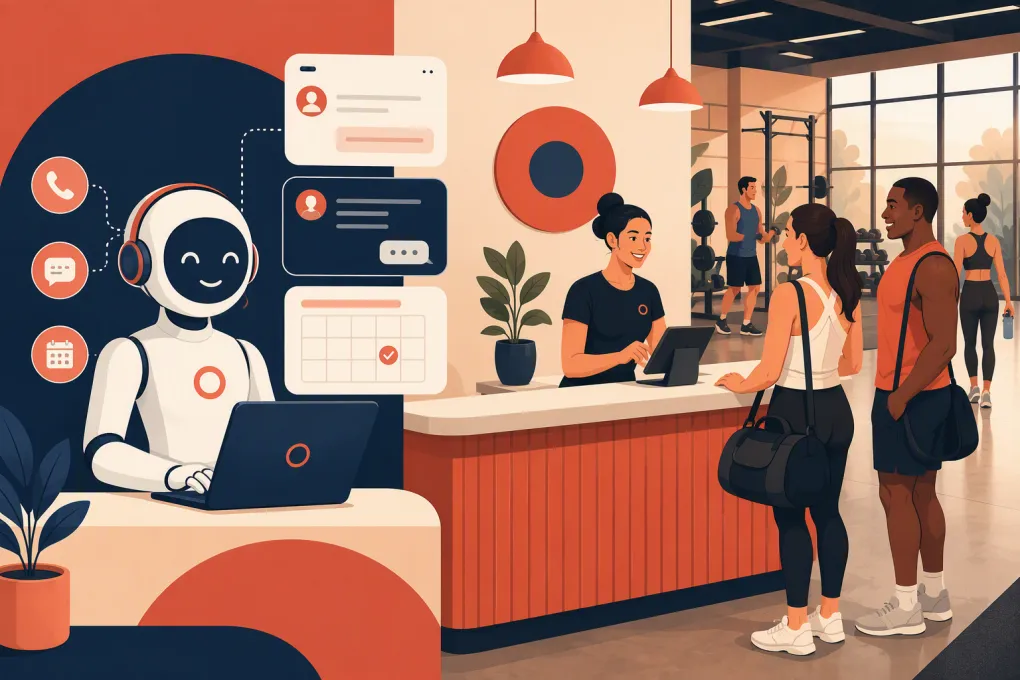
An AI receptionist for gym guest pass inquiries can run that workflow consistently without forcing staff to monitor every channel around the clock. The goal is not to replace human hospitality. It is to prevent routine inquiries and follow-up tasks from falling through the cracks.
See how Fitty handles gym guest pass inquiries and books the next step →
Why guest pass inquiries need more than an automatic reply
A generic message such as “Thanks for contacting us; someone will respond soon” acknowledges the lead but does not advance the sale. The prospect still has unanswered questions:
- Is the pass free, paid, or credited toward membership?
- How long is it valid?
- Can local residents and previous members use it?
- Are classes included?
- Is an appointment required?
- What should the guest bring?
- Can the guest visit during staffed hours only?
- Does the facility have age, ID, or waiver requirements?
A good AI receptionist uses the gym’s actual policies to resolve these questions. It then moves the person toward a booked tour, trial class, consultation, or workout instead of leaving the conversation open-ended.
That distinction matters operationally. Answering a question is customer service. Converting the question into a scheduled visit is lead management.
What the AI receptionist should do
1. Respond with context
The first message should address what the prospect asked rather than forcing everyone through the same script. Someone asking about a yoga trial needs a different answer from someone looking for an open-gym day pass.
A practical opening response might include:
Yes, we offer a guest pass for eligible local visitors. I can help confirm eligibility and reserve your visit. Are you interested in open gym access, a class, or a tour?
The exact wording should reflect your policy. If the pass has a fee, restrictions, or exclusions, disclose them before booking.
2. Capture enough information to continue
At minimum, the workflow should associate the inquiry with a name and a reliable contact method. Depending on the offer, it may also ask for:
- Preferred location
- Fitness interest or goal
- Preferred day and time
- Class or service preference
- Local residency or first-time-visitor status
- Prior membership or guest pass use
Do not turn the conversation into an interrogation. Ask only what is required to determine eligibility and recommend the next step. Additional discovery can happen during the visit.
3. Apply the guest pass rules
The AI needs a clear policy source, not permission to improvise. Document rules for:
- New prospects versus existing members’ guests
- Local residents and out-of-town visitors
- Previous members or previous trial users
- Pass duration and expiration
- Included classes, amenities, or services
- Blackout periods and capacity limits
- Minimum age and guardian requirements
- Identification, waiver, and payment requirements
When a situation falls outside those rules, the AI should hand it to a person instead of making an exception on the gym’s behalf.
4. Offer bookable options
Avoid asking, “When would you like to come in?” if the system can present real availability. Give the prospect a small set of relevant choices based on location, service, staffing, and capacity.
For example, the workflow could offer two staffed visit windows or the next available beginner-friendly classes. Once the prospect chooses, it should create the booking and send the essential arrival information.
A completed booking should include:
- Date, time, and location
- Visit type or class
- Parking and entrance instructions when needed
- What to bring
- Check-in expectations
- A rescheduling path
See how WTF Go connects AI lead handling with scheduling and follow-up →
Build a guest pass conversation that sounds like your gym
The strongest setup is based on real front-desk conversations. Review recent calls, texts, emails, and website forms to identify recurring questions and points of confusion.
Create a simple knowledge base with four sections:
Offer details
State exactly what the guest receives. Separate open-gym passes, class trials, tours, consultations, and paid drop-ins so the AI does not treat them as interchangeable.
Eligibility rules
Write rules in plain language. If eligibility depends on information that the system cannot verify, require staff review.
Booking logic
Define which calendars, classes, appointment types, staff members, and locations are valid for each guest pass. Include lead time, cancellation, and capacity rules.
Escalation rules
List situations that always need a person. Common examples include billing disputes, injury or medical questions, accessibility accommodations, complaints, requests for policy exceptions, and uncertainty about a minor’s eligibility.
Test the workflow with messy questions, not just perfect ones. Prospects will type things like “can I come tonight,” “do you have a free trial,” or “my friend is a member.” The AI should clarify intent without inventing an answer.
Follow up without becoming a nuisance
Many prospects ask about a pass before they are ready to choose a time. That does not mean the inquiry should disappear into a general lead list.
Use follow-up based on the lead’s current status:
- No booking: Remind the prospect that the pass is available and offer specific visit options.
- Booked: Send confirmation and a reminder with arrival instructions.
- Canceled: Offer a direct rescheduling route.
- No-show: Ask whether the person wants another eligible time rather than marking the lead dead immediately.
- Visited: Start the appropriate membership or service follow-up based on what happened during the visit.
Every sequence should have a stopping condition. Stop promotional follow-up when the person opts out, becomes a member, is found ineligible, or asks to speak with staff. Frequency should be deliberate and consistent with applicable communication rules.
Fitty, WTF Go’s AI receptionist, is designed to answer leads, book classes and appointments, follow up, and keep the conversation moving inside the broader operating system. That helps operators avoid stitching together an answering tool, a scheduler, and a separate follow-up process.
Explore Fitty for after-hours guest pass response and follow-up →
Decide when staff should take over
AI works best when the boundaries are explicit. A human should receive the conversation when:
- The prospect asks for an exception or negotiated price
- The AI cannot confidently match the question to approved information
- The lead expresses frustration or makes a complaint
- A health, injury, or accessibility issue requires careful handling
- The guest has a complicated account history
- The person repeatedly asks for an employee
The handoff should include the conversation history, contact details, requested visit, and unresolved question. Making the prospect repeat everything undermines the convenience the automation was supposed to create.
Assign ownership as well. Define which role receives guest pass escalations at each location and how quickly staff should review them during operating hours.
Protect consent, privacy, and trust
An AI receptionist still operates under your business policies and applicable law. Configure it to identify itself as an automated assistant rather than pretending to be an employee.
Collect only the information needed for the inquiry. Restrict access to lead data, maintain accurate opt-out records, and review how your vendors store and process information. For promotional calls or texts, obtain and document the consent required for the channel and use case. Federal and state requirements can differ, so legal counsel should review your specific process.
The AI should not provide medical advice, interpret injuries, or make promises about health outcomes. It also should not complete a waiver on someone’s behalf. Direct the guest to the approved waiver and staff process.
Measure the entire guest pass funnel
Do not judge the workflow only by the number of messages it answers. Track whether inquiries become attended visits and qualified membership opportunities.
Useful operating metrics include:
- Time from inquiry to first substantive response
- Percentage of inquiries that become two-way conversations
- Percentage of eligible leads that book
- Booking show rate
- Rescheduling and no-show outcomes
- Guest visits that progress to a membership conversation
- Memberships attributed to the guest pass workflow
- Human handoff volume and reason
- Opt-outs, complaints, and incorrect-answer reports
Break results down by source, location, pass type, and class or appointment type. Keep the denominator consistent when comparing periods. A booked-visit rate based on all inquiries is different from one based only on eligible prospects.
Review handoffs and incorrect answers regularly. Those conversations reveal missing policies, outdated schedules, and unclear offers that also create problems for human staff.
A practical rollout checklist
Start with one well-defined guest pass rather than automating every offer at once.
- Document the offer, eligibility rules, exclusions, and expiration policy.
- Choose the exact visit, class, or appointment the AI may book.
- Load approved answers for common questions.
- Define escalation triggers and staff ownership.
- Test eligible, ineligible, ambiguous, and upset-prospect scenarios.
- Confirm booking confirmations, reminders, and opt-out handling.
- Launch at one location or with one lead source.
- Review conversations and booking outcomes before expanding.
The best implementation is not the one with the longest script. It is the one that gives a prospect an accurate answer, a suitable booking, and a clean path to a person when needed.
Frequently asked questions
Can an AI receptionist book gym guest passes automatically?
Yes, if it is connected to the correct schedule and configured with your eligibility, capacity, and booking rules. Exceptions and uncertain cases should be routed to staff.
Will an AI receptionist replace the gym front desk?
It should handle repetitive inquiries, scheduling, reminders, and basic follow-up. Staff remain essential for hospitality, exceptions, complaints, tours, and sensitive conversations.
What information should an AI collect from a guest pass lead?
Usually a name, contact method, preferred location, visit type, and desired time are enough. Ask eligibility questions only when they are required by the offer.
How should a gym prevent guest pass abuse?
Document eligibility and prior-use rules, connect inquiries to reliable lead records, and require staff review when identity or previous participation cannot be verified.
How do you measure whether guest pass automation works?
Track response time, conversations, eligible bookings, show rate, post-visit outcomes, handoffs, and incorrect answers. Review results by location, lead source, and pass type.
Keep reading



Run your gym on autopilot with WTF Go
Fitty — your AI receptionist — answers calls and DMs, fills classes, follows up with every lead, and collects dues while you coach.