AI & Automation
AI Receptionist for Gym Cancellation Save Offers That Work
Use an AI receptionist for gym cancellation save offers to respond instantly, apply clear guardrails, protect revenue, and hand off sensitive cases well.
 Watch · 20s
A cancellation request is a high-stakes service interaction, not just an administrative task. The member may be frustrated, embarrassed about finances, dealing with an injury or simply unable to use the gym. If the response is slow or obstructive, a potentially recoverable membership can become a chargeback, a bad review or a compliance problem.
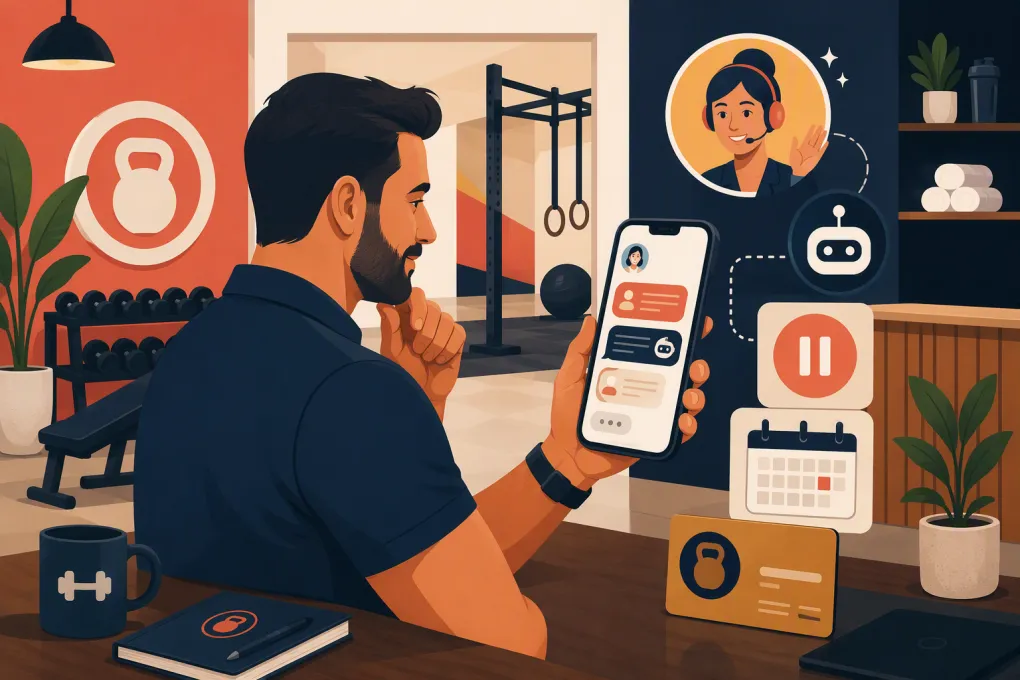
An AI receptionist for gym cancellation save offers can respond immediately, identify the reason for leaving and present an approved alternative. The important word is approved. The AI should follow your policies and escalation rules—not improvise discounts or make cancellation harder.
Why traditional cancellation handling loses members
Many gyms still route cancellation requests through voicemail, a generic inbox or the front desk. That creates several avoidable problems:
- Requests sit unanswered outside staffed hours.
- Staff apply different save offers to similar situations.
- Members repeat their story across multiple channels.
- Verbal promises are not recorded consistently.
- A cancellation conversation turns into an argument about policy.
- Managers cannot see which reasons, offers or locations drive the outcome.
Speed matters, but speed alone does not save a membership. A fast, tone-deaf response can make the situation worse. The system needs context, permission boundaries and a clean path to cancellation when the member declines every alternative.
See how Fitty can respond to cancellation requests while your team is off the floor →
What an AI cancellation receptionist should actually do
A useful AI receptionist should manage the workflow around the decision rather than attempting to trap every member in a sales conversation.
Its job is to:
- Acknowledge the request. Confirm that the member has been heard without claiming the cancellation is complete before eligibility is checked.
- Verify the account. Match the person to the correct membership using approved verification steps.
- Capture the reason. Ask one concise question instead of forcing the member through a long survey.
- Check policy and account context. Review membership type, term, billing status, freeze eligibility and any location-specific rules available to the system.
- Present one relevant alternative. Offer a freeze, downgrade, schedule change or human conversation only when it fits the stated reason.
- Respect the answer. If the member declines, move to the documented cancellation process.
- Create a record. Log the request, offer, response, effective date and any staff follow-up required.
The AI should never invent a policy exception, promise a refund or decide that a medical or legal issue is invalid. Those cases need an authorized employee.
Build save offers around cancellation reasons
A blanket discount trains members to threaten cancellation whenever they want a lower rate. Stronger retention workflows match a limited set of approved responses to the underlying problem.
| Cancellation reason | Appropriate first response | Possible approved option | When to avoid an automated save attempt |
|---|---|---|---|
| Temporary financial pressure | Acknowledge the concern and clarify whether it is short term | Freeze, lower-tier membership or reduced access plan | The member explicitly says no alternatives or disputes a charge |
| Injury, illness or pregnancy | Respond with empathy and avoid medical advice | Medical freeze or manager review under your policy | Urgent health concerns, accommodation requests or policy exceptions |
| Moving away | Confirm whether the move is permanent | Transfer to another location, remote programming or cancellation | No suitable location or service exists |
| Not using the membership | Ask whether schedule, confidence or programming is the barrier | Onboarding session, different class format or short freeze | The member is dissatisfied and wants immediate cancellation |
| Schedule conflict | Identify the relevant time constraint | Different class, open-gym access or another location | Your current schedule cannot solve the conflict |
| Service complaint | Apologize and capture the issue accurately | Manager follow-up or service recovery review | Safety, harassment, discrimination or serious staff complaints |
| Billing dispute | Confirm that the issue will be reviewed | Billing-team escalation | Do not negotiate, collect disputed dues or promise an outcome automatically |
Keep the reason list short enough for reporting. If employees use labels such as “price,” “too expensive,” “money” and “budget” for the same issue, your retention data will be difficult to interpret.
Design offers with firm operational guardrails
Before turning on an AI workflow, document what can be offered, to whom and under which conditions. A practical offer sheet should define:
- Eligible membership types
- Minimum or maximum freeze periods, if applicable
- Whether billing continues during a freeze
- Downgrade options and access changes
- Location-transfer rules
- Whether an offer changes the contract term
- Offers the AI may apply directly
- Offers requiring manager approval
- Circumstances that bypass retention entirely
Do not give the AI unlimited discount authority. Start with alternatives that solve an operational problem: pausing access during an injury, moving a member to a better schedule or transferring them to a suitable location.
Also set an offer limit. One relevant suggestion usually feels helpful; a chain of increasingly aggressive offers feels like obstruction. Your workflow can ask whether the member wants an alternative and then accept the answer.
Example conversation structure
A financially stressed member could receive:
I’m sorry the membership is not working for your budget right now. Depending on your plan, you may be eligible for a temporary freeze or a lower-access option. Would you like me to check those before I continue with your cancellation request?
A member who declines should receive a direct next step:
Understood. I’ll continue with the cancellation process based on your membership terms. I need to confirm a few account details so the request is documented correctly.
For a serious complaint, skip the offer:
Thank you for telling us. I’m documenting the issue and routing it to an authorized manager. I won’t ask you to repeat the details in another automated conversation.
These are structures, not universal legal scripts. Adapt the language to your contracts, state requirements and communication channels.
Make cancellation easy to complete correctly
Retention should never depend on confusing a member about how to leave. Federal, state and local rules may affect cancellation methods, notices, renewal terms and timing. Your agreements and actual workflow should match, and legal counsel should review uncertain requirements.
Operationally, the AI needs to distinguish among:
- A request to cancel
- A completed cancellation
- A request that needs verification
- A future-dated cancellation
- A nonrenewal at the end of a term
- A freeze or downgrade accepted instead of cancellation
- A billing dispute requiring review
Confirmation messages should state what happened, the effective date when known, any remaining contractual steps and where the member can get help. Avoid vague messages such as “we’ll take care of it” when additional action is required.
Texting and calling also require careful consent management. Use approved contact channels, honor opt-outs and configure your communications around applicable telemarketing and privacy requirements.
Connect the conversation to the member record
An AI receptionist is far more valuable when it can work from current account information and write the result back to the operating system. Otherwise, the member may accept a freeze in chat while billing continues unchanged.
At minimum, capture:
- Date, time and channel of the request
- Verified member and relevant location
- Membership or service type
- Normalized cancellation reason
- Offer presented
- Offer accepted or declined
- Requested and confirmed effective dates
- Staff owner for any escalation
- Conversation record and confirmation status
Fitty, WTF Go’s AI receptionist and agent, is built to handle member conversations alongside the workflows operators already need, including follow-up and dues collection. That makes it easier to treat cancellation retention as part of the full member lifecycle rather than another disconnected inbox.
See how Fitty can route gym cancellation conversations and follow-up in one operating system →
Know when a person must take over
Automation should reduce repetitive work, not remove judgment from sensitive cases. Trigger an immediate human handoff for:
- Safety, harassment or discrimination complaints
- Threatened legal action or regulatory complaints
- Chargebacks and disputed transactions
- Medical accommodation questions
- Requests involving a minor or disputed account authority
- Refunds or contract exceptions outside approved policy
- Repeated misunderstandings or visible distress
- High-value business, family or corporate accounts requiring custom review
Give the receiving employee the conversation summary, account context and requested outcome. A “handoff” that forces the member to start over is only a transfer.
Measure whether the workflow is helping
Do not judge the system only by the number of memberships saved. Track the entire cancellation operation:
- Response time: How quickly was the request acknowledged?
- Reason capture rate: How many requests received a usable reason code?
- Offer acceptance rate: Which eligible offers were accepted?
- Completed cancellation time: How long did valid requests take to finish?
- Escalation rate: Which issues repeatedly require staff intervention?
- Post-save retention: Did members who accepted an option remain active after the temporary solution ended?
- Complaint and dispute volume: Are save attempts creating friction elsewhere?
Break results down by location, membership type, cancellation reason and offer. Do not establish a universal save-rate target without considering the mix of requests. A location receiving more relocation or permanent medical cancellations may reasonably save fewer memberships than one dealing primarily with schedule conflicts.
Launch with a controlled cancellation playbook
Before going live, review recent cancellation requests and use them to test the workflow. Remove personal information from test materials where appropriate.
Your launch checklist should include:
- Map every cancellation entry point: phone, text, email, web form and in-person request.
- Confirm the contract and policy source the AI is allowed to use.
- Create a small, normalized set of cancellation reasons.
- Approve one primary option for each eligible reason.
- Define no-save categories and escalation triggers.
- Test acceptance, rejection, ambiguity and angry-member scenarios.
- Confirm that account changes reach billing and scheduling workflows.
- Review transcripts regularly and update weak responses.
The goal is not to prevent cancellations at any cost. It is to respond promptly, preserve memberships when a genuine solution exists and give every departing member a clear, respectful process. That protects the relationship—and gives your team reliable information to fix the operational reasons members leave.
Frequently asked questions
Can an AI receptionist automatically cancel a gym membership?
It can guide and document the process when connected to approved account workflows. Contract exceptions, disputed charges and sensitive complaints should be escalated to authorized staff.
What is the best save offer for a gym cancellation request?
There is no universal best offer. Match the option to the reason, such as a freeze for a temporary absence, a different plan for budget pressure or a location transfer after a move.
Should an AI offer a discount to every member who cancels?
No. Blanket discounts can reduce revenue without resolving the member’s actual problem. Use limited, policy-approved options and allow the member to decline without unnecessary friction.
When should a cancellation conversation go to a manager?
Escalate safety complaints, billing disputes, legal threats, accommodation questions, refund exceptions and any situation the AI cannot resolve confidently under written policy.
How should a gym measure cancellation automation?
Track response time, cancellation reason, offer acceptance, completion time, escalations, disputes and whether members remain active after accepting a temporary save option.
Keep reading



Run your gym on autopilot with WTF Go
Fitty — your AI receptionist — answers calls and DMs, fills classes, follows up with every lead, and collects dues while you coach.