AI & Automation
AI Receptionist for Gym Access Control Inquiries: Guide
Learn how an AI receptionist for gym access control inquiries handles lockouts, guest rules, billing holds, escalation, and member support safely, 24/7.
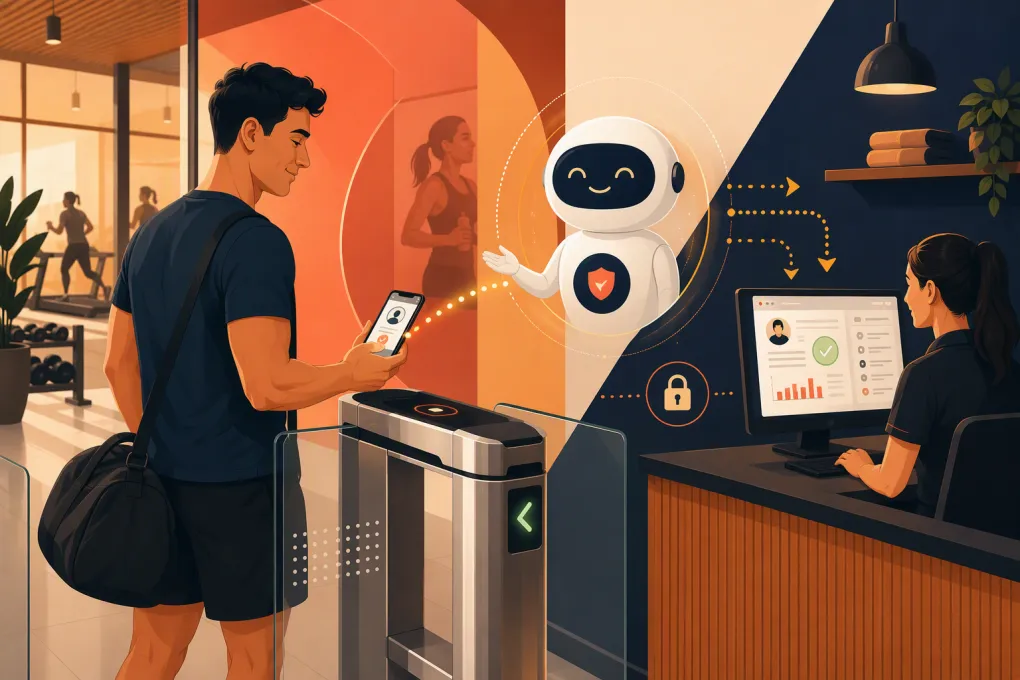 Watch · 20s
A member is standing outside your gym at 5:10 a.m. Their key fob is not working, the front desk is empty, and the message they leave is increasingly frustrated. The problem might be an expired card, an overdue balance, a membership freeze, an access schedule, or a door system failure. Until someone investigates, the member sees only one thing: they paid for access and cannot get in.
This is where an AI receptionist for gym access control inquiries can take pressure off staff without weakening security. The right system answers immediately, identifies the likely issue, communicates approved next steps, and escalates exceptions to a human. It should not indiscriminately unlock doors or make judgment calls outside your policies.
See how Fitty can handle after-hours gym access questions and member follow-up →
What an AI receptionist should handle
Access control support is broader than responding to “My key fob does not work.” Members also ask about operating hours, guest entry, mobile credentials, account holds, failed payments, age restrictions, staffed hours, and access at other locations.
A well-configured AI receptionist can manage the first layer of these conversations across phone, text, or other supported channels. Its job is to classify the request, verify what it safely can, provide policy-based information, and create a clean escalation when necessary.
Common inquiries include:
- “Why can’t I enter the gym?”
- “Can I bring a guest when the desk is closed?”
- “How do I activate my mobile pass?”
- “Does my membership work at your other location?”
- “I paid my balance. When will access return?”
- “I left my phone inside. Can you open the door?”
- “The reader is flashing red for everyone.”
- “Can my teenager train without me?”
These questions do not all belong in the same workflow. A billing-related denial is different from a possible facility-wide outage, and a forgotten phone is different from a request to admit an unverified guest.
Separate information, account actions, and physical entry
The safest operating model uses three distinct levels of authority.
1. General information
The AI can answer published questions without accessing sensitive member data. Examples include staffed hours, guest policies, eligible entry times, minimum age rules, and instructions for downloading an access app.
This is the lowest-risk category and a good place to begin implementation.
2. Account-specific support
After appropriate verification, the AI may explain an account status or guide the member through an approved action. Depending on your systems and configuration, that could include sending a payment link, collecting overdue dues through a secure workflow, updating a support ticket, or explaining that a frozen membership does not currently permit entry.
The AI should disclose only the information necessary to resolve the request. It should not expose full payment details, passwords, door codes, or another member’s account information.
3. Physical access decisions
Opening a door is a security event, not a customer-service shortcut. An AI receptionist should never grant entry simply because a caller knows a member’s name, phone number, or email address.
If automated entry actions are supported by your access control setup, they should require defined verification, eligibility checks, audit logging, and narrow permissions. High-risk or ambiguous situations should go to an on-call employee or security procedure.
Build an access inquiry decision tree
Do not start by giving the AI a folder full of policy documents. Build a decision tree around the actual reasons entry fails.
| Inquiry type | AI response | Escalate when |
|---|---|---|
| Incorrect location or access hours | Explain the applicable location and membership schedule | The member’s agreement conflicts with the system record |
| Failed or overdue payment | Explain the account requirement and offer an approved payment path | The member disputes the charge or reports duplicate payment |
| Frozen, canceled, or expired membership | State the current status and available reactivation steps | The member claims the status is incorrect |
| Lost fob or phone | Provide replacement or identity-verification instructions | The member is stranded or requests remote entry |
| Guest access | Explain guest registration, waiver, fee, and staffed-hour rules | The guest is already onsite without authorization |
| Reader or door malfunction | Check for similar reports and create an urgent alert | Multiple members are affected or the facility may be unsecured |
| Safety concern | Tell the person to contact emergency services when appropriate and alert designated staff | Any immediate threat, injury, forced entry, or person trapped inside |
For each branch, document five items:
- What the AI may say.
- What information it may request.
- What account action it may initiate.
- What it must never do.
- Who receives the escalation and how quickly.
This turns a vague automation project into an operating procedure your team can test.
Use verification appropriate to the risk
Verification should become stronger as the requested action becomes more sensitive. Asking about weekend hours requires no identity check. Discussing a membership balance or changing access credentials does.
Possible verification methods depend on your software and policies, but may include:
- A one-time code sent to contact information already on file
- Confirmation through an authenticated member portal
- Matching multiple nonpublic account details
- Staff review of identification through an approved process
- In-person verification during staffed hours
Avoid treating caller ID as proof of identity. Phone numbers can be shared, reassigned, or presented inaccurately. Also avoid asking members to send full card numbers, passwords, or sensitive identification through ordinary text messages.
Fitty can act as the front-line agent for the conversation: answering the initial call, identifying the issue, following your approved workflow, collecting dues through configured payment processes, and routing exceptions to staff. The exact account or access actions available should be based on your connected systems and security rules—not improvised during a late-night incident.
Explore how WTF Go and Fitty can automate access-related member conversations →
Write responses that reduce frustration
A correct answer can still create a bad experience if it sounds accusatory or vague. Train the AI to explain the visible issue, the next action, and the expected handoff.
A useful structure is:
- Acknowledge the immediate problem.
- State what can be checked or done now.
- Give one clear next step.
- Explain whether staff escalation is required.
- Provide a reference number or confirmation when available.
For example:
I understand you are at the North Street entrance and your mobile pass is being declined. I can help check whether this is related to your membership status, access hours, or a facility issue. Before discussing your account, I need to verify the phone number on file.
If the account is active but the system cannot determine why access failed:
Your membership appears active, but I cannot confirm the cause of the door denial. I have sent the issue to the on-call team with your location and the time of the attempt. Please do not allow another person to follow you through the door.
The language is calm, specific, and honest about the system’s limits.
Detect facility-wide problems early
One failed credential is usually an individual support case. Several similar reports from the same location may indicate a dead reader, network interruption, power problem, or access control outage.
Configure the workflow to capture:
- Facility and entrance used
- Time of the failed attempt
- Credential type, such as fob or mobile pass
- Reader light, sound, or error message
- Whether other members are affected
- Whether the door is locked, stuck open, or physically damaged
The AI should group related reports where possible and notify the correct person. A door stuck open is a different priority from a member attempting entry outside their plan’s permitted hours.
Your escalation list also needs redundancy. If the general manager does not acknowledge an urgent alert, define the next contact. Include access control vendors or property management only where your procedures require them.
Connect access conversations to billing and retention
Some access failures are actually billing or membership-management problems. A member may have replaced a card, missed a renewal notice, or misunderstood the terms of a freeze.
Handled poorly, the interaction feels punitive: access is denied, no one answers, and the member considers canceling. Handled well, the AI explains the account status, offers an approved resolution, and confirms what happens next.
Fitty is particularly useful here because the conversation does not have to stop at “contact us during business hours.” It can follow up, support configured dues-collection workflows, and keep the issue moving until it is resolved or assigned to a person.
See how Fitty can follow up on billing-related access issues instead of leaving members waiting →
Measure whether the workflow actually works
Do not judge the system only by how many conversations it handles. Review whether it produces safe, accurate resolutions.
Track operational measures such as:
- Inquiry volume by location, time, and issue type
- First response and escalation times
- Issues resolved without staff intervention
- Repeat contacts for the same unresolved problem
- Billing issues resolved through approved workflows
- False escalations and missed urgent escalations
- Access questions the AI could not classify
- Member complaints tied to inaccurate instructions
Review conversation transcripts and escalation records regularly. Update policies when staff notice the AI giving technically correct but unhelpful answers. Also remove outdated hours, guest rules, and location permissions immediately; access information has a short operational shelf life.
A practical rollout plan
Start with one location or a limited set of inquiry types. General policy questions and basic triage are safer starting points than automated physical entry.
A sensible rollout looks like this:
- Gather recent access questions from calls, texts, email, and staff notes.
- Categorize them by policy, billing, credential, equipment, or safety issue.
- Write approved answers and prohibited actions for each category.
- Define identity verification and escalation requirements.
- Connect only the systems needed for the initial scope.
- Test normal requests, edge cases, and deliberate attempts to bypass policy.
- Run the workflow alongside staff before expanding its authority.
- Review outcomes and update the decision tree monthly or after policy changes.
The goal is not to make every access decision autonomous. It is to give members an immediate, useful response while preserving the controls that protect your facility, staff, and membership base.
An AI receptionist succeeds when it knows both what to do and when to stop. For gym access control inquiries, that boundary is the difference between practical automation and an avoidable security problem.
Frequently asked questions
Can an AI receptionist unlock a gym door remotely?
Only if the access control system supports it and the gym has configured strict verification, eligibility, permissions, and audit logging. Ambiguous or high-risk entry requests should be escalated to staff.
Can an AI receptionist handle access problems caused by unpaid dues?
Yes. It can explain the account status and guide the member through an approved payment workflow, provided the billing and communication systems are configured appropriately.
What access inquiries should always go to a person?
Safety threats, forced entry, disputed account changes, unverified remote-entry requests, trapped occupants, and unresolved facility-wide outages should follow a human escalation procedure.
Does an AI receptionist replace gym access control software?
No. It handles the member conversation and workflow around the access issue. The access control platform still manages credentials, schedules, readers, doors, and entry logs.
How should a gym start automating access control inquiries?
Begin with policy questions and issue triage, then add verified account workflows. Test each step before allowing any action that could affect membership status or physical entry.
Keep reading



Run your gym on autopilot with WTF Go
Fitty — your AI receptionist — answers calls and DMs, fills classes, follows up with every lead, and collects dues while you coach.