AI & Automation
AI Receptionist for Fitness Class Rescheduling Playbook
Learn how an AI receptionist for fitness class rescheduling handles change requests, protects capacity, reduces no-shows, and keeps members fully informed.
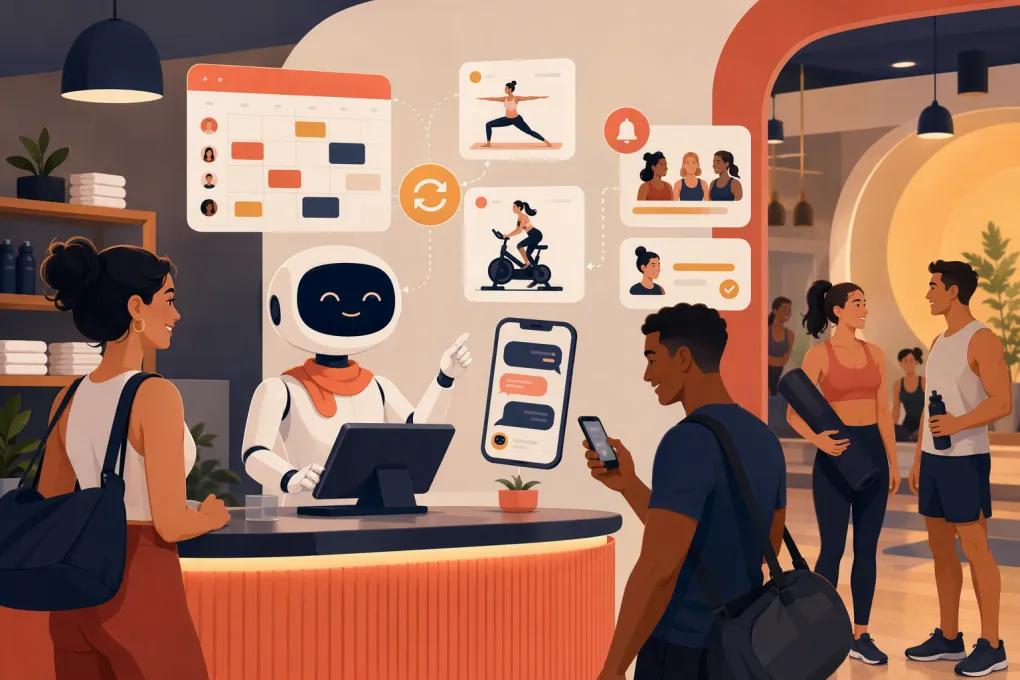 Watch · 20s
A class rescheduling request sounds simple: remove a member from one session and place them in another. For an operator, that change can touch capacity limits, cancellation rules, waitlists, credits, instructor notifications and member records.
When the request arrives during a busy check-in window—or after the front desk has gone home—it often sits unanswered. The member may book elsewhere, fail to show up or send the same request through multiple channels.
An AI receptionist can handle routine changes immediately, but only if it works from live scheduling data and follows your policies. The goal is not merely to send a polite reply. It is to complete the correct action, confirm the result and hand exceptions to a person with enough context to resolve them.
See how Fitty handles fitness class booking conversations 24/7 →
Why class rescheduling is harder than it looks
Every change request contains operational decisions. Before moving a reservation, the receptionist may need to determine:
- Which member is making the request
- Which original class the member booked
- Whether the cancellation window has passed
- Whether a booking credit should be returned
- Whether the requested replacement class has space
- Whether the member is eligible for that class or location
- Whether someone on a waitlist should receive the released spot
- Whether a fee, waiver or staff approval is required
A basic chatbot can answer a question about your timetable. An operational AI receptionist needs permissioned access to the source of truth and defined rules for changing it.
This distinction matters. If the system says a member has been moved but does not update the actual schedule, staff inherit a bigger problem at check-in. Any tool you evaluate should be able to confirm completed actions rather than simply describe what a staff member should do later.
What an AI receptionist should handle
The best starting point is a narrow group of high-volume, low-risk requests. Expand the scope only after those workflows are reliable.
Same-day and future class changes
The AI should identify the existing reservation, show eligible alternatives and move the member once they choose. Alternatives should come from current availability—not from a static timetable that may be outdated.
Useful filters include:
- Class type
- Date and time range
- Instructor, if requested
- Home or eligible location
- Membership or package eligibility
- Available capacity
Showing two or three relevant options is usually more useful than dumping an entire weekly schedule into a text conversation.
Cancellations without an immediate rebooking
Some members only want to cancel. The AI should explain the applicable policy, cancel the reservation if permitted and state what happened to the credit or session.
A complete confirmation might include the canceled class, effective cancellation time, credit status and any next step. Avoid vague replies such as Your request has been received when the booking has actually been changed—or has not been changed at all.
Full-class and waitlist requests
If the requested session is full, the AI should not create an unofficial overbooking. It should offer the waitlist when available, explain how confirmation works and present nearby alternatives.
When a vacated spot triggers a waitlist process, that process should follow the studio’s configured rules. Staff should not have to reconcile a separate AI-created queue against the booking platform.
Simple policy questions
Members often ask about the cancellation cutoff, late fees, class credits, waitlist priority or how far in advance they can book. An AI receptionist can answer these questions consistently using an approved policy knowledge base.
It should not improvise. If your written policy is ambiguous, fix the policy before automating it.
The ideal rescheduling workflow
A reliable conversation follows a clear sequence.
1. Verify the member
Match the person through an appropriate identifier, such as the phone number or email address associated with the account. For sensitive account changes, use an additional verification step supported by your system.
Do not expose reservation or payment information merely because someone knows a member’s name.
2. Confirm the original booking
Repeat the class name, location, date and time before changing anything. This prevents mistakes when a member holds several reservations.
3. Apply the policy
Determine whether the change is inside the allowed window. If it falls outside the window, explain the consequence before asking the member to proceed.
The AI should never quietly waive a fee or restore a credit unless your rules explicitly authorize it.
4. Retrieve eligible alternatives
Query current class availability and filter out options the member cannot book. If the member says something after work, the receptionist can ask for a time range rather than guessing.
5. Get explicit confirmation
Before making the change, summarize both sides of the transaction:
Cancel Tuesday’s 5:30 p.m. Strength class and book Wednesday’s 6:00 p.m. Strength class at Downtown.
This small confirmation step reduces accidental changes.
6. Update the booking system
The original reservation should be released and the new one created as a single coordinated workflow. If the new booking fails, the system should avoid canceling the original reservation without warning.
7. Send a useful receipt
Confirm the new class, location, instructor when relevant, arrival instructions and any credit or fee outcome. The record should also be visible to staff.
Explore how Fitty can answer, book and follow up without adding another front-desk queue →
Policies to define before turning on automation
AI exposes gaps in operating policy quickly. Write down these decisions before launch:
- Cancellation cutoff: When does a standard cancellation become late?
- Late-cancel result: Is a credit retained, forfeited or reviewed?
- No-show treatment: What happens after the class starts?
- Waitlist behavior: How are open spots offered and confirmed?
- Class eligibility: Which memberships, packages or skill levels qualify?
- Location access: Can members book across every location?
- Guest bookings: Can a member move a guest reservation?
- Intro offers: Are promotional bookings transferable between classes?
- Instructor changes: Does a substitute instructor affect cancellation rights?
- Exception authority: Which cases always require a manager?
Keep the member-facing version short and plain. Separately, maintain an internal decision table the AI and staff can follow.
For example:
| Situation | Automated action | Member message | Escalation |
|---|---|---|---|
| Change is inside the cancellation window | Move booking if space exists | Confirm new booking and credit status | Only if the update fails |
| Requested class is full | Offer waitlist and alternatives | Explain that a spot is not guaranteed | If accessibility support is needed |
| Request is outside the cutoff | Apply configured policy | State the fee or credit consequence before confirmation | If the member disputes the policy |
| Account cannot be matched | Make no account change | Request an approved identifier | Send to staff after failed verification |
Where a human should take over
Good automation knows its limits. Create a handoff path for:
- Payment or charge disputes
- Medical, injury or accessibility issues
- Requests involving minors
- Repeated system errors
- Membership freezes or cancellations
- Private sessions with special terms
- Policy exceptions for emergencies
- Harassment, threats or safety concerns
- Identity verification failures
The handoff should include the member’s request, verified account details, original reservation, alternatives discussed and the point of failure. Making the member repeat the entire conversation defeats much of the value.
Set ownership as well. A flagged conversation needs a team, response expectation and visible status. Escalated cannot mean dropped into an inbox nobody owns.
How to implement rescheduling automation safely
Start with one workflow
Choose a common request, such as moving a reservation before the cancellation cutoff. Test that path across several class types before adding late cancellations, waitlists or cross-location access.
Use a staging or controlled test process
Create test accounts and walk through realistic situations:
- One member with multiple upcoming bookings
- A replacement class with one remaining spot
- A class that becomes full during the conversation
- A request just before and just after the cutoff
- An expired package
- A failed booking update
- Two locations with different rules
Check both the member conversation and the staff-facing record.
Control permissions
Give the AI only the access required for its approved workflows. Separate permission to view availability, cancel reservations, issue credits, waive fees and modify memberships.
Review conversations after launch
Inspect completed changes, abandoned conversations and escalations. Look for unclear wording, policy conflicts and requests the system repeatedly fails to understand.
Do not judge performance only by message volume. Operational measures are more useful:
- Was the requested change completed correctly?
- Did the schedule and member record agree?
- Were policy outcomes communicated clearly?
- Did failed requests reach the right employee?
- Which request types still require repetitive staff work?
Why the system connection matters more than the chat interface
Members do not care whether the receptionist is labeled AI. They care whether they can move a class without waiting, losing the wrong credit or arriving to find no reservation.
That requires a connected workflow: conversation, identity, schedule, policy, booking action, confirmation and follow-up. When those pieces live in disconnected tools, staff become the integration layer.
WTF Go is built as an operating system for gyms, studios, spas and wellness businesses. Fitty serves as the always-on AI receptionist for lead responses, class booking, follow-up and dues collection, helping operators move routine conversations toward completed actions instead of another callback task.
See how WTF Go and Fitty can support an always-on fitness front desk →
The practical standard is simple: automate the routine, protect the rules and make exceptions easy for a person to resolve. Done well, an AI receptionist gives members faster control over their schedules while keeping capacity, credits and staff records aligned.
Frequently asked questions
Can an AI receptionist actually reschedule a fitness class?
Yes, if it can access live booking data and has permission to cancel and create reservations. A chatbot without that connection can only provide instructions or collect a request for staff.
How does AI handle a full replacement class?
It should offer an official waitlist when available and suggest eligible classes with open capacity. It should never promise a place or create an unofficial overbooking.
Can an AI receptionist enforce late-cancellation rules?
Yes, when your cutoff, fee and credit rules are clearly configured. Disputes and exceptional circumstances should be escalated to an authorized employee.
Will staff still need to review rescheduling requests?
Staff should not need to review every routine change, but they should own exceptions, failed updates and policy disputes. Regular conversation audits also help improve the workflow.
What should a studio test before launching AI rescheduling?
Test identity matching, multiple bookings, full classes, cutoff boundaries, package eligibility, cross-location rules, failed updates and human handoffs before opening the workflow to all members.
Keep reading



Run your gym on autopilot with WTF Go
Fitty — your AI receptionist — answers calls and DMs, fills classes, follows up with every lead, and collects dues while you coach.