AI & Automation
AI Receptionist for Dance Studios: A Practical Guide
Learn how an AI receptionist for dance studios handles inquiries, trial bookings, follow-up and dues—with integration, privacy and vendor checks included.
 Watch · 20s
The missed inquiry is rarely dramatic. A parent calls during class, leaves no voicemail, and tries the next studio. An adult beginner sends a message at 9 p.m. and forgets about it by morning. A trial student attends, but nobody follows up because the front desk is working through costume questions and account changes.
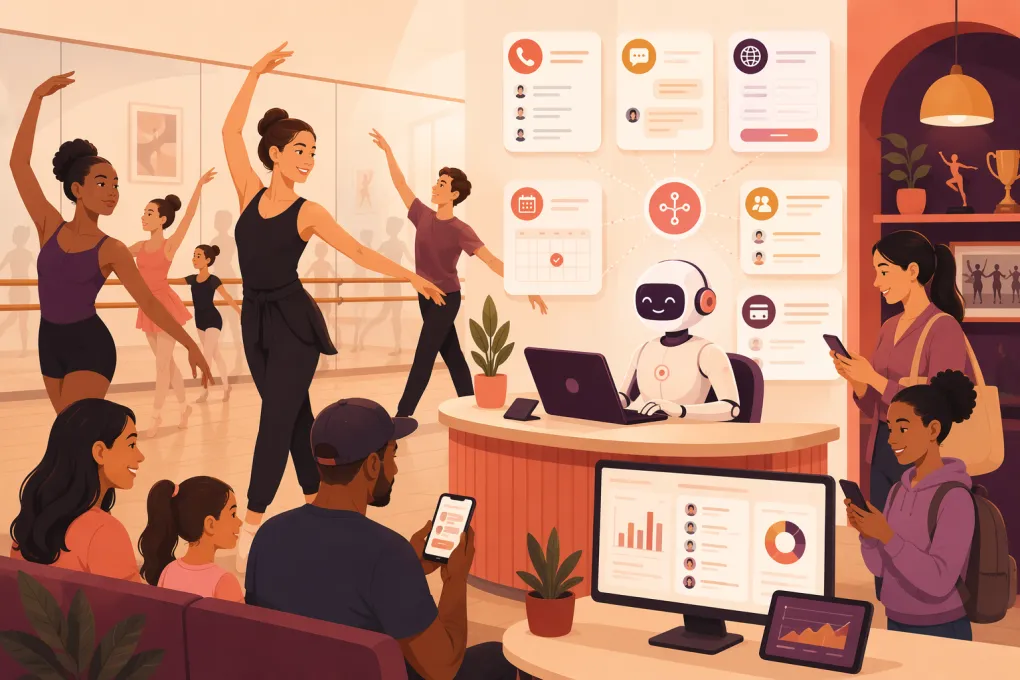
An AI receptionist for dance studios can close those operational gaps—but only if it connects to the systems where schedules, leads, conversations, and payments actually live. A polished bot that cannot see availability, identify an existing family, or hand a sensitive issue to staff creates more work than it removes.
The practical goal is straightforward: respond on the right channels, gather enough context, complete approved actions, and leave a clean record for your team.
Request a dance-studio-focused Fitty walkthrough →
Start by defining the channels it will handle
“AI receptionist” can mean a phone agent, website chat widget, text responder, or all of the above. Do not assume every vendor covers every channel.
Map your current inquiry sources before evaluating software:
- Phone: Incoming calls, missed calls, voicemail, call transfers, and after-hours coverage
- SMS: New inquiries, trial confirmations, reminders, two-way replies, and opt-outs
- Website chat: Questions from schedule, pricing, and registration pages
- Email: New-lead responses and replies to shared inboxes
- Social messaging: Instagram and Facebook inquiries, if supported
- Existing customer messages: Questions tied to a known family or account
Then decide what the receptionist may do on each channel. A voice agent might answer common questions and text a booking link, while website chat might book directly. Social messages may only be captured and routed if the vendor lacks a reliable direct integration.
Channel behavior also needs to be consistent. If a parent calls and then texts, the system should avoid treating those as unrelated leads whenever identity can be matched safely. Ask whether conversation history is unified by phone number, email address, account ID, or another identifier—and what happens when those details conflict.
What the dance studio workflow should look like
A workable implementation is built around decisions, not a long FAQ document.
New inquiry and trial booking
For a beginner inquiry, the workflow should be:
- Capture the dancer’s age, experience, preferred style, location, and available days.
- Check those details against approved age and level rules.
- Read current availability from the scheduling system or another maintained source.
- Offer a small number of suitable options.
- Collect guardian and dancer details required for a trial.
- Book the trial—or create a staff task when approval is required.
- Send the confirmation, dress information, arrival instructions, and applicable forms.
- Record the lead and conversation in the CRM or studio management system.
This sounds simple until real exceptions appear. Siblings share a parent’s phone number. A dancer’s age falls between two program bands. The class accepts enrollment but not trials. A former student is already in the database under a different email address. One location uses different observation rules.
Those are the cases to test before launch. The AI should not improvise a placement or create duplicate family accounts merely to complete the workflow.
Trial reminders and follow-up
Follow-up should react to status, not run as a blind sequence.
A useful flow is:
- Send a confirmation when the trial is booked.
- Send a reminder according to the studio’s communication policy.
- Stop reminders if the booking is canceled.
- After attendance is recorded, send the approved enrollment next step.
- If the student did not attend, offer rescheduling where policy allows.
- Stop sales messages after enrollment, opt-out, or staff takeover.
The difficult part is the attendance signal. If instructors do not record attendance promptly, the system may send the wrong message. Before automating post-trial follow-up, establish who marks attendance, where it is recorded, and how quickly the AI receives that update.
How integrations should work
The receptionist needs dependable access to operational data. That may come through a native integration, an API, webhooks, middleware, or controlled data synchronization. A browser-based workaround may be possible in some products, but it is generally more fragile when screens or permissions change.
Dance studios commonly use platforms such as Jackrabbit Dance, DanceStudio-Pro, The Studio Director, Mindbody, and other studio management products. Phone service, email, website forms, payment processing, and marketing tools may be separate again. Naming a platform does not prove that a receptionist integrates with it, so verify the exact connection and supported actions.
Scheduling and enrollment
Ask whether the AI can:
- Read live class availability
- Distinguish enrollment capacity from trial capacity
- Respect age, level, location, and prerequisite rules
- Create, cancel, and reschedule trials
- Join a waitlist without promising placement
- Prevent duplicate bookings
- Recognize classes requiring staff approval
A one-way schedule import is not the same as a live booking integration. Find out how often data refreshes and what happens if the last seat is taken during a conversation.
CRM and family records
The integration should define where a lead is created, how existing records are matched, and which system is authoritative.
Test households with shared contact details, returning students, duplicate names, multiple dancers, and separated guardians. Staff should be able to see the transcript, lead source, recommended class, booking status, and next action without searching several tools.
Billing and payments
Confirm whether the receptionist can only send an approved payment link or can also read balances and account status. Those are materially different permissions.
The safest common pattern is to send the customer to a secure, hosted payment page operated by the studio’s payment or management platform. The AI should not request full card details in chat, text, email, or a call transcript.
Phone and messaging
For phone coverage, ask whether the system uses a new number, forwards your existing number, or connects to your phone provider. Test business-hours routing, after-hours behavior, call transfers, voicemail fallback, caller ID, recordings, and what happens when the AI service is unavailable.
For SMS and other outbound messaging, verify consent capture, quiet-hour controls, opt-out handling, message history, and number ownership. Requirements vary by channel, purpose, and jurisdiction, so your legal or compliance adviser should review the setup.
Put firm controls around dues reminders
Dues collection is not just another marketing sequence. It touches private account information and can damage trust quickly if identity or balance data is wrong.
Use these safeguards:
Limit data access
Give the receptionist only the information needed for the approved task. If it only needs to know that an account requires attention, it may not need access to detailed transaction history. Use role-based permissions where available and review who can view transcripts.
Match identity conservatively
Do not disclose a balance based only on a name typed into a chat window. Define which identifiers are required before showing account-specific information. Shared family phone numbers, changed email addresses, and multiple guardians need explicit handling rules.
When identity is uncertain, the AI should send the person to a secure account login or route the case to staff.
Keep payment data out of conversations
Use a hosted payment link. Do not ask customers to submit complete card or bank details through messages, email, or recorded calls. Confirm which provider processes the payment and which systems store payment tokens or account data.
Respect consent and opt-outs
Separate operational messages from promotional messages. Record the basis for contacting the customer, honor channel-specific opt-outs, suppress further automated messages when required, and provide a clear way to reach a person.
Cap automated activity
Set limits on message frequency, timing, wording, and escalation. Automation should stop when the balance is disputed, the account data conflicts, a hardship request is made, the customer asks for staff, or the configured sequence ends.
Do not let the AI negotiate payment arrangements, threaten consequences, add fees, or interpret policy unless your studio has specifically authorized and reviewed that workflow. Collection and privacy rules vary, so obtain appropriate professional guidance.
Where Fitty fits—and what to verify
Fitty is WTF Go’s AI receptionist and agent for answering leads, booking classes, following up, and helping collect dues around the clock. For a dance studio, the intended workflow is:
- An inquiry enters through a configured channel.
- Fitty uses the studio’s approved information to answer and qualify the lead.
- It offers or books an eligible class when schedule access and booking rules are configured.
- It records the outcome and triggers approved reminders or follow-up.
- For dues workflows, it sends the approved payment path and routes exceptions to staff.
Those outcomes require implementation work: accurate policies, supported channel connections, schedule and account access, identity rules, message consent, payment-link configuration, and named staff escalation owners.
Fitty should not be treated as a replacement for instructor judgment, safeguarding decisions, billing disputes, advanced placement, or unsupported integrations. During a demo, ask WTF Go to show the exact workflow using your current software and a realistic test case. Request current product documentation for supported channels, integrations, permissions, security, fallback behavior, and implementation responsibilities rather than relying on a verbal description.
Ask WTF Go to map Fitty to your current studio systems →
Vendor evaluation checklist
Use the same test script with every vendor. A live demo using your scenarios is more useful than a prepared presentation.
Integrations and workflow
- Which of our scheduling, CRM, billing, phone, email, and messaging systems are supported?
- Is each connection native, API-based, middleware-based, or manual?
- Which actions are read-only, and which can write or change records?
- How quickly do schedule, attendance, and payment-status updates synchronize?
- How are duplicate families and conflicting records handled?
Control and data ownership
- Who owns phone numbers, transcripts, recordings, prompts, and lead data?
- Can we export conversation and customer data in a usable format?
- Can staff review transcripts, correct outcomes, and identify why an answer was given?
- How long is data retained, and can retention settings be changed?
- Which vendors or subprocessors receive studio or customer data?
Reliability and escalation
- What happens during an outage or failed integration?
- Can calls fall back to voicemail, staff, or an answering service?
- Are failed bookings and messages surfaced immediately?
- Can urgent or sensitive topics be transferred to a named person?
- Is there an audit trail for bookings, messages, and account actions?
Cost and implementation
- Is pricing based on locations, users, conversations, minutes, messages, contacts, or completed actions?
- Are phone usage, SMS, integrations, onboarding, and support separate charges?
- Who builds the knowledge base and workflows?
- What staff time is required for setup, testing, and ongoing maintenance?
- Is support available during the hours your studio operates?
Proof before launch
Require a test environment or controlled pilot. Test a full class, an ineligible age, siblings, a returning family, a billing dispute, an opt-out, a failed payment link, an unavailable staff member, and a system outage. Approve the workflow only when each case has a predictable result.
The right operating model
The strongest setup is not “AI handles everything.” It is a division of work.
Let the receptionist handle immediate responses, routine questions, approved class recommendations, straightforward bookings, reminders, and carefully controlled payment prompts. Let staff handle exceptions, emotional conversations, placement judgment, safety, disputes, and family relationships.
That boundary makes the system useful. The AI covers the gaps created by teaching schedules and after-hours demand, while your team stays in control of the decisions that shape the studio’s reputation.
Frequently asked questions
Which channels can an AI receptionist for dance studios handle?
Depending on the vendor, channels may include phone, SMS, website chat, email, and social messaging. Verify each channel, whether conversation history is unified, and what fallback occurs when the service is unavailable.
Can an AI receptionist connect to dance studio management software?
Some products connect through native integrations, APIs, webhooks, or middleware. Ask the vendor to demonstrate your exact platform and confirm whether it can read availability, create bookings, update lead records, and receive attendance changes.
Is it safe to use AI for overdue tuition reminders?
It can be, with limited data access, reliable identity matching, consent and opt-out controls, hosted payment links, message limits, and human escalation. The AI should never collect full payment credentials in ordinary messages or handle disputes without staff.
What should I ask during an AI receptionist demo?
Ask to see a real inquiry, class lookup, booking, CRM update, follow-up, opt-out, staff handoff, and outage fallback. Also confirm pricing, data ownership, transcript access, support, implementation work, and the exact integrations included.
What does Fitty need before it can book dance classes?
Fitty needs configured inquiry channels, accurate program rules, access to current schedules and eligible availability, required customer fields, and clear escalation rules. Exact integration support and workflow limits should be verified with WTF Go for your existing systems.
Keep reading



Run your gym on autopilot with WTF Go
Fitty — your AI receptionist — answers calls and DMs, fills classes, follows up with every lead, and collects dues while you coach.