AI & Automation
AI Receptionist for Compression Therapy Studios: Operator's Guide
An AI receptionist for compression therapy studios can answer leads, book sessions, follow up, and collect dues. Learn workflows, scripts, and safeguards.
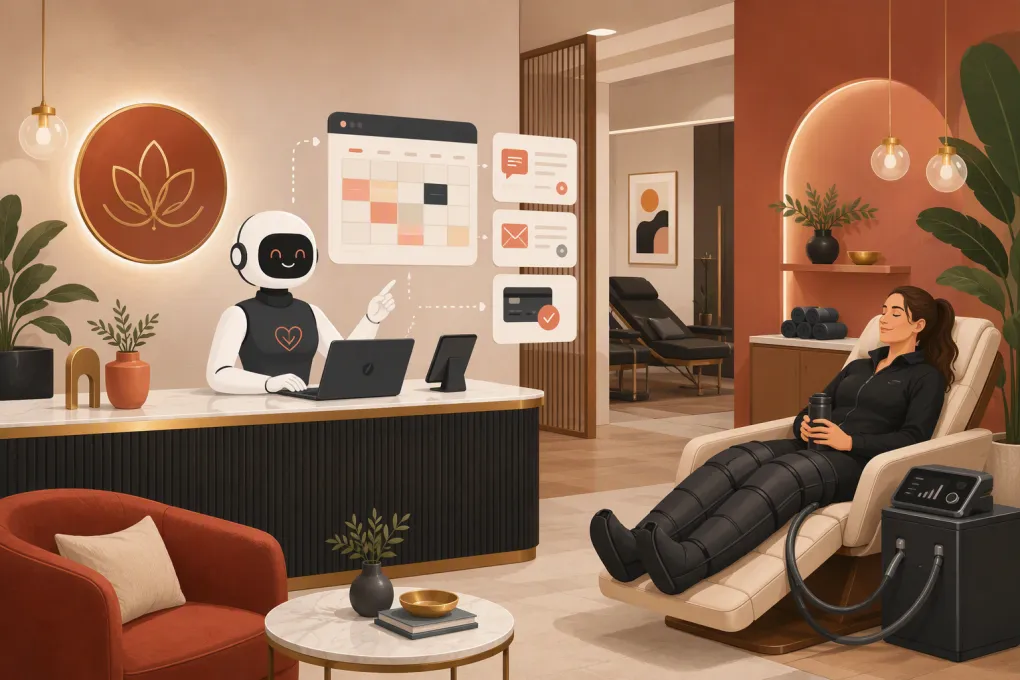 Watch · 20s
A potential client finds your compression therapy studio after dinner. They want to know what a session feels like, whether they need an appointment, and if you offer packages. If nobody responds until the next morning, that person may already have booked elsewhere—or simply lost interest.
An AI receptionist closes that operational gap. It can respond when staff are busy, guide routine inquiries toward a booking, follow up with leads, and handle defined account or payment workflows. The key is not making AI sound more human. It is giving the system accurate information, clear boundaries, and a reliable path to a staff member.
Why compression therapy inquiries are easy to lose
Compression therapy is not always familiar to first-time visitors. Leads often need more explanation than they would for a standard gym membership or massage appointment.
Common questions include:
- What happens during a session?
- What should I wear?
- How long should I allow for the visit?
- Is this intended for recovery, relaxation, or general wellness?
- Do I need to be an athlete?
- Can I book a single session before buying a package?
- Are there reasons I should ask my healthcare provider first?
- Can I combine compression with another studio service?
These questions arrive by phone, web form, text, social media, and voicemail. Front-desk staff may also be checking in clients, cleaning equipment, resetting rooms, and helping people use the compression system correctly.
The result is usually not a dramatic service failure. It is a collection of smaller leaks: unanswered calls, delayed texts, forgotten follow-ups, incomplete lead records, and clients who never receive a clear next step.
See how Fitty can answer after-hours compression therapy inquiries →
What an AI receptionist should handle
A useful AI receptionist should own repetitive administrative conversations while escalating anything medical, sensitive, unusual, or outside approved policies.
Lead response and basic education
The agent should be able to explain your studio’s services using language approved by the operator. That may include:
- Available session types
- Typical appointment structure
- Clothing or arrival instructions
- Location, parking, and access details
- Introductory options and packages
- Cancellation and late-arrival policies
- Staffed hours and after-hours access rules
Keep these answers operational. An AI receptionist should not diagnose conditions, promise health outcomes, or tell someone that a service is medically appropriate for them.
Booking and rescheduling
Once a lead’s basic questions are answered, the agent should move directly to availability. A strong workflow can:
- Identify whether the person is new or returning.
- Determine which service they want.
- Offer eligible times from the live schedule.
- Apply your booking rules.
- Capture required contact information.
- Send a confirmation and preparation instructions.
The receptionist also needs clear rules for waitlists, same-day appointments, late cancellations, package eligibility, and services that require staff approval.
Follow-up
Not every lead books during the first conversation. The AI receptionist should record the inquiry and trigger an appropriate follow-up rather than leaving the lead in a shared inbox.
Useful follow-up events include:
- A lead asked about pricing but did not book.
- A caller reached voicemail outside staffed hours.
- A first-time visitor started booking but stopped.
- A trial visitor completed a session without choosing a package.
- A package holder has not scheduled the next visit.
- A client has an unresolved balance blocking future bookings.
Follow-up should be specific to the person’s last action. Repeating “Are you still interested?” without context creates noise rather than service.
Routine payment and account questions
An AI receptionist can also support defined billing workflows, such as directing clients to a payment method, explaining package terms from your approved policies, or collecting dues through the studio’s configured system.
Disputes, refund exceptions, suspected fraud, and requests involving financial hardship should go to an authorized staff member. Automation should enforce policy, not invent exceptions.
Build the conversation around client intent
Do not start by writing a long script. Start with the reasons people contact the studio, then build a short route for each one.
| Client intent | Information the AI needs | Desired next step | Escalate when |
|---|---|---|---|
| First-session inquiry | Service description, duration, preparation, pricing rules | Book an eligible introductory visit | The person asks for medical guidance |
| Current client booking | Identity, package status, available schedule | Confirm a session | The account has an unusual restriction |
| Package question | Approved package terms and expiration policy | Purchase, renew, or speak with staff | A refund or exception is requested |
| Late or missed visit | Cancellation and no-show policy | Reschedule under the rules | The client contests a charge |
| Group or team request | Capacity, group policies, contact details | Create a qualified staff follow-up | Custom pricing or exclusive use is requested |
| Equipment concern | Basic stop-use and staff-notification instructions | Alert on-site staff | There is pain, injury, or an urgent safety concern |
A practical first-time visitor flow
A first-time conversation might follow this structure:
1. Identify the request: “Are you looking to book a first session, compare options, or ask about an existing appointment?”
2. Give a concise explanation: Use two or three approved sentences about what the studio offers. Avoid an exhaustive sales pitch.
3. Set boundaries: If the person asks whether compression is appropriate for a condition, explain that the studio cannot provide medical clearance and direct them to a qualified healthcare professional.
4. Offer the next action: Present available introductory options or collect details for a staff callback.
5. Confirm expectations: Send the date, time, location, arrival instructions, cancellation policy, and a way to get human help.
This is more effective than trying to answer every possible question before asking for the booking.
Set medical and safety guardrails before launch
Compression therapy studios operate in a wellness category where casual questions can quickly become medical questions. Your receptionist needs a hard boundary between service education and healthcare advice.
Configure it not to:
- Diagnose symptoms or conditions
- Decide whether a client is medically eligible
- Interpret a physician’s instructions
- Promise recovery, circulation, pain, or performance outcomes
- Tell a client to ignore discomfort
- Handle emergencies as a normal booking conversation
Create an approved response for health-related questions. It should state that the studio does not provide medical advice, recommend consulting an appropriate healthcare professional when needed, and offer to connect the person with trained studio staff for operational questions.
You also need an urgent escalation path. If someone reports severe pain, breathing difficulty, a suspected medical emergency, or another urgent symptom, the AI should stop the sales workflow and direct the person toward appropriate emergency help. Have legal or clinical counsel review safety language relevant to your services and jurisdiction.
Privacy matters as well. Collect only the information required for the task. Avoid inviting detailed medical histories into general chat or text channels. Before deployment, confirm how conversations, payment data, consent records, and client profiles are stored and accessed within your chosen systems.
Connect the receptionist to real operating rules
An AI receptionist is only as reliable as the information behind it. If your hours, packages, booking rules, and staff calendars conflict, automation will expose the problem faster.
Build a controlled knowledge base containing:
- Current services and plain-language descriptions
- Bookable resources and room capacity
- Session duration and reset time
- Introductory offers and eligibility rules
- Package inclusions and expiration terms
- Operating and staffed hours
- Arrival, clothing, and preparation guidance
- Cancellation, late-arrival, refund, and no-show policies
- Human escalation contacts
- Approved medical-boundary language
Assign one operator to own this information. Every change to pricing, scheduling, access, or policy should include an update to the receptionist’s source material.
WTF Go brings lead management and studio operations together, while Fitty handles the front-line work: answering leads, booking eligible classes, following up, and collecting dues around the clock. That reduces the need to move conversations manually between disconnected inboxes and staff notes.
See how Fitty can turn compression therapy questions into tracked follow-up and bookings →
Test the AI like a difficult client
Do not test only the ideal booking path. Build a test sheet covering routine, ambiguous, and high-risk conversations.
Include prompts such as:
- “I have never tried compression. What do I book?”
- “Can I come in tonight?”
- “My package expired yesterday. Can you extend it?”
- “I am pregnant. Is this safe for me?”
- “The pressure hurts. What should I do?”
- “I missed my appointment but do not want to pay the fee.”
- “Can our entire running club book at once?”
- “I already paid, but my account says I owe money.”
For each prompt, verify that the agent gives accurate information, avoids unsupported claims, applies the correct policy, records the interaction, and escalates when necessary.
Run tests whenever you introduce a new service, change a package, revise a waiver, or adjust the schedule.
Measure operational outcomes, not conversation volume
A busy AI inbox does not automatically mean the system is helping. Track whether conversations produce clean operational outcomes.
Useful measures include:
- Median time to first response by channel
- Calls answered versus sent to voicemail
- Inquiries that result in a booking
- Booking attempts that require staff intervention
- No-shows and late cancellations by booking source
- Unresolved conversations older than your response target
- Follow-ups that produce a reply or booking
- Payment issues resolved without manual work
- Escalations caused by missing or conflicting information
Review failed and escalated conversations weekly during the initial rollout. They show where policies are unclear, the knowledge base is incomplete, or clients are asking for something you did not anticipate.
A rollout plan your staff can support
Start with a narrow scope and expand after the core workflows are stable.
Phase 1: After-hours lead capture
Let the AI answer common questions, capture contact details, and route qualified inquiries. This solves an obvious coverage problem without changing every front-desk process at once.
Phase 2: Booking and confirmations
Connect approved services, availability, eligibility rules, and confirmation messages. Monitor schedule errors and exceptions closely.
Phase 3: Follow-up and dues
Add lead nurture, package reminders, missed-visit recovery, and defined payment workflows. Give clients an obvious way to reach staff when the issue falls outside policy.
Staff should know what the receptionist handles, where escalations appear, who owns them, and how quickly the team is expected to respond. Otherwise, AI simply creates another inbox.
The right AI receptionist for a compression therapy studio is not a generic chatbot attached to a website. It is an operating layer built around your schedule, services, policies, safety limits, and sales process. Set those foundations correctly, and the system can keep routine conversations moving while your team focuses on the people already in the studio.
Frequently asked questions
Can an AI receptionist book compression therapy sessions?
Yes, if it is connected to the studio’s scheduling workflow and given clear rules for service eligibility, availability, capacity, and account status.
Should an AI receptionist answer medical questions about compression therapy?
No. It can provide approved service information, but diagnosis, medical clearance, contraindication guidance, and treatment recommendations should be deferred to qualified professionals.
Can an AI receptionist handle calls outside business hours?
Yes. It can answer routine questions, capture leads, support eligible bookings, and create staff escalations when the studio is closed.
What information should a compression studio give its AI receptionist?
Provide current services, schedules, package rules, pricing policies, arrival instructions, cancellation terms, safety boundaries, and clear human escalation contacts.
How should a studio evaluate an AI receptionist?
Track response time, completed bookings, unresolved conversations, staff escalations, follow-up results, and scheduling or policy errors rather than focusing only on message volume.
Keep reading



Run your gym on autopilot with WTF Go
Fitty — your AI receptionist — answers calls and DMs, fills classes, follows up with every lead, and collects dues while you coach.