AI & Automation
After Hours AI Receptionist for IV Therapy Clinics: Guide
Learn how an after hours AI receptionist for IV therapy clinics can capture leads, answer FAQs, book visits, and protect staff time without losing patient trust.
 Watch · 20s
A prospective patient searching for IV hydration at 9:30 p.m. is rarely planning to leave a detailed voicemail and wait until morning. They want to know what services you offer, whether you have an opening, where you are located, and what happens next. If your clinic cannot respond, another clinic probably will.
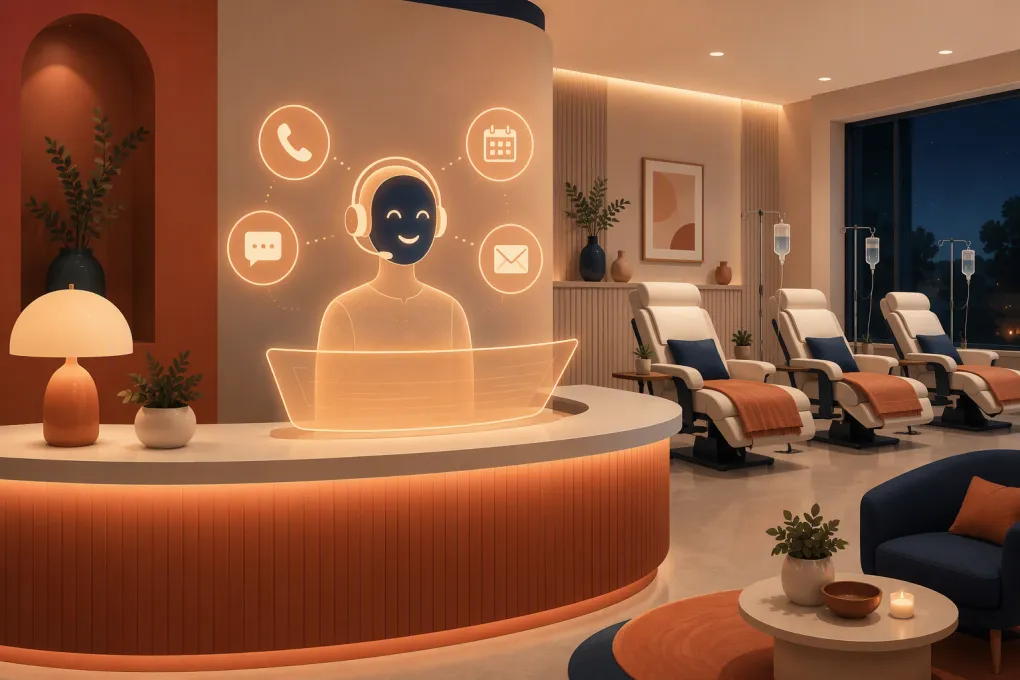
An after hours AI receptionist gives IV therapy clinics a way to answer routine questions, capture qualified inquiries, and move appropriate prospects toward booking without keeping a staff member on call. But this is a clinical environment, not a basic retail appointment desk. The system needs strict boundaries around medical advice, emergencies, patient information, consent, and payments.
The goal is not to make an AI sound like a clinician. The goal is to make your front desk reliably available while keeping clinical decisions with licensed staff.
Why after-hours inquiries are difficult for IV clinics
IV therapy demand does not follow front-desk hours. Leads can come from search, social media, referrals, website forms, calls, and text messages throughout the evening and on weekends.
A typical inquiry may include several questions at once:
- Do you accept walk-ins?
- What appointments are available tomorrow?
- How long does a visit take?
- Where is the clinic located, and where should I park?
- Can I receive an IV if I have a particular condition or take a certain medication?
- Which treatment should I choose?
- Do you offer memberships or packages?
The first four can often be handled through approved operational information. The clinical questions need escalation rather than improvisation.
Voicemail treats both categories the same: it records a message and creates work for tomorrow. A properly configured AI receptionist can separate routine requests from questions that require staff review, then take the correct next action.
See how Fitty can respond to after-hours IV clinic leads and move them toward booking.
What an after hours AI receptionist should handle
A useful system needs to do more than display canned answers. It should complete specific front-desk workflows across phone, text, and web conversations.
Answer approved nonclinical questions
Build a controlled knowledge base covering information such as:
- Clinic hours and holiday schedules
- Address, parking, and accessibility
- Appointment length and general check-in expectations
- Services offered, using language approved by the clinic
- Published pricing, package, or membership information
- Accepted payment methods
- Cancellation and late-arrival policies
- Whether walk-ins are accepted
- How to contact the clinical team
Answers should come from clinic-approved content, not open-ended web searches or assumptions. Assign one employee to review the knowledge base whenever services, policies, hours, or pricing change.
Book the right appointment type
The AI should identify the requested location, service category, preferred date, and available time. It should then use your actual scheduling rules rather than merely promising that someone will call back.
Those rules may include:
- Location-specific availability
- New-patient versus returning-patient visits
- Required consultation or screening steps
- Appointment duration
- Staff or room availability
- Booking lead time
- Buffers between appointments
- Deposit or card-on-file requirements
Do not let the system bypass clinical screening because an open calendar slot exists. Booking logic and clinical clearance are separate controls.
Capture leads that are not ready to book
Some prospects want information before choosing a time. The receptionist should collect only the information necessary for follow-up, record the service or question involved, and create a clear next task.
A usable handoff might say that the person is interested in a first-time hydration visit at the downtown location, prefers Saturday morning, and asked a medication-related question requiring clinical review. That is far more actionable than “new voicemail received.”
Confirm, remind, and follow up
After booking, automation can send approved confirmations, directions, preparation instructions, and reminders. If a lead does not complete a booking, a follow-up sequence can bring them back to the scheduling process without forcing staff to work through a manual callback list.
The messages should identify the clinic, explain why the person is receiving them, and provide an appropriate way to stop promotional texts. Transactional reminders and marketing campaigns should not be treated as the same communication.
Set hard boundaries around clinical conversations
This is the most important part of an IV clinic implementation. An AI receptionist should never diagnose, recommend a treatment for a medical condition, determine whether a patient is clinically eligible, interpret symptoms, or contradict a clinician.
Create explicit escalation categories for:
- Questions about medical conditions or medications
- Pregnancy or breastfeeding questions
- Allergies or prior adverse reactions
- Requests for treatment recommendations
- Symptoms that may require urgent evaluation
- Questions about whether a service is safe for a particular person
- Complaints involving a recent treatment
The receptionist can acknowledge the question and route it to an appropriate staff member. It should not convert a general service description into a personalized medical recommendation.
Emergency language also needs to be unambiguous. If a person describes potentially urgent symptoms, the system should direct them to emergency services or an appropriate urgent care channel based on your approved protocol. It should not attempt to triage an emergency through a sales workflow.
Protect patient information and communication consent
IV therapy clinics should evaluate an AI receptionist as part of their privacy and security environment, not merely as a marketing widget.
If your clinic is subject to HIPAA and the vendor will create, receive, maintain, or transmit protected health information on your behalf, determine whether a business associate agreement is required. Ask the vendor to explain data storage, access controls, retention, deletion, breach procedures, and which subcontractors can access information.
Also review:
- What information is collected before a person becomes a patient
- Whether conversations are stored or used to train models
- Who on your team can access transcripts and recordings
- How former employees lose access
- Whether call recording disclosures are required in relevant states
- How text-message consent and opt-outs are documented
- How payment information is processed and whether card data touches the AI platform
Collect the minimum information required to complete the immediate task. A booking assistant usually does not need a detailed medical history in an open-ended text conversation.
WTF Go can support the communication and booking workflow, but every clinic should verify its own legal, privacy, and clinical requirements before sending sensitive information through any platform.
Build an after-hours workflow that staff can trust
The strongest deployment starts with a written decision tree. Do not begin by telling the AI to answer anything a caller asks.
1. Define the after-hours window
Decide when the AI becomes the primary responder and what happens during staff breaks, weekends, holidays, and unexpected closures. If the system operates during business hours too, define when it should transfer to a person.
2. Map every inquiry to an outcome
Create a small set of outcomes:
- Answer from approved clinic information
- Book or reschedule an appointment
- Capture a lead for follow-up
- Escalate to clinical staff
- Escalate a billing or complaint issue
- Provide emergency instructions under the approved protocol
Every conversation should end in one of these states. Avoid a vague “message taken” bucket that recreates the voicemail problem.
3. Establish escalation ownership
Specify who receives each type of escalation and by when. A clinical question might go to the nurse inbox for review before opening. A cancellation may update the schedule immediately. A complaint may alert the clinic manager.
Include a fallback if the first person is unavailable. Automation without ownership simply produces a better-organized backlog.
4. Connect scheduling and lead records
The receptionist should work from current availability and write conversation outcomes back to a shared system. Staff need to see whether a lead booked, declined, requested a callback, or raised a clinical question.
Duplicate records, disconnected calendars, and private staff notes make after-hours automation unreliable. Clean up service names, appointment types, staff permissions, and location rules before launch.
See how WTF Go and Fitty connect lead response, booking, and follow-up in one operating system.
5. Test difficult conversations
Run realistic scenarios before publishing the number or chat flow. Test typos, background noise, vague service requests, unavailable appointment times, pricing questions, medication questions, adverse-event complaints, and requests to speak with a human.
Review whether the system:
- Clearly identifies itself as a virtual or AI assistant
- Stays within approved information
- Avoids unsupported health or outcome claims
- Escalates instead of guessing
- Confirms dates, times, location, and service correctly
- Records the outcome in the right place
- Gives the caller a clear next step
How to evaluate an AI receptionist vendor
A polished demo is not enough. Ask vendors to show the actual workflows your clinic needs.
Evaluate these areas:
- Channel coverage: Can it handle calls, texts, and website inquiries consistently?
- Scheduling depth: Does it read live availability and apply service, staff, room, and location rules?
- Knowledge control: Can staff approve answers and restrict unsupported responses?
- Clinical guardrails: Can you define mandatory escalations and prohibited topics?
- Human handoff: What happens when the caller asks for a person or the AI is uncertain?
- Multi-location support: Can it distinguish hours, services, prices, and calendars by location?
- Follow-up: Can it continue a lead conversation after the initial inquiry?
- Payments: How are deposits, memberships, or outstanding balances handled securely?
- Reporting: Can you review outcomes, transcripts, bookings, escalations, and unresolved inquiries?
- Implementation: Who builds the workflows, imports clinic information, and tests the setup?
Ask to see failure behavior as well as successful bookings. A trustworthy system should know when not to answer.
Measure completed outcomes, not conversation volume
A busy AI inbox does not automatically mean the system is helping. Review operational outcomes such as:
- After-hours inquiries received
- Appointments booked or rescheduled
- Qualified leads requiring staff follow-up
- Clinical questions escalated correctly
- Unresolved conversations
- Booking errors or duplicate records
- Opt-outs and communication complaints
- No-shows among AI-booked appointments
Read a sample of conversations regularly, especially after changing prices, services, policies, or prompts. Use those reviews to improve the approved knowledge base and escalation rules.
Fitty is designed to keep leads moving when the front desk is unavailable: answering routine inquiries, helping people book, following up, and supporting payment collection workflows. The value is not replacing your clinical staff. It is removing preventable delays between interest and the next appropriate action.
Explore Fitty as an after-hours receptionist for your IV therapy clinic.
An IV clinic should not have to choose between unanswered leads and unsafe automation. With controlled information, real scheduling rules, clinical escalation paths, and regular review, an AI receptionist can extend front-desk coverage without pretending to practice medicine.
Frequently asked questions
Can an AI receptionist answer medical questions about IV therapy?
It should answer only approved general service information. Questions about symptoms, medications, contraindications, treatment selection, or individual eligibility should be escalated to qualified clinical staff.
Can an after hours AI receptionist book IV appointments directly?
Yes, if it connects to current availability and follows your rules for appointment type, location, screening, staffing, deposits, and required consultations.
Does an AI receptionist for an IV clinic need to be HIPAA compliant?
If your clinic is subject to HIPAA and the vendor handles protected health information on your behalf, assess its safeguards and whether a business associate agreement is required. Confirm the details with the vendor and your legal or compliance adviser.
Should the AI tell callers that it is not human?
Yes. Clear disclosure sets appropriate expectations and makes it easier for callers to request a human or clinical review when needed.
How quickly can an IV clinic launch an AI receptionist?
Timing depends on scheduling complexity, locations, integrations, and compliance review. Do not launch until approved answers, escalation ownership, booking rules, and difficult test scenarios have been validated.
Keep reading



Run your gym on autopilot with WTF Go
Fitty — your AI receptionist — answers calls and DMs, fills classes, follows up with every lead, and collects dues while you coach.