Comparisons
How to Choose a Vagaro Alternative for IV Therapy Clinics
Find the right Vagaro alternative for IV therapy clinics. Compare booking, intake, payments, compliance, automation, and multi-location workflows clearly.
 Watch · 20s
A Vagaro alternative for IV therapy clinics has to do more than put appointments on a calendar. The right system must help your team respond to leads, screen and schedule patients, collect forms, manage memberships, take payments, protect health information, and maintain the clinical record required for each visit.
That combination is where the search gets difficult. Some platforms are strong at consumer booking and payments but light on clinical documentation. Others are capable medical systems with a front-end experience that creates more work for reception. Before replacing Vagaro, decide whether you need a complete clinical platform, a stronger operating system for the front desk, or both.
See how Fitty handles after-hours IV therapy inquiries and follow-up →
Why IV therapy clinics look beyond Vagaro
Vagaro is a legitimate option for appointment-based businesses. It offers online booking, payments, memberships, packages, forms, marketing features, and a consumer marketplace. For clinics that primarily need accessible scheduling and point-of-sale tools, those capabilities can cover a meaningful part of the operation.
The friction usually appears when an IV clinic develops more specialized requirements, such as:
- Responding immediately to calls and messages outside staffed hours
- Distinguishing a general wellness inquiry from a clinical question
- Scheduling chairs, rooms, nurses, and visit types without conflicts
- Routing contraindications or medical concerns to a licensed clinician
- Recording orders, vitals, administration details, and adverse events
- Tracking medication or supply lots, expiration dates, and inventory
- Managing recurring IV memberships across multiple locations
- Controlling which employees can access protected health information
- Following up with unconverted leads without burdening clinical staff
Do not switch simply because another platform has a longer feature list. Switch when you can identify the workflows Vagaro does not handle well enough for your clinic and verify that the replacement fixes them.
Vagaro alternatives compared for IV therapy clinics
No platform is automatically the best choice for every clinic. A wellness-focused IV lounge, physician-owned infusion practice, mobile IV service, and multi-location medical spa may need different systems.
| Platform | Core booking and business operations | Clinical readiness | Lead follow-up and automation | Multi-location and integrations | Pricing approach | Best fit and limitation |
|---|---|---|---|---|---|---|
| WTF Go with Fitty | Scheduling, customer management, payments, and day-to-day wellness business workflows | Designed as an operating platform, not a substitute for required medical charting or prescribing systems | Fitty can answer leads, help book services, follow up, and pursue dues around the clock | Built for independent and multi-location operators; confirm required clinical-system connections during evaluation | Request current pricing based on business requirements | Strong fit when front-desk coverage, conversion, and operational follow-through are the main gaps. A separate clinical record may still be required. |
| Vagaro | Broad appointment booking, POS, forms, packages, memberships, marketing, and marketplace exposure | Clinics should verify whether its documentation, access controls, and compliance options satisfy their exact medical workflows | Includes business marketing and communication tools; evaluate the depth of conversational phone and lead handling needed | Supports growing appointment businesses, with features and add-ons varying by configuration | Public plan structure with optional features; confirm total cost for locations, calendars, and add-ons | Good general-purpose choice for appointment-driven wellness businesses. Specialized infusion documentation and lead handling require close review. |
| Aesthetic Record | Practice management built around medical aesthetics, including scheduling and patient workflows | Stronger emphasis on electronic medical records, consents, charting, and medical-aesthetic documentation | Offers patient engagement and practice tools, but evaluate front-desk AI and after-hours conversation requirements separately | Suitable for aesthetic practices; confirm connections to payment, accounting, laboratory, and marketing tools you already use | Tiered or quoted plans depending on current offering | Good candidate for clinics that need an aesthetics-oriented EMR. It may be more clinically focused than a wellness operator needs. |
| PatientNow | CRM and practice management for medical aesthetics and elective medical businesses | Medical documentation and patient-management capabilities are central to the product family | Sales, marketing, and patient communication tools are available; implementation scope matters | Often considered by larger or growing medical-aesthetic practices; integration needs should be mapped in advance | Generally sales-assisted pricing based on selected products | Strong for clinics wanting clinical and commercial functions from a medical-aesthetics vendor. Buying and implementation can be more involved. |
| Jane | Online booking, payments, reminders, forms, and practice administration | Established charting and healthcare-practice workflows, with capabilities depending on plan and region | Useful administrative reminders and communications; not primarily positioned as an AI lead-conversion platform | Supports group practices; verify resource scheduling, infusion inventory, and location requirements | Published plan levels may vary by market and features | Worth considering when charting and straightforward patient scheduling matter most. IV-specific inventory and sales workflows may require another tool. |
| Boulevard | Polished self-booking, scheduling, checkout, client profiles, memberships, and marketing for self-care businesses | Medspa-oriented capabilities are available, but every clinic should validate clinical documentation and compliance requirements | Strong client-experience and business communication focus; verify phone-answering and clinical escalation workflows | Designed for established and multi-location self-care brands, with integration availability depending on plan | Typically quote-based | Strong option for premium client experience and front-desk operations. Confirm that the clinical side covers the exact records your medical director requires. |
Product capabilities and packaging change. Treat this table as a shortlist, then require each vendor to demonstrate your real workflows using current product functionality.
The requirements that matter most
1. Lead response without unsafe medical advice
An IV lead may ask about price and availability, but the next message could mention pregnancy, medications, kidney disease, symptoms, or a prior reaction. Your software should distinguish between an administrative conversation and a clinical decision.
Build a clear escalation policy:
- Automation may answer approved questions about location, hours, general services, pricing, and appointment availability.
- It may collect information and explain that medical eligibility is determined by a licensed professional.
- It should route medical questions or disclosed risk factors to the appropriate clinician.
- It should never diagnose, prescribe, or promise that a treatment is appropriate.
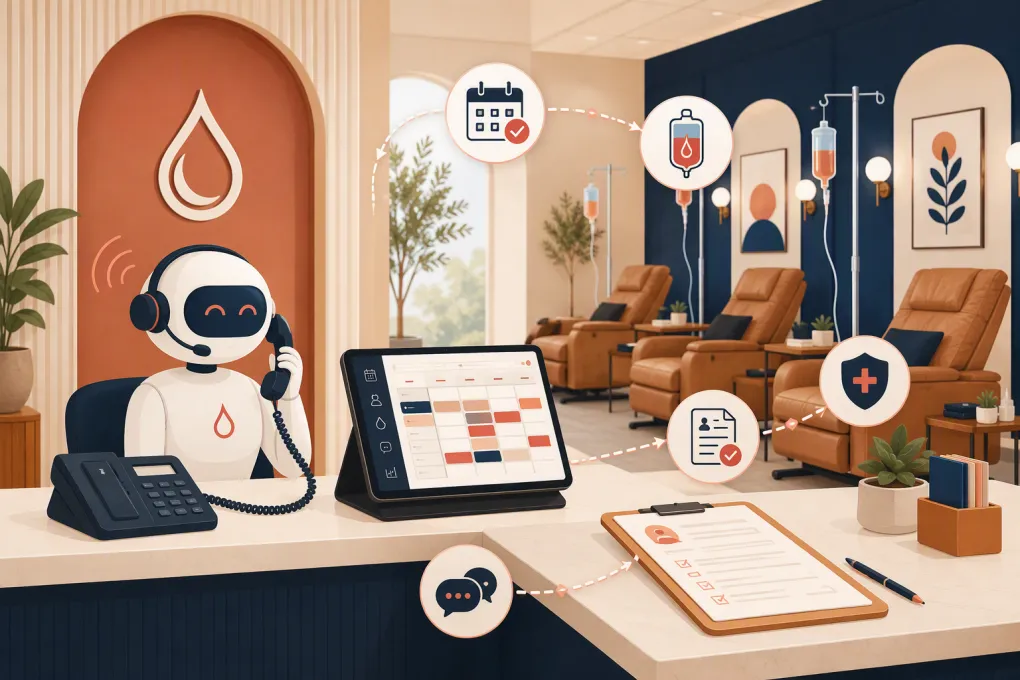
Fitty is useful here as an always-on front door: it can keep new inquiries from sitting unanswered while your clinicians remain responsible for clinical judgment. Explore an AI receptionist for IV clinic lead response →
2. Scheduling that reflects treatment capacity
A standard service calendar may not be enough. During a demo, ask the vendor to schedule:
- A new-patient consultation followed by a qualifying treatment
- Two treatments with different chair times
- A service requiring a specific clinician or room
- A mobile appointment with travel buffers
- A booking that requires forms before confirmation
- A member service with an included benefit or account credit
Check whether the system prevents conflicts across staff, rooms, chairs, and equipment. Also test rescheduling, late cancellation, deposits, waitlists, and no-show handling.
3. Intake, consent, and clinical records
Online forms are not necessarily clinical records. Ask where medical history, consent, clinician approval, treatment orders, vitals, administration notes, and follow-up documentation live.
Depending on your services, protocols, and jurisdiction, your clinic may also need to record product details, lot numbers, expiration dates, staff involved, and adverse events. Your medical director and legal or compliance advisers should define the required record—not the software vendor.
If you use separate systems for operations and charting, document exactly how patient information moves between them. Manual double entry is a warning sign because it wastes time and increases the chance of mismatch.
4. Privacy and security controls
A vendor saying it supports healthcare businesses is not enough. Request written answers about:
- Whether it will sign a business associate agreement when applicable
- Role-based permissions and access termination
- Audit logs and record-change history
- Encryption and account-security options
- Data retention, backups, and export procedures
- Where forms, call transcripts, recordings, and messages are stored
- How payment data is handled
- Whether SMS and email workflows capture required consent
HIPAA compliance is an operational responsibility, not a software badge. Your clinic still needs policies, staff training, appropriate vendor agreements, and controlled access to patient information.
5. Memberships, payments, and failed dues
Recurring memberships can stabilize demand, but they also create administrative work. Test benefit renewal, unused services, pauses, cancellation rules, family accounts, location access, card updates, and failed-payment follow-up.
A platform should show staff what a member can redeem without forcing them to interpret notes at checkout. It should also provide a defined process for resolving failed dues rather than leaving staff to search reports and send one-off messages.
See how Fitty follows up on unpaid dues and routine account questions →
How to run a useful software demo
Do not let a salesperson control the entire demonstration. Send a test script beforehand and ask them to complete it live.
Use these scenarios:
- A lead calls after closing and asks for tomorrow’s earliest appointment.
- A prospect submits a web form but does not book.
- A patient mentions a medical condition during intake.
- A member books a benefit at a different location.
- A payment fails before a recurring appointment.
- A manager needs to review lead response, bookings, and revenue by location.
- A departing employee’s access must be removed immediately.
- The clinic needs a complete patient-data export.
Score each platform from one to five for workflow fit, staff effort, patient experience, reporting, security, implementation, and total cost. Record unresolved questions instead of accepting a future roadmap promise as current functionality.
Plan the migration before signing
A replacement can be better software and still produce a bad launch. Before committing, confirm what can be imported: patient profiles, consent status, notes, appointments, memberships, packages, account credits, saved payment tokens, and communication preferences.
Saved cards and clinical records often require special handling and may not transfer like ordinary contact data. Keep the old system accessible for the legally required period if historical records cannot be migrated completely.
Use a controlled rollout:
- Clean duplicate and inactive records
- Map services, durations, resources, and staff permissions
- Test forms and automated messages with internal accounts
- Reconcile memberships, credits, and future appointments
- Train administrative and clinical teams separately
- Run a small set of real bookings before full launch
- Assign one owner for migration decisions and vendor questions
The best Vagaro alternative for an IV therapy clinic is the one that removes the clinic’s actual bottleneck without weakening clinical controls. If missed calls, slow follow-up, repetitive booking work, and unpaid dues are the problem, WTF Go and Fitty deserve a close look. If detailed medical charting is the primary gap, prioritize a suitable clinical system—and decide how your front-office operating platform will work alongside it.
Frequently asked questions
What is the best Vagaro alternative for an IV therapy clinic?
It depends on the gap you need to fix. WTF Go is a strong option for AI-assisted lead response and operations, while platforms such as Aesthetic Record or PatientNow may suit clinics prioritizing medical-aesthetic charting.
Does IV therapy clinic software need to be HIPAA compliant?
Any system handling protected health information must fit your clinic’s compliance obligations. Verify business associate agreements, permissions, audit logs, data storage, exports, and security controls with qualified compliance advisers.
Can an IV clinic use separate booking and medical-record systems?
Yes, and many clinics do. Define which system is the source of truth, verify how data moves between them, and avoid workflows that require repeated manual entry of clinical information.
Can an AI receptionist answer medical questions about IV therapy?
It should handle approved administrative questions and route clinical concerns to licensed staff. It should not diagnose, prescribe, determine eligibility, or replace clinician screening.
What should be migrated when leaving Vagaro?
Review patient profiles, appointments, forms, memberships, packages, credits, payment arrangements, communication consent, and required historical records. Confirm export and retention details before canceling the old account.
Keep reading



Run your gym on autopilot with WTF Go
Fitty — your AI receptionist — answers calls and DMs, fills classes, follows up with every lead, and collects dues while you coach.