Comparisons
Choosing a Jane App Alternative for Physical Therapy Clinics
Find the right Jane App alternative for physical therapy clinics. Compare scheduling, documentation, billing, automation, migration, and multi-location fit.
 Watch · 20s
Jane App is a capable practice management platform, but capability is not the same as fit. A physical therapy clinic may outgrow Jane because it needs deeper rehab documentation, more specialized insurance workflows, stronger multi-location controls, or better lead follow-up outside business hours.
The right replacement depends on what you are actually trying to fix. Some clinics need a new clinical system of record. Others need to keep Jane and solve a front-desk problem that Jane was never selected to handle.
Before starting demos, separate those two decisions. Replacing your EMR is a major operational project. Adding a better lead-response and booking layer can be considerably simpler.
See how Fitty handles PT inquiries, booking requests, follow-up, and payment conversations 24/7 →
Why physical therapy clinics look for a Jane App alternative
Jane covers many foundational practice workflows, including scheduling, online booking, charting, payments, and administrative management. It is often a practical fit for cash-pay, hybrid, and multidisciplinary clinics.
A clinic may still consider alternatives when it encounters one or more of these gaps:
- Rehab-specific documentation: Therapists may want PT-focused templates, outcome measures, plan-of-care management, or documentation workflows built specifically around rehabilitation.
- Insurance billing complexity: US clinics billing commercial insurance, Medicare, workers’ compensation, or motor vehicle claims may need specialized eligibility, claims, denial, and revenue-cycle workflows.
- Lead conversion: Online booking does not automatically solve missed calls, slow responses, incomplete inquiries, or leads who stop replying.
- Multi-location oversight: Operators may need consolidated reporting, centralized intake, location-specific permissions, and easier management of therapists working across sites.
- Automation: Clinics often want appointment reminders, recall campaigns, intake follow-up, balance collection, and conversational responses without adding front-desk labor.
- Reporting: Owners may need clearer visibility into referral sources, therapist utilization, cancellations, conversion, collections, and location performance.
Write down the specific constraint before comparing software. Otherwise, every demo looks impressive and the final decision becomes a contest between feature lists.
Jane App alternatives compared
The following options solve different problems. Product capabilities and packaging change, so confirm current features, integrations, security terms, and pricing directly with each vendor.
| Platform | Core strength | Scheduling and documentation | Billing and payments | Automation and AI | Multi-location fit | Pricing approach | Best fit |
|---|---|---|---|---|---|---|---|
| Jane App | Broad practice management for health and wellness providers | Online booking, scheduling, charting, forms, and administrative workflows | Payments and insurance-related workflows are available; confirm fit for your payer mix | Reminders and administrative automation; verify current AI capabilities | Supports clinics with multiple practitioners and locations | Tiered subscription pricing is generally published | Multidisciplinary, cash-pay, or moderately complex clinics wanting one approachable platform |
| WebPT | Rehabilitation-focused EMR and practice operations | PT-specific documentation, scheduling, compliance, and reporting workflows | Billing and revenue-cycle options designed around outpatient rehab | Operational automation is available; assess lead-response capabilities separately | Commonly considered by established and multi-site rehab practices | Packaging is typically based on selected products and practice needs | Insurance-heavy outpatient PT organizations needing a rehab-specific clinical platform |
| Prompt EMR | PT-focused EMR and practice management | Documentation, scheduling, patient engagement, and clinic workflows designed for rehab | Billing and revenue-cycle functionality is a major part of the platform | Offers automation across parts of the patient and administrative journey; confirm current AI scope | Suitable for growing PT groups; review controls and reporting in a demo | Contact the vendor for current packaging | PT clinics seeking a modern, specialized system rather than a general wellness platform |
| Cliniko | Straightforward allied-health practice management | Scheduling, online booking, treatment notes, forms, and patient communications | Invoicing and payments are supported; US insurance-heavy clinics should examine claims requirements carefully | Useful reminders and communications, but not primarily positioned as a full AI front desk | Supports multiple locations and practitioners | Public subscription tiers are generally available | Cash-pay or simpler allied-health practices prioritizing ease of use |
| WTF Go with Fitty | Lead response, booking, follow-up, payments, and front-desk automation | Handles inquiry and booking workflows; evaluate alongside the clinical record system your therapists use | Can support payment and balance conversations; it is not positioned as an insurance claims engine | Fitty acts as a 24/7 AI receptionist for calls, leads, follow-up, and routine front-desk work | Built for independent and multi-location fitness and wellness operators | Check current plans and operational fit with WTF Go | Clinics whose main bottleneck is missed inquiries, inconsistent follow-up, or overloaded front-desk operations |
Decide whether you need an EMR replacement or a front-desk fix
This is the most important distinction in the evaluation.
Replace Jane when the clinical workflow is the problem
A full replacement may be justified when therapists are spending excessive time working around documentation, claims, compliance, or reporting limitations. In that case, prioritize a PT-specific platform such as WebPT or Prompt and test it with real clinical scenarios.
Ask vendors to demonstrate:
- Creating an initial evaluation and plan of care.
- Completing a daily note without duplicate entry.
- Tracking authorizations and visit limits.
- Sending a claim and addressing a rejection or denial.
- Handling Medicare-specific requirements, if applicable.
- Managing a therapist who works at multiple locations.
- Reporting on cancellations, utilization, collections, and outstanding documentation.
Do not accept a slide deck as proof. Have a therapist, biller, and front-desk employee work through representative tasks in the product.
Keep Jane when the real problem is response speed
A clinic can have solid scheduling and charting software while still leaking revenue at the front door.
Common examples include:
- Calls that arrive while the receptionist is helping a patient.
- Evening or weekend inquiries that wait until the next business day.
- Web leads receiving one callback and no further follow-up.
- Prospective patients asking routine questions before they are willing to book.
- Canceled evaluations leaving gaps that nobody has time to refill.
- Staff repeatedly contacting patients about routine balances.
Changing EMRs will not automatically fix these issues. The clinic needs a system that can respond, continue the conversation, and move the person toward the correct next step.
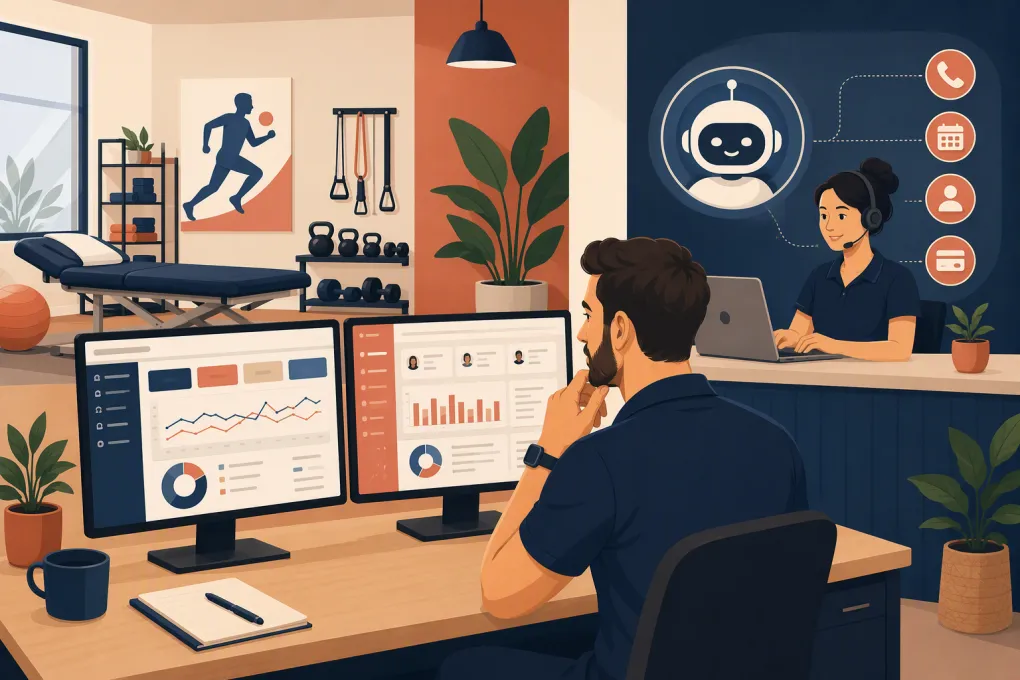
Fitty, WTF Go’s AI receptionist, is designed for that operational layer. It can answer routine inquiries, help book appointments or classes, follow up with leads, and support payment collection around the clock. For a physical therapy clinic, Fitty should be configured with clear boundaries: it can manage administrative conversations, but clinical questions and medical advice should be escalated to qualified staff.
See how Fitty can cover the conversations your PT front desk cannot always reach →
What to evaluate beyond the feature list
HIPAA and patient information handling
Any vendor that creates, receives, maintains, or transmits protected health information on your behalf must be evaluated carefully. Ask what information the platform stores, where it flows, which subprocessors are involved, and whether the vendor will enter into a business associate agreement when required.
Do not assume that a general statement about security answers your HIPAA questions. Have your compliance or legal adviser review the actual agreement and your intended use of the platform.
Insurance and revenue-cycle fit
A cash-pay sports performance clinic has different software requirements from a Medicare-heavy outpatient practice. Document your payer mix and verify support for the workflows you actually use, including:
- Eligibility and benefits verification.
- Authorizations and visit limits.
- Electronic claims and remittance.
- Claim scrubbing and rejection handling.
- Patient statements and balances.
- Workers’ compensation or motor vehicle cases.
- Integration with an external billing company.
If a platform requires a separate clearinghouse or billing service, include that dependency in the comparison.
Data ownership and migration
Request a sample export before signing. Confirm whether you can export patient demographics, appointments, clinical notes, documents, balances, and audit history in usable formats.
Also ask who performs the migration, what will not transfer, how long read-only access to the old system may be needed, and whether scanned documents must be moved manually.
Integrations and operational handoffs
An integration should eliminate work, not merely pass a name and email address between systems. Map the exact handoff:
- Where does a new lead originate?
- Which system starts the conversation?
- Where is the appointment created?
- How are duplicates prevented?
- Where is consent recorded?
- When does the clinical chart begin?
- Which system controls reminders and follow-up?
This process exposes gaps before they affect patients.
A practical selection process
Use a structured scorecard rather than relying on demo impressions. Assign each requirement one of three labels:
- Required: The clinic cannot operate safely or efficiently without it.
- Important: It materially improves performance but has a workable alternative.
- Optional: Useful, but not worth sacrificing a required workflow.
Then score each platform using the same real-world scenarios. Include clinical staff, billing, reception, and ownership in the decision, but appoint one person to control the final requirements list.
For clinics evaluating WTF Go, focus the conversation on measurable front-desk workflows: what happens to an unanswered call, how quickly a web lead receives a response, how many follow-up attempts occur, how booking rules are enforced, and when a conversation is escalated to a person.
Review your clinic’s inquiry-to-booking workflow with WTF Go →
The bottom line
There is no universal best Jane App alternative for physical therapy clinics.
WebPT and Prompt deserve consideration when the clinic needs deeper rehabilitation documentation, billing, and practice-management workflows. Cliniko may suit practices that value simplicity and have less complex insurance requirements. Jane may remain the right clinical platform when its core workflows are working well.
If the actual pain is missed calls, slow lead response, inconsistent follow-up, or repetitive front-desk work, replacing Jane may be an expensive detour. In that situation, adding WTF Go and Fitty to strengthen the administrative and conversion layer can address the bottleneck without forcing therapists through an unnecessary clinical-system migration.
Frequently asked questions
What is the best Jane App alternative for a physical therapy clinic?
It depends on the clinic’s primary constraint. WebPT and Prompt are strong candidates for PT-specific clinical and billing workflows, while WTF Go with Fitty is better suited to solving lead response, booking, follow-up, and front-desk capacity problems.
Do I need to replace Jane App to add an AI receptionist?
Not necessarily. If Jane is working for scheduling and clinical records, an AI receptionist can be added as an operational layer, subject to integration, privacy, and workflow requirements.
What should an insurance-based PT clinic check before switching software?
Verify eligibility, authorization tracking, claims, remittance, denial handling, patient balances, payer-specific workflows, data migration, and support for your billing team or external billing service.
Can Fitty answer clinical questions from physical therapy patients?
Fitty should be configured for administrative conversations such as inquiries, booking, follow-up, and payments. Medical advice, symptom assessment, and clinical decisions should be escalated to licensed staff.
How should a PT clinic compare software pricing?
Compare total operating cost rather than subscription price alone. Include implementation, migration, clearinghouse or billing dependencies, payment processing, add-ons, training, and the staff time required to operate the system.
Keep reading



Run your gym on autopilot with WTF Go
Fitty — your AI receptionist — answers calls and DMs, fills classes, follows up with every lead, and collects dues while you coach.